Rete Editor
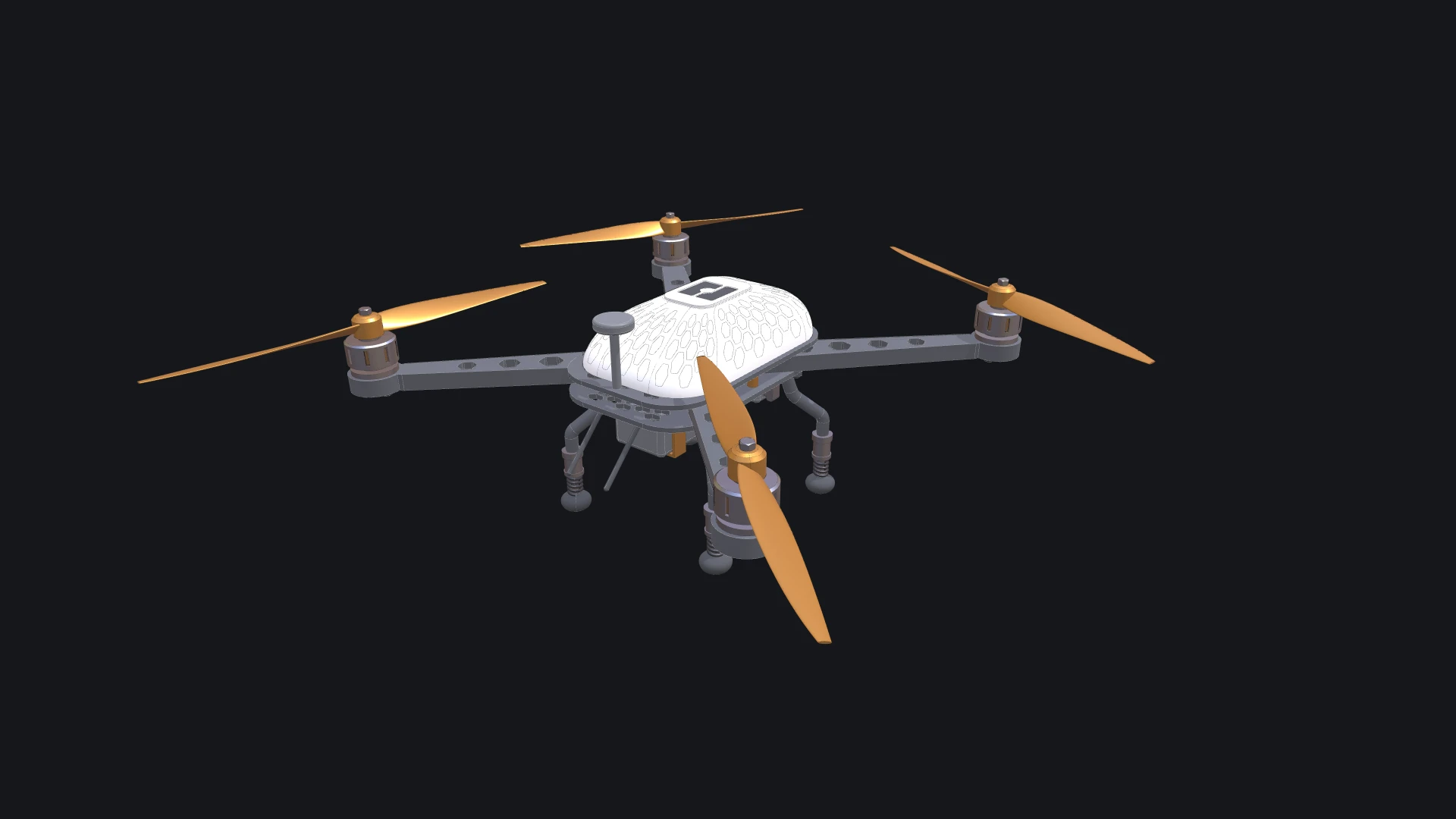
Rete is the node editor of Bitbybit. You build a program by putting components on a canvas and wiring the output of one into the input of the next, and the 3D result beside the canvas follows every change. Each component is a function of the Bitbybit API: a solid from OCCT, a point grid, a colour, a list operation, a way to draw. The graph makes the flow of data visible, so you can see exactly what feeds a shape and change any value along the way.
The editor is named after Rete.js, the open-source framework by Vitaliy Stoliarov it is built on. Node editors are how computational designers already work in Grasshopper, Dynamo, Houdini or Blender's geometry nodes; Rete brings the same way of thinking to the browser, on the Bitbybit kernels.
What you can do
- Add components by searching with a right-click on the canvas, or by browsing the palette, which follows the API.
- Wire them. An input without a wire has a field on the node; a wire takes its value from another component. The editor refuses a wire that does not fit and says what the input needs.
- Work with lists. Several wires into one input give a list, and the component runs once for each value, every value against every value or paired one to one.
- Keep a large script readable with groups and Markdown comments, auto-arrange, and a search that finds anything already on the canvas.
- Reuse a graph as a module, a component of your own with inputs and outputs, saved to a file and brought into other scripts.
- Write code inside a node when a few lines say more than a graph.
- Let an agent build with you: an AI agent in your browser can add and wire components, run the graph and read what failed.
Where to start
- The tour names every part of the window.
- Hello World builds a first script step by step, with a picture after every step.
- A parametric cube wires a slider into a solid.
- Build a drone, the one above, over seven chapters: sliders, two modules, code components and groups with comments, in a graph of some two hundred components.
- The showcases are larger scripts to open, run and take apart.
Rete runs again by itself whenever you change a value or a wire, but not when a script opens: press Run The Code once, and from then on it follows you. Running code explains the 3D view and the console, which every editor shares, and the shortcuts list the keys.
Verified against the product in October 2026