How Bitbybit works
Every Bitbybit product, from the coding editors to CAD Cloud, stands on the same few ideas. Learn them once and the rest of the documentation reads faster: a function you meet in the Rete palette is the same function a TypeScript script calls, a runner executes and a server computes.
Where you work
Where it runs
What draws it
The API
The kernels, in web workers
- OpenCascadeexact solids, fillets, STEP
@bitbybit-dev/occt@bitbybit-dev/occt-worker - Manifoldfast, watertight mesh booleans
@bitbybit-dev/manifold@bitbybit-dev/manifold-worker - JSCADquick solids and text
@bitbybit-dev/jscad@bitbybit-dev/jscad-worker - IFCbuilding models (BIM)
@bitbybit-dev/ifc@bitbybit-dev/ifc-worker
One API, many ways in
The API is the set of functions under bitbybit: bitbybit.occt.shapes.solid.createBox, bitbybit.point.spiral, bitbybit.draw.drawAnyAsync and about two thousand more. Each takes one object of named inputs and returns its result.
- In Rete each function is a component; its inputs are the sockets and fields on the left, its result the socket on the right.
- In Blockly each function is a block with the same inputs.
- In TypeScript you call the function by its path.
- The Designer calls the same kernels when it builds your parts, from a document of sketches and features instead of a script.
The same drone, a graph of nodes in Rete, and the same jet engine, a TypeScript project, call the same functions; the Designer builds from them too:
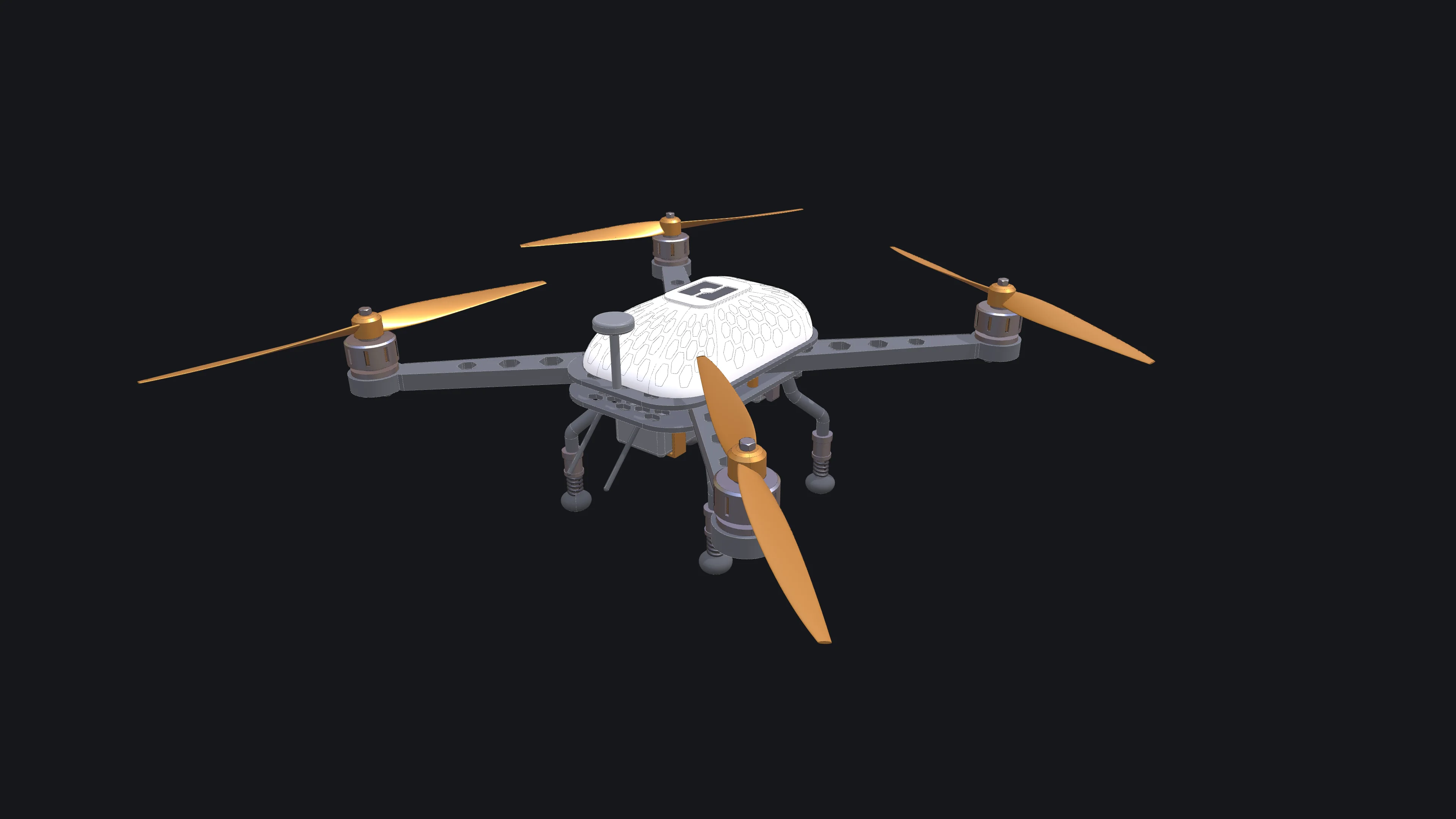
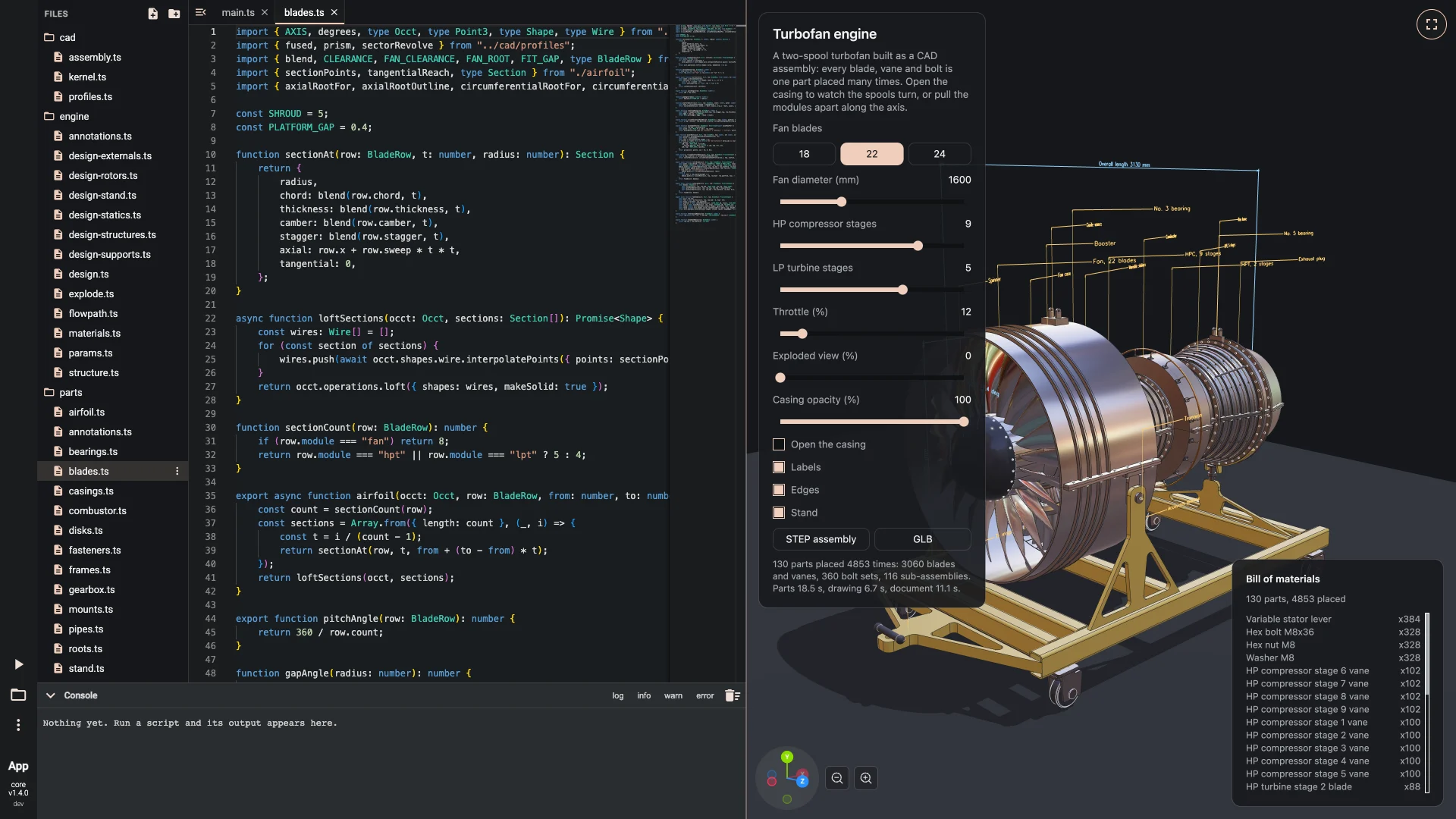
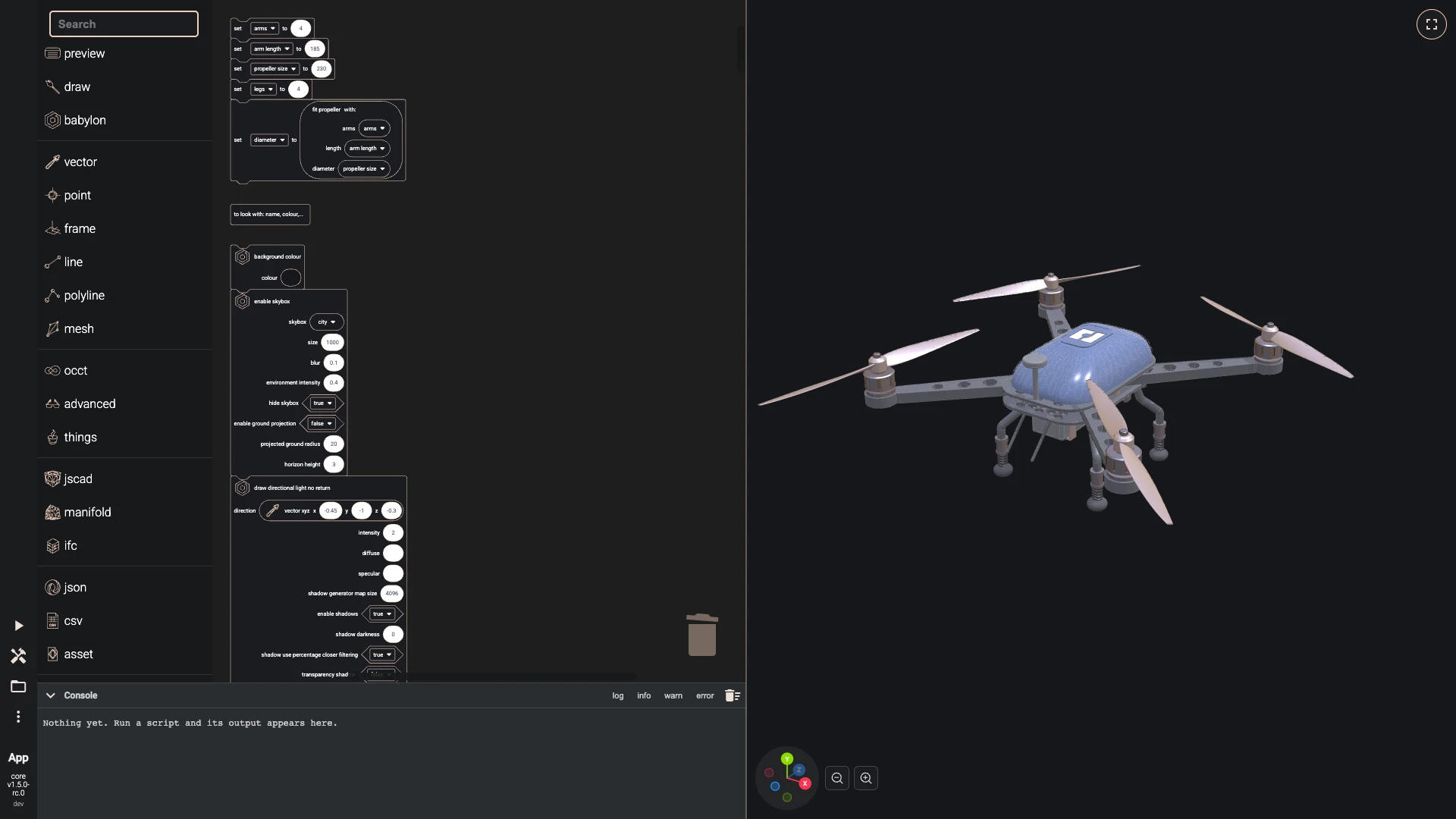
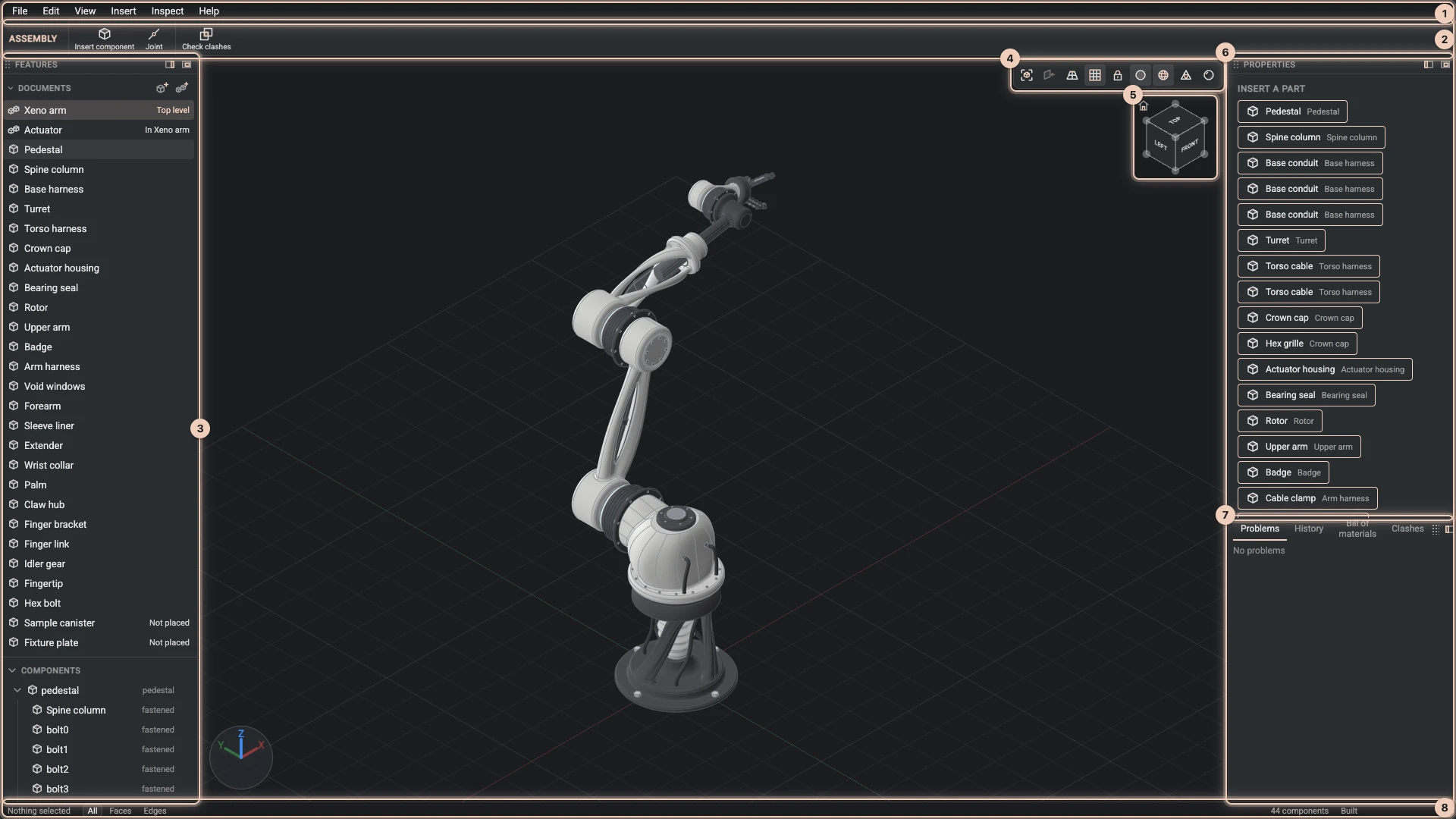
The Code section maps the whole API. docs.bitbybit.dev is its full reference, and the Bitbybit CAD MCP answers the same questions for AI agents.
The kernels
A kernel is the library that computes geometry. Bitbybit compiles four of them to WebAssembly, so they run at close to native speed in a browser:
| Kernel | Namespace | What it is for |
|---|---|---|
| OpenCascade (OCCT) | bitbybit.occt | Exact solids bounded by true curves and surfaces: fillets, chamfers, booleans that keep a cylinder a cylinder, measurements, assemblies, STEP, IGES and DXF. The kernel for parts you would make in a CAD program. |
| Manifold | bitbybit.manifold | Meshes made of triangles, with booleans that are fast and always give a closed solid: a panel with a thousand holes, a lattice, scanned or imported meshes. No fillets and no exact curves. |
| JSCAD | bitbybit.jscad | Quick solids from polygons, simple extrusions and 3D text. |
| IFC | bitbybit.ifc | Building models (BIM): read, write and author IFC files. |
They work together. bitbybit.occt.shapeToManifoldMesh turns an OpenCascade shape into a mesh Manifold takes, so a part can be modelled exactly and then cut a thousand times in Manifold. A mesh comes back to OpenCascade only as flat triangles, never as true curves.
OpenCascade builds with Y up, like the scene. Manifold and JSCAD build along Z, so their primitives need a quarter turn about X to stand up beside an OpenCascade part. Conventions lists the rest of the rules that hold everywhere.
Kernels run in web workers, and shapes are handles
In a browser each kernel runs in a web worker: a background thread, so a long boolean never freezes the page. Two things follow:
- Every kernel call is asynchronous. It returns a promise, and code awaits it before using the result. In Rete and Blockly the components and blocks wait for you.
- A shape is a handle. The worker keeps the geometry; your script gets a small reference to it,
{ hash, type }, and passes that to the next call. You never read or change the shape itself, and every operation returns a new shape and leaves its inputs as they were.
The worker also remembers results: the same call with the same inputs gives back the same handle without computing again. That is why rebuilding a script after a small change is fast. What it keeps costs memory, so it is freed in three ways:
bitbybit.occt.deleteShapeanddeleteShapesfree shapes a script no longer needs;bitbybit.occt.cleanAllCachefrees everything at once;- in the editors, More > Clean Cache does the same, and Rete forgets the results it kept for each node.
On Node the packages can also run a kernel inside your process, without a worker. There its calls are synchronous and a shape is the kernel's own object, freed with its .delete(). Geometry with the kernels shows both ways side by side.
Geometry is not a drawing
A kernel's shape is mathematics: a face is a surface and the edges around it, not pixels. To see it, it has to be drawn: turned into a mesh of triangles that a 3D engine shows on your screen.
bitbybit.draw.drawAnyAsync does that for anything the API makes: shapes from each kernel, points, lines, polylines and meshes. Its options choose the colours, the edges, the opacity and how finely curves are divided into triangles. The drawing is only a picture of the shape: changing the drawing never changes the geometry, and exporting STEP writes the exact shape, not its triangles. Drawing explains this from the editors' side.
Three renderers
A renderer, or 3D engine, puts meshes on the screen. Bitbybit draws with three:
- BabylonJS, the engine of the coding editors and the Designer on bitbybit.dev. Scripts there can also use BabylonJS itself, its GUI and the Havok physics engine.
- ThreeJS and PlayCanvas, through their own npm packages and runners.
The kernels and the base functions are the same under all three; only draw and the scene functions differ. Game engines shows how to start with each.
Where your code runs
| You use | Your code runs | It is drawn by | You need |
|---|---|---|---|
| The coding editors on bitbybit.dev | in your browser: the script in the page, the kernels in web workers | BabylonJS | nothing to start; an account to keep projects in the cloud |
| The Designer | in your browser, building the design document with OpenCascade in a worker | BabylonJS | the Gold plan to edit; anyone it is shared with can view |
| Runners | in your visitor's browser, from one script file | BabylonJS, ThreeJS or PlayCanvas | a <script> tag |
| npm packages | in your own app: in browser workers, or in-process on Node | the engine you choose, or none | a bundler, or Node |
| CAD Cloud | on Bitbybit's servers, as tasks you submit | nothing: you download STEP, glTF or mesh data | an API key |
| 3D Bits | in your shopper's browser, on the Shopify product page | the 3D Bits viewer | the Shopify app |
A script you build in an editor can leave it: export it and a runner executes it on any web page, or write the same calls against the npm packages in your own app.
How the editors run a script
- Rete runs the graph as you build it. Each component keeps its last result, and a change runs again only the components that depend on it.
- Blockly turns the blocks into JavaScript and runs it when you press Run The Code.
- TypeScript compiles your files and runs them, starting from
main.ts, when you press Run The Code. - The Designer keeps every sketch and feature in order in a design document, and rebuilds the parts when a parameter or a feature changes.
Scripts run inside the page but apart from it: they reach the platform through bitbybit, the option classes under Bit, and BabylonJS, not through the page's own window or document. Running code shows the buttons, and errors what happens when a run fails.
Where AI agents come in
An AI agent reaches Bitbybit the same ways a person does, through the API and the Designer's commands, so what it builds is an ordinary parametric model you can open, change and export.
- A coding agent writes scripts against the API, looking up each function in the Bitbybit CAD MCP rather than guessing it.
- With a key, it runs geometry on CAD Cloud through the CAD Cloud MCP.
- In the Designer, an agent runs the same commands you do, and each change waits for your review. It can also write a design document that you import and keep editing.
Using AI with Bitbybit shows how to connect one.
Open source, platform and cloud functions
Each function belongs to one of three tiers, and the API reference and the MCP server name it:
- Open source (
oss): almost all of the API. MIT-licensed npm packages; it runs anywhere, with no account and no server. - Platform (
platform-pro): thebitbybit.advancedandbitbybit.thingsalgorithms, such as 3D text with fonts, patterns on faces, dimensions and ready-made parametric models. Their source is closed, and they run in the editors on bitbybit.dev and in the runners. Some of them, most of thethingsmodels among them, compute only for members of the Silver and Gold plans; Plans says more. - Cloud (
cloud-pro): algorithms that run only on CAD Cloud, with an API key, such as unfolding sheet metal.
Our approach to open source says which parts of the platform itself are open.
Where to go next
- Glossary - the words these pages use, each in a sentence or two.
- Getting Started - projects, scripts and your first script in an editor.
- Code - the API, one namespace at a time, in all three coding editors.
Verified against the product in October 2026