Bitbybit v1.0.0: New Base for Cloud and Web CAD

· 7 min read

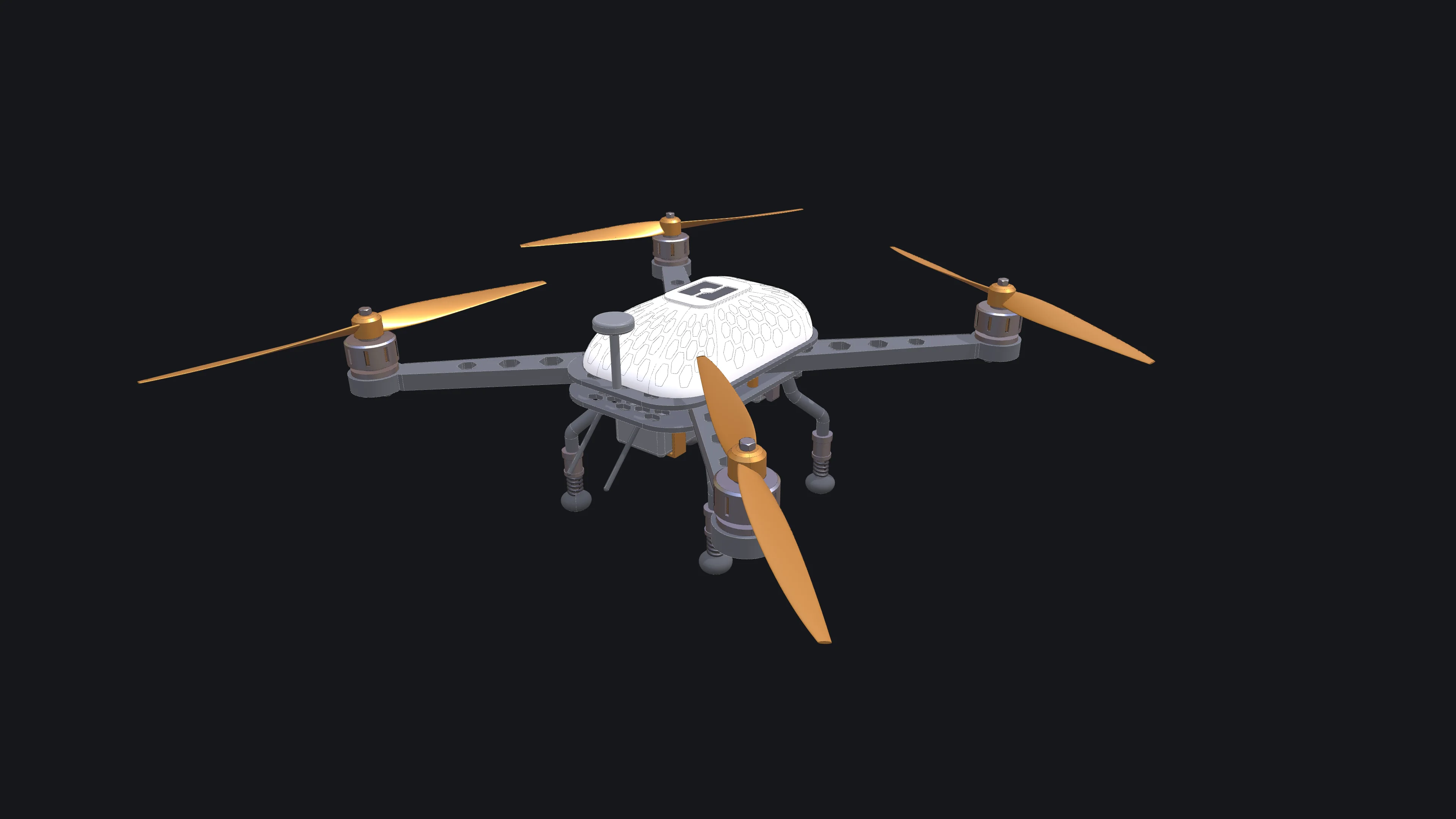
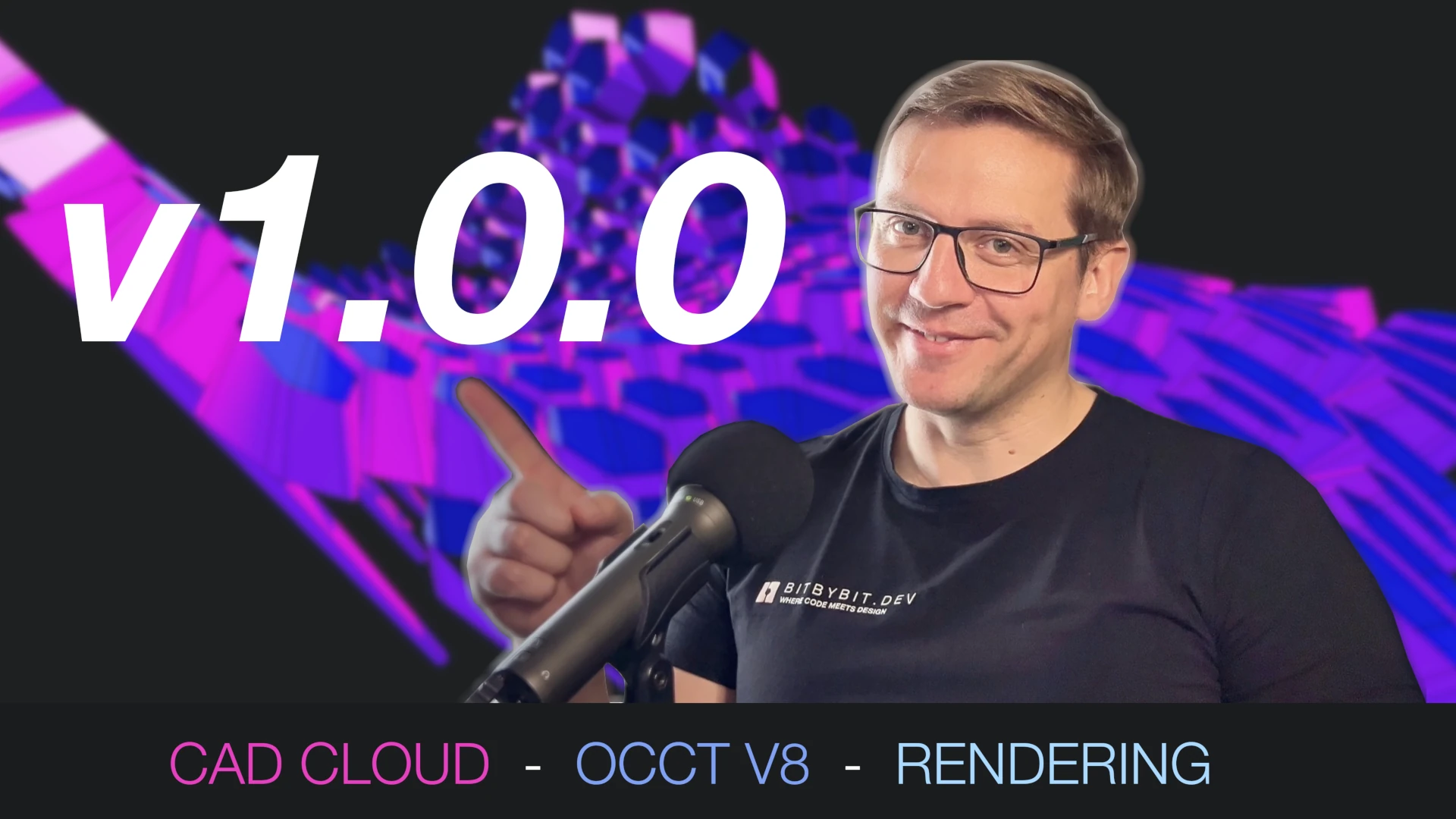
Bitbybit v1.0.0

After nearly 100 releases in the 0.x.x range and a release candidate phase, Bitbybit v1.0.0 is officially here. This release brings our new CAD foundation, cloud infrastructure, and an expanded toolkit for developers.

This post outlines the major architectural changes and new capabilities available across our NPM packages, TypeScript SDK, Bitbybit Studio, and the Managed CAD Cloud.

Parametric 3D Spiral Chute Configurator for STOCKMHS

· 11 min read

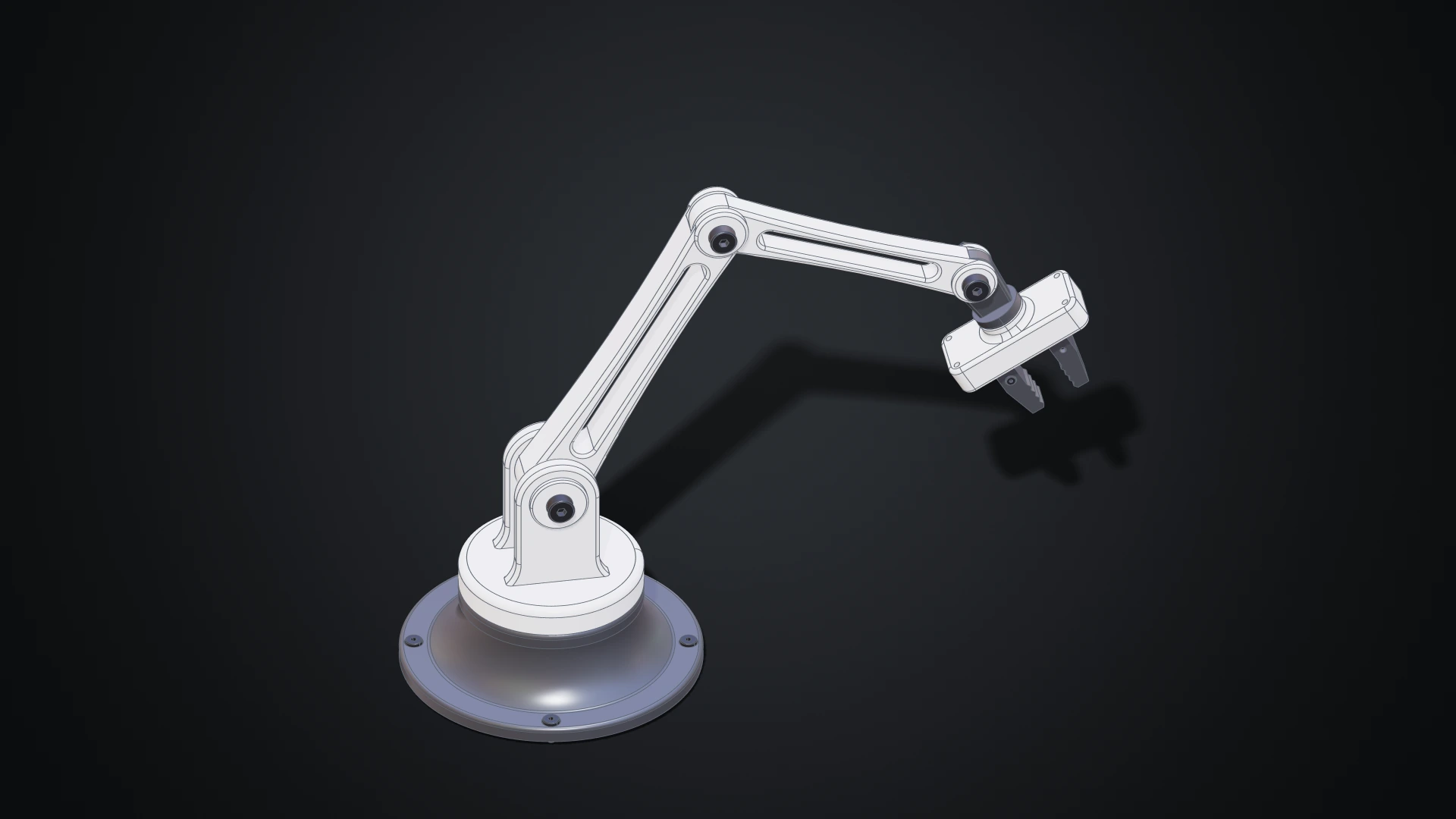
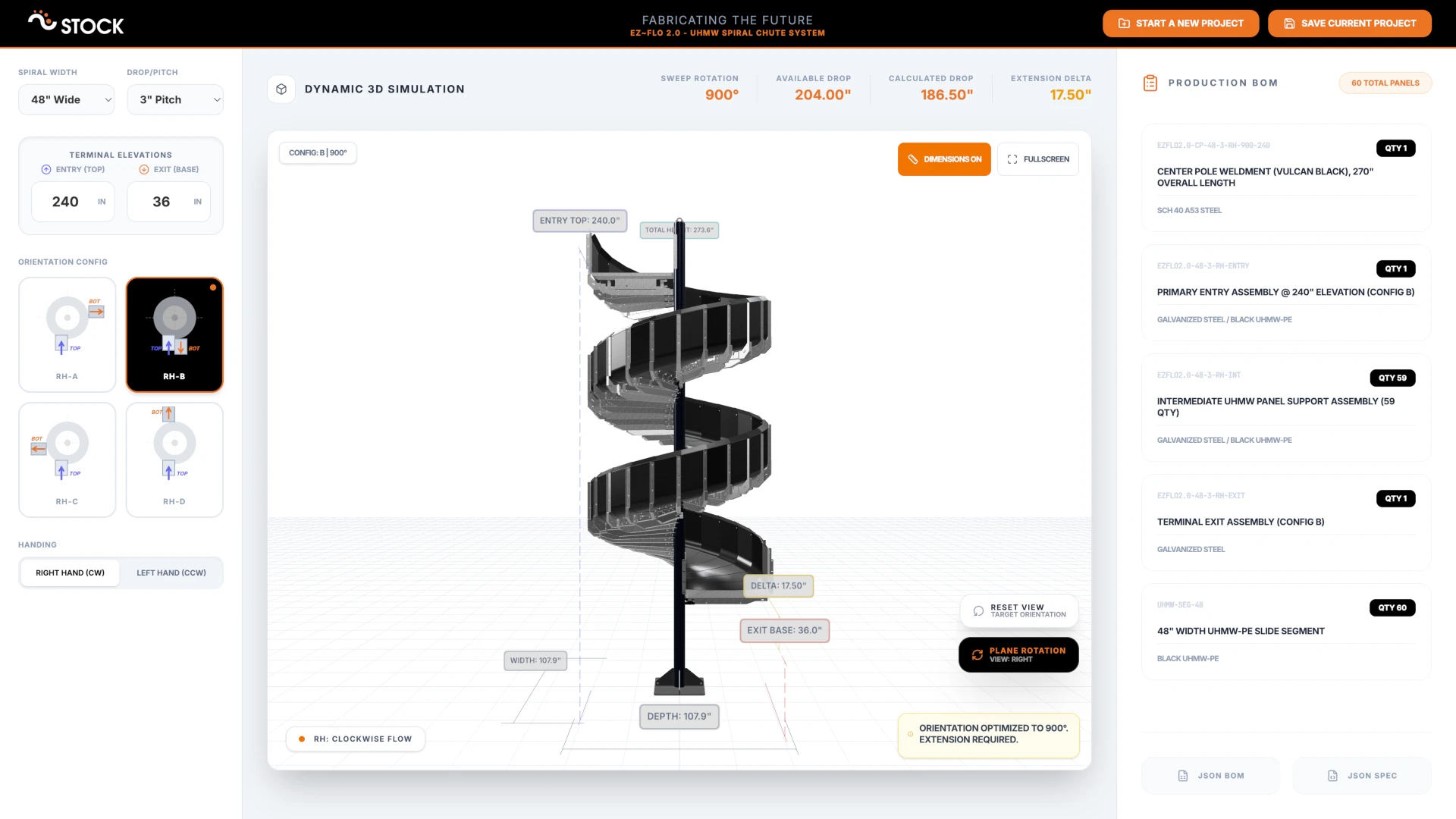
STOCKMHS UHMW Spiral Chute 3D Configurator

Demand for customizable products that don't need to be redesigned from scratch for every unique customer or situation is growing across the manufacturing industry. STOCKMHS recognized this early and created the modular EZ~FLO 2.0 Chute System (Patent Pending), which gives their team the freedom to adapt a proven product to any situation. Through our collaboration, we built a browser-based 3D configurator that serves as a digital twin for the entire spiral chute product line - letting the sales and engineering teams explore configurations, generate bills of materials, and produce branded PDF reports without ever leaving their browser.

Strength Shop Launched Riot MRR 75 Power Rack Configurator on Shopify With 3D Bits App

· 10 min read

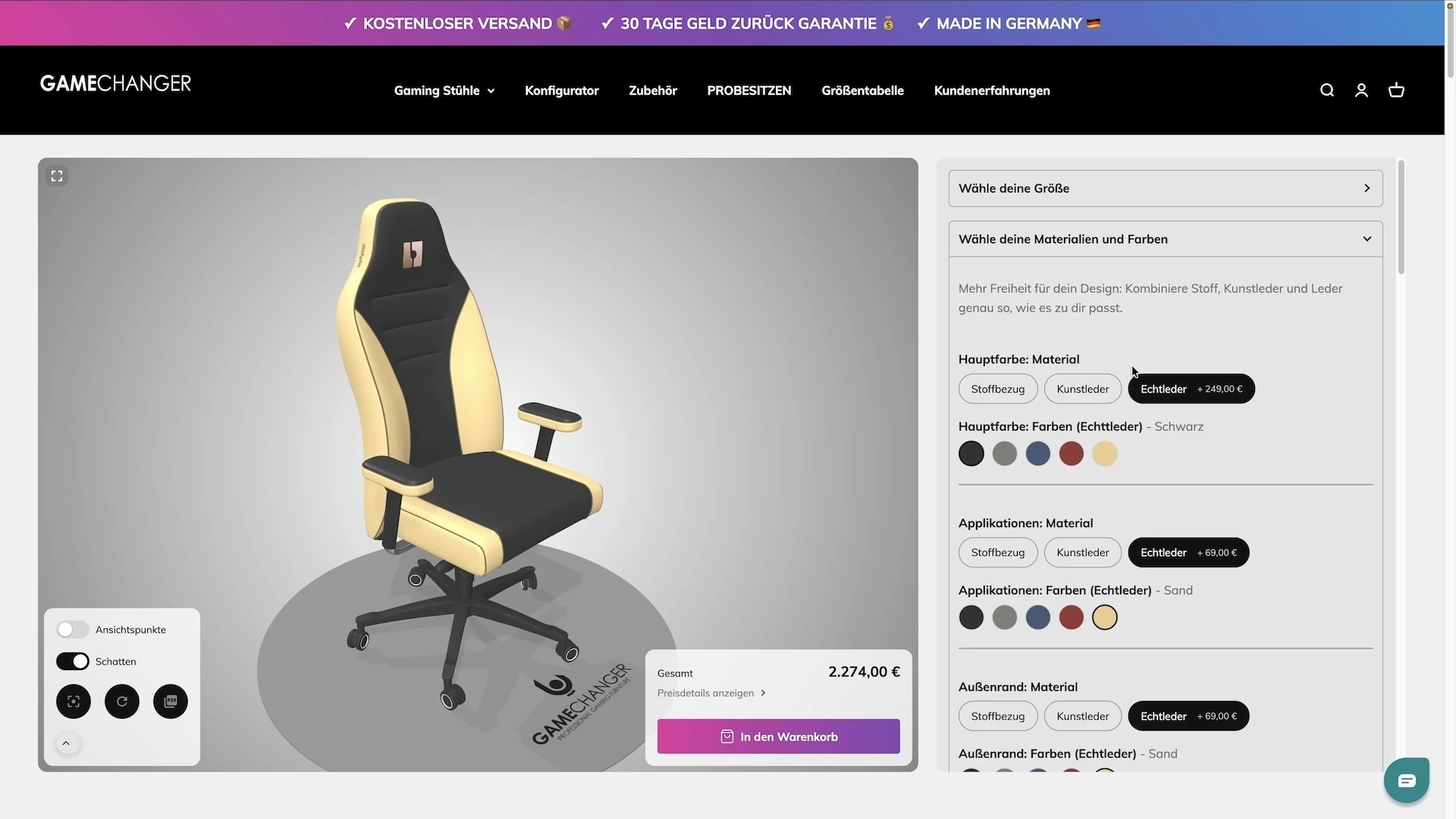
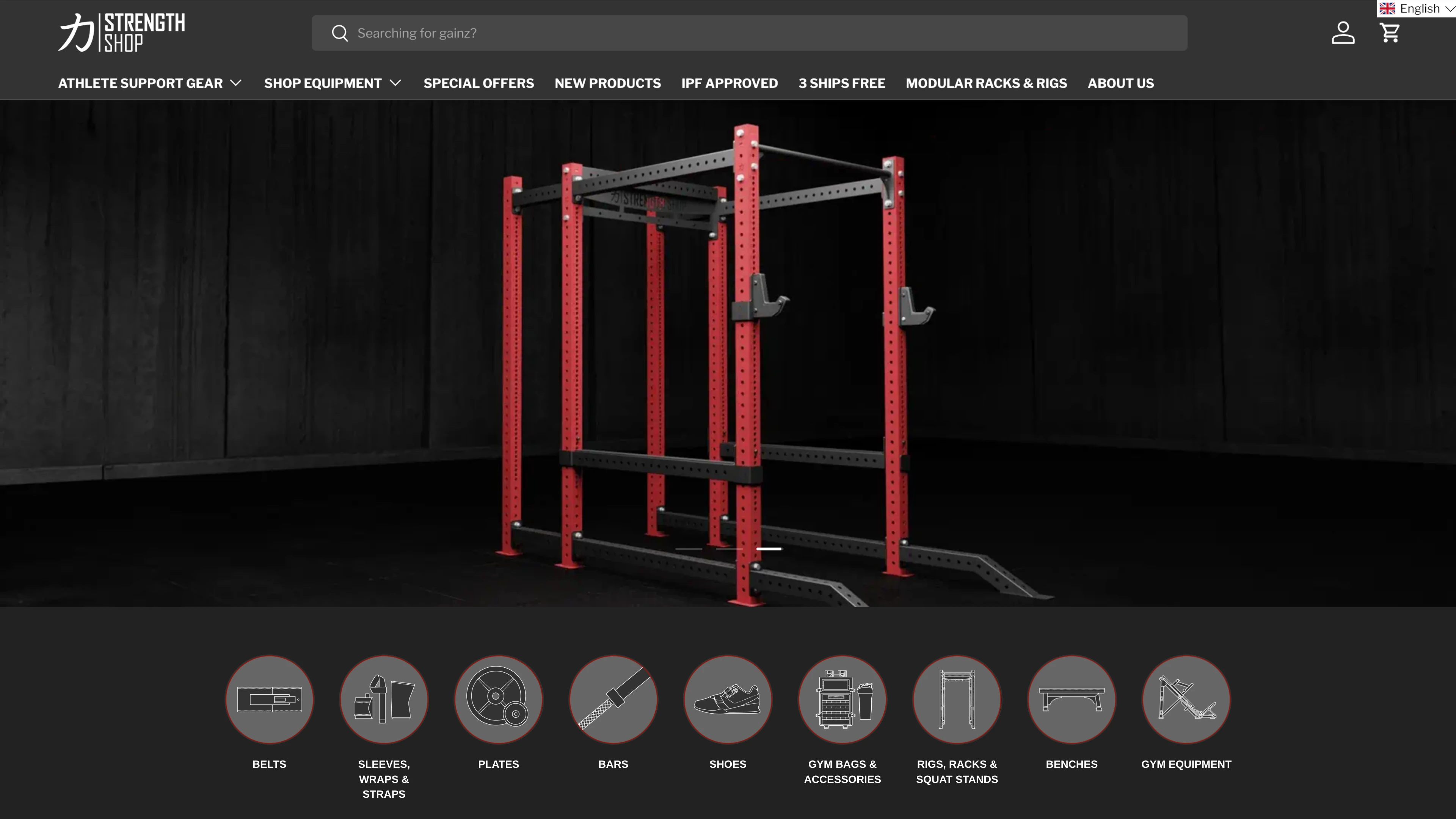
Strength Shop Launched Riot MRR 75 Power Rack 3D Configurator on Shopify With 3D Bits App

How do you sell a modular power rack online when every customer wants a different combination of uprights, crossbars, pull-up bars, and accessories - and needs to see the result before committing? Strength Shop answered that question by building a fully interactive 3D configurator powered by 3D Bits, with a completely custom user interface designed and developed by their own team.

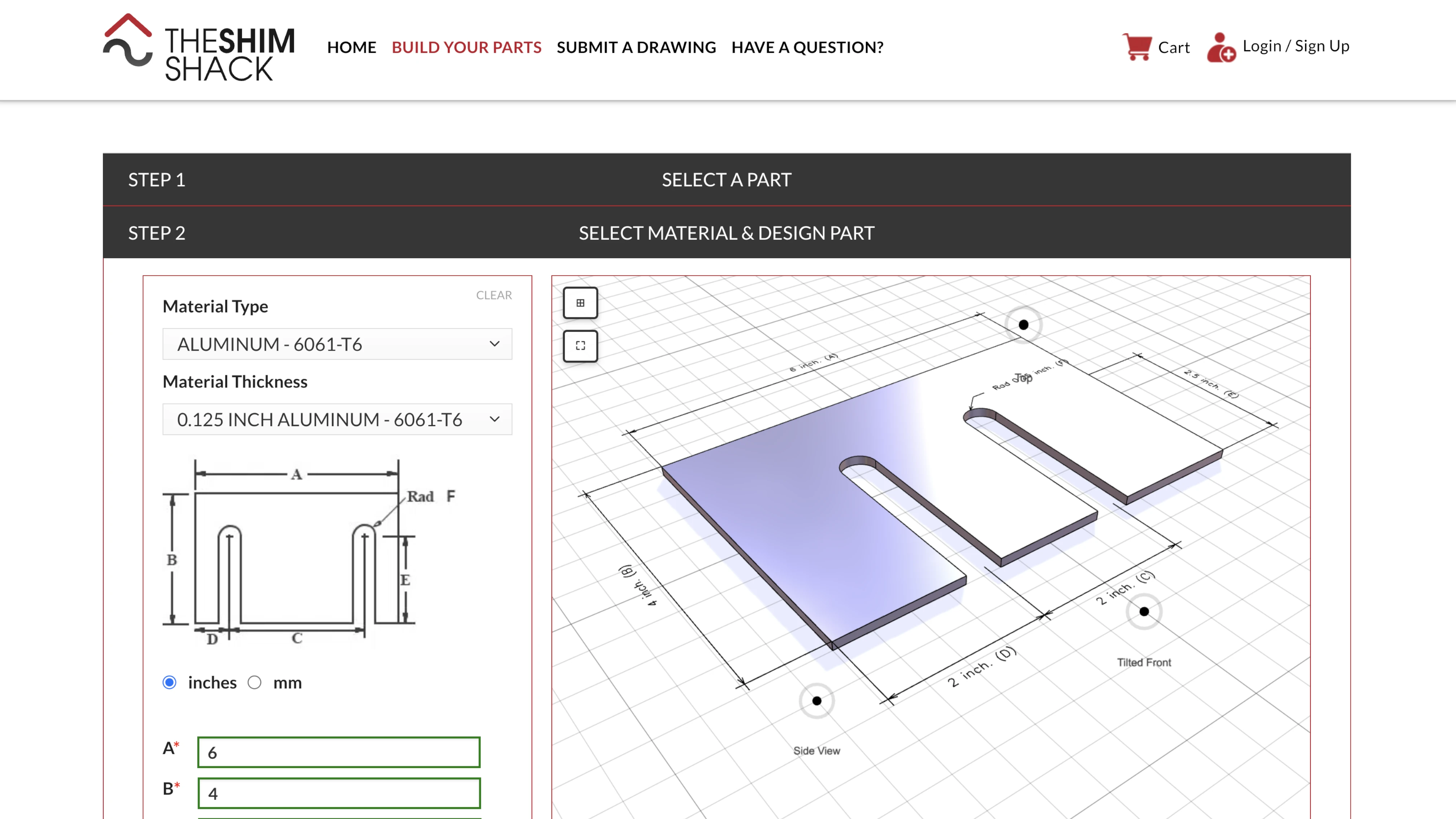
How We Helped The Shim Shack Integrate Parametric 3D Configurators Into Their WooCommerce Store

· 8 min read

The Shim Shack 3D Configurators powered by Bitbybit Runner

How do you let customers design their own precision-cut metal parts online - with exact dimensions, real manufacturing constraints, and instant visual feedback? That was the challenge facing The Shim Shack. Through our collaboration, we delivered a suite of parametric 3D configurators that run directly inside their existing WordPress store. You can try them yourself at buildyourparts.theshimshack.com.

Introducing Managed Bitbybit CAD Cloud with RESTful API

· 5 min read

Bitbybit CAD Cloud

Bit by bit developers has always championed the democratization of CAD. The platform empowers users to run complex 3D algorithms directly in the browser - zero installation, zero friction. But as customer ambitions grow, so must the infrastructure.

Today marks the next evolution of the Bitbybit ecosystem: Managed Bitbybit CAD Cloud, powered by a RESTful API.

This is a fundamental expansion designed for enterprise B2B customers who demand more compute power, better IP protection, and scalable workflows than a browser-only environment can provide.

STEP Assembly Support: Load, Parse, and Export Professional CAD Files

· 5 min read

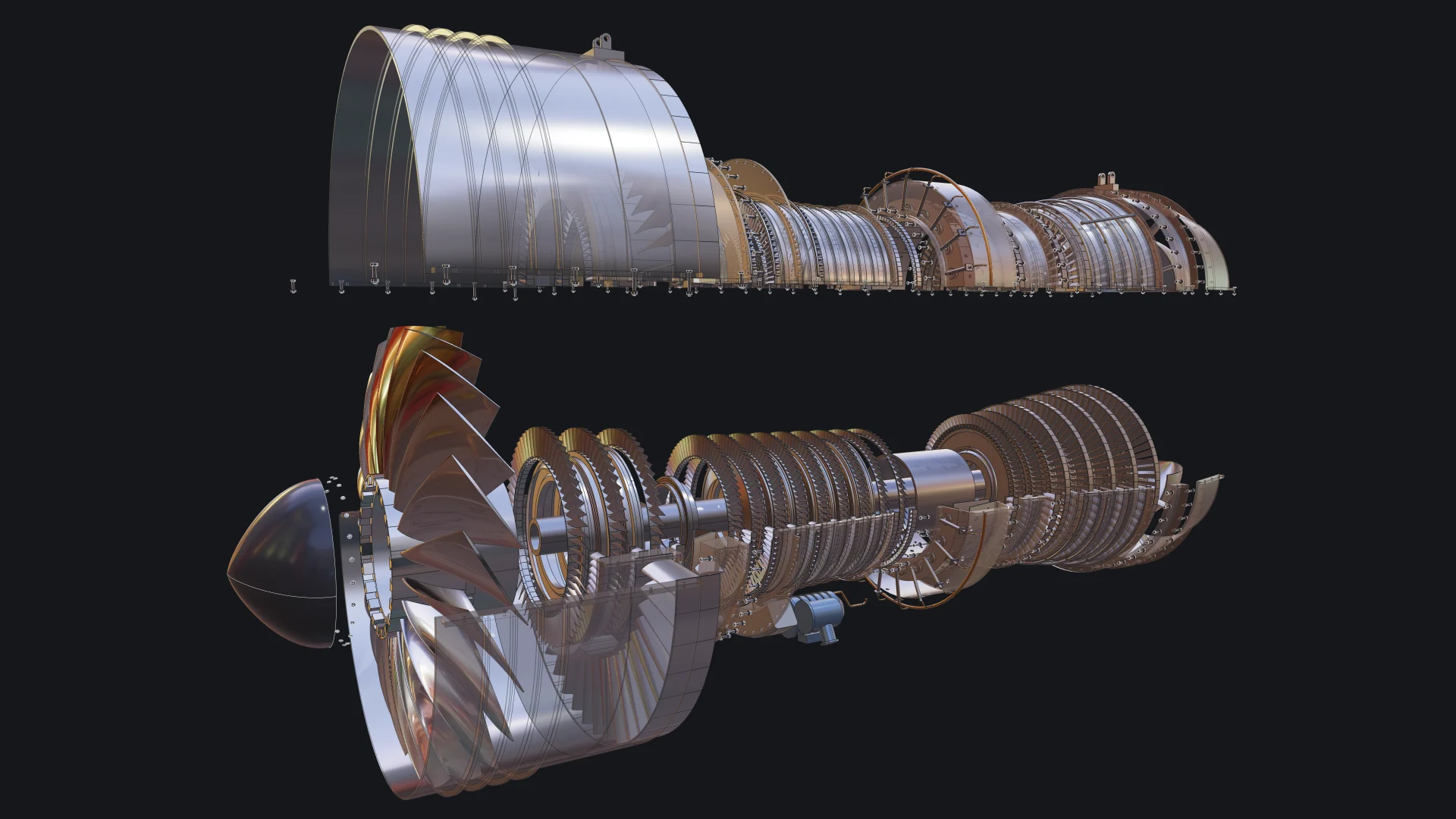
Bitbybit STEP Assembly Support

If you've ever tried to load, edit or create a complex STEP assembly in a web browser, you know how tricky it can be. STEP is the standard format engineers use to share CAD models, but browsers don't understand it natively. You usually need desktop software or a server to convert it.

With Bitbybit v1.0.0, that changes. You can now load STEP assemblies directly in the browser, explore their structure, extract individual parts, and export to web-friendly formats. Everything runs locally using Bitbybit OCCT WebAssembly.

AI Prompt Contexts - Teaching Your AI Assistant to Code with Bitbybit

· 9 min read

AI Prompt Contexts for Bitbybit

Modern AI assistants like Claude, Gemini, Grok or ChatGPT or are remarkably capable at writing code. However, they can struggle with specialized libraries and APIs they weren't extensively trained on. That's where AI Prompt Contexts come in - specially crafted documentation files that give your AI assistant deep knowledge of the Bitbybit API.

Download Context Files

Choose the context file that matches your 3D rendering engine. Right-click and "Save As" to download, or open and copy the content. Read on below for guidance on which format to choose.

Monaco Editor Context (Beginner-Friendly)

For users of our online TypeScript editor at bitbybit.dev/app

Markdown Context (Dictionary Translation)
TypeScript Declarations (No Translation)