Bitbybit v1.0.0: New Base for Cloud and Web CAD

After nearly 100 releases in the 0.x.x range and a release candidate phase, Bitbybit v1.0.0 is officially here. This release brings our new CAD foundation, cloud infrastructure, and an expanded toolkit for developers.
This post outlines the major architectural changes and new capabilities available across our NPM packages, TypeScript SDK, Bitbybit Studio, and the Managed CAD Cloud.
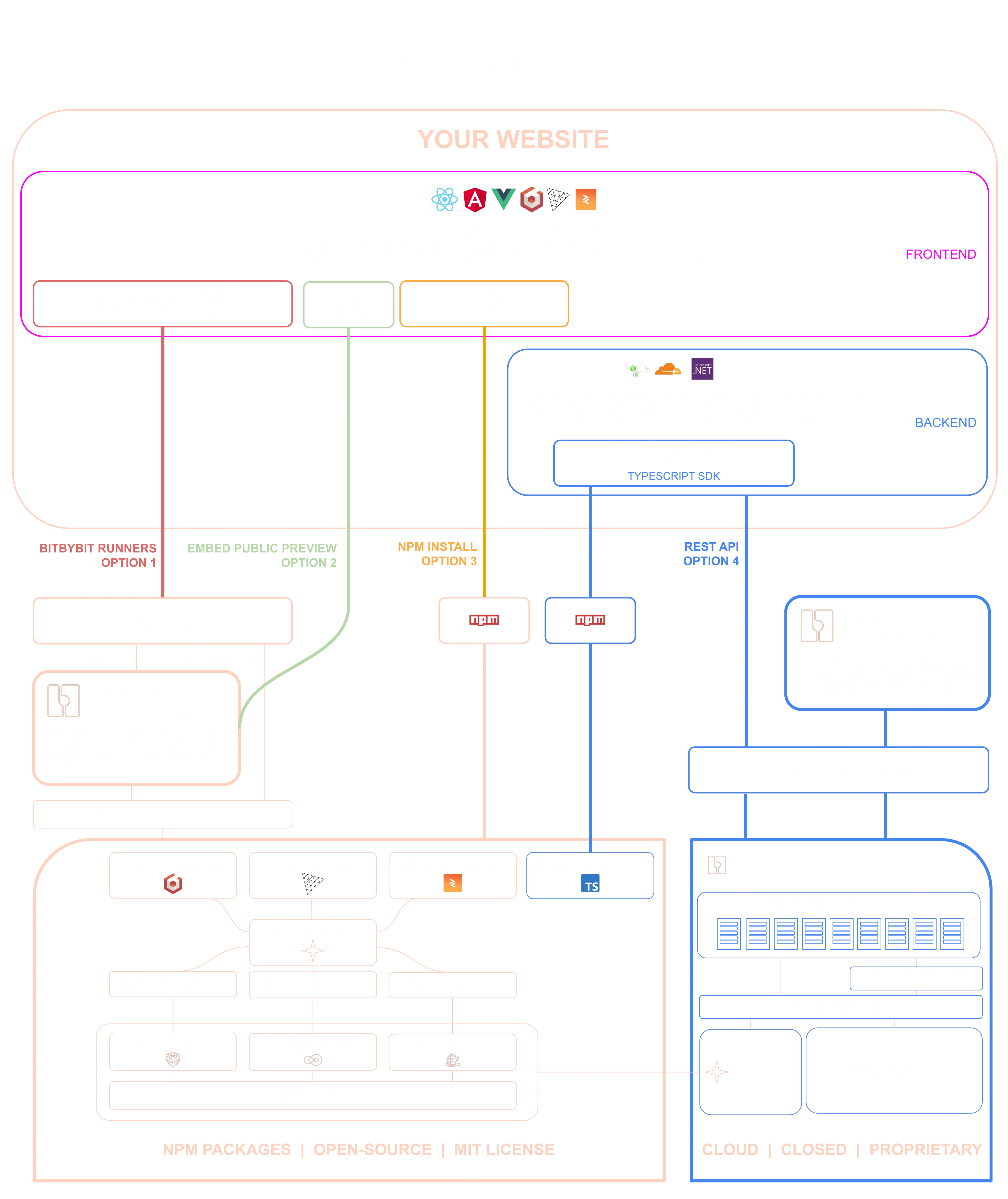
Check out this in-depth dive into Bitbybit platform. Matas shows how various parts of Bitbybit can be used in your websites.
Native OCCT 8 Kernel
The biggest change in v1.0.0 happens under the hood. We have transitioned away from our OpenCascade.js dependency and rebuilt Bitbybit's core directly on top of the native OCCT C++ library. By compiling directly to WebAssembly with bindings customized for Bitbybit, we've improved overall performance and maintainability.
Powered first by OCCT v8.0 (Release Notes from April 8'th 2026), this new kernel provides clear performance improvements in boolean operations and filleting, and ensures the architecture remains fully under our control.
To accommodate different deployment needs, Bitbybit now offers three WebAssembly builds:
- 32-bit: Compatible with mobile browsers and older hardware.
- 64-bit: Handles larger models with up to 16 GB of memory allocation.
- 64-bit multi-threaded: Designed for higher throughput and parallel operations.
You can select your preferred variant when scaffolding a project via npx @bitbybit-dev/create-app.
STEP Assembly Support
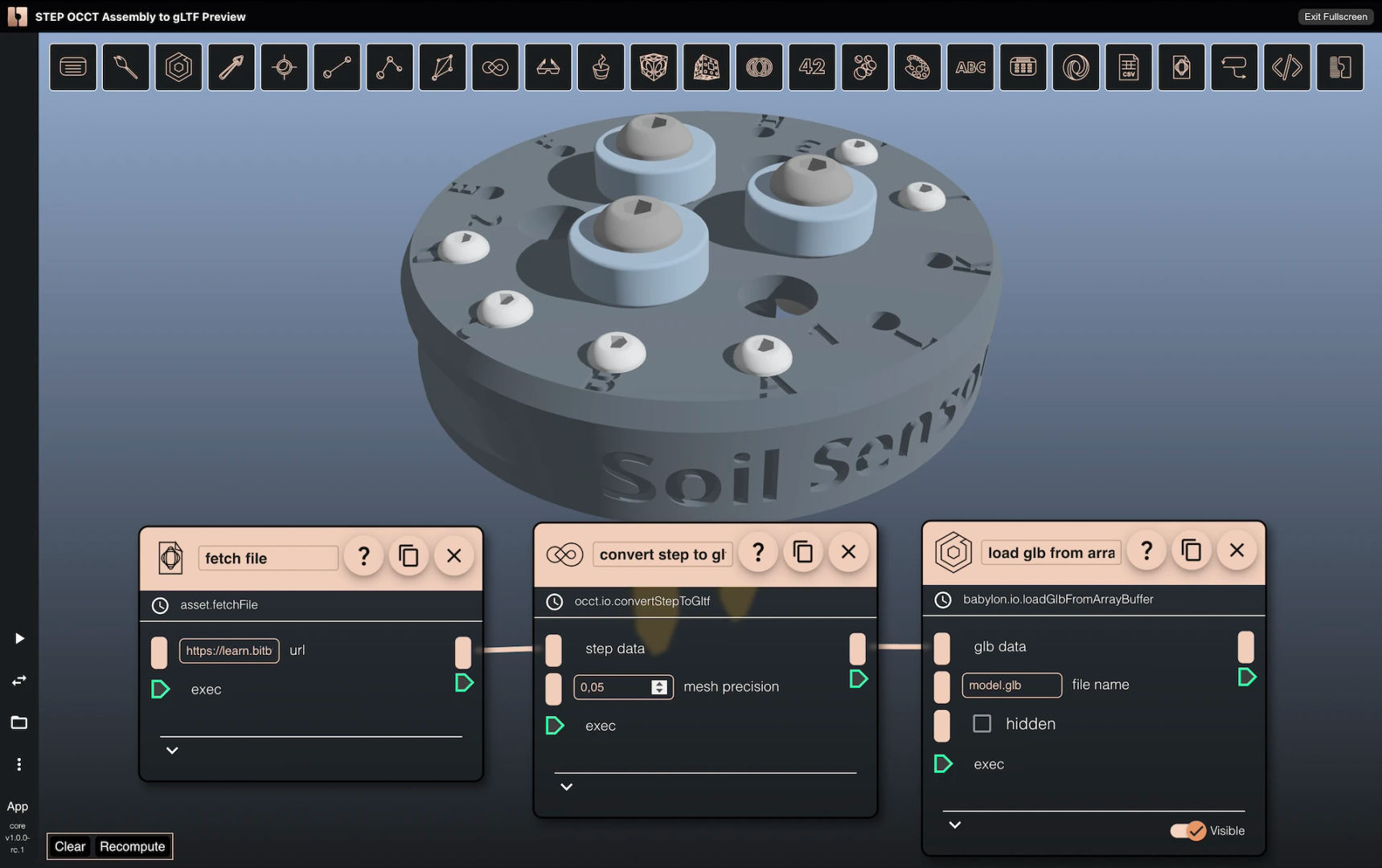
Bitbybit can now handle assemblies natively in the browser, preserving part hierarchies, positioning data, and colors.
The expanded occt.assembly module is split into two workflows:
Assembly Management: Construct and export documents. Group shapes, assign names and colors, and position instances using translation, rotation, and scale. Import existing STEP files (including compressed STEP-Z), modify their structures, and export them back with colors preserved, or convert them directly to GLTF/GLB formats for web and AR applications.
Assembly Querying: Inspect your assemblies. Extract the complete hierarchy tree, isolate specific shapes by label, retrieve transforms, and parse metadata.
We've also added three IO methods:
convertStepToGltf: One-call conversion preserving hierarchy, colors, and transforms.convertStepToGltfAdvanced: Conversion with fine-grained meshing and export controls.parseStepToJson: JSON inspection without full geometry processing.
A brief note on colors: Standard STEP exporters frequently strip visual data. Bitbybit uses OCCT's XCAF framework to embed color information, so models exported from Bitbybit retain their appearance when imported into tools like FreeCAD.
The Managed CAD Cloud
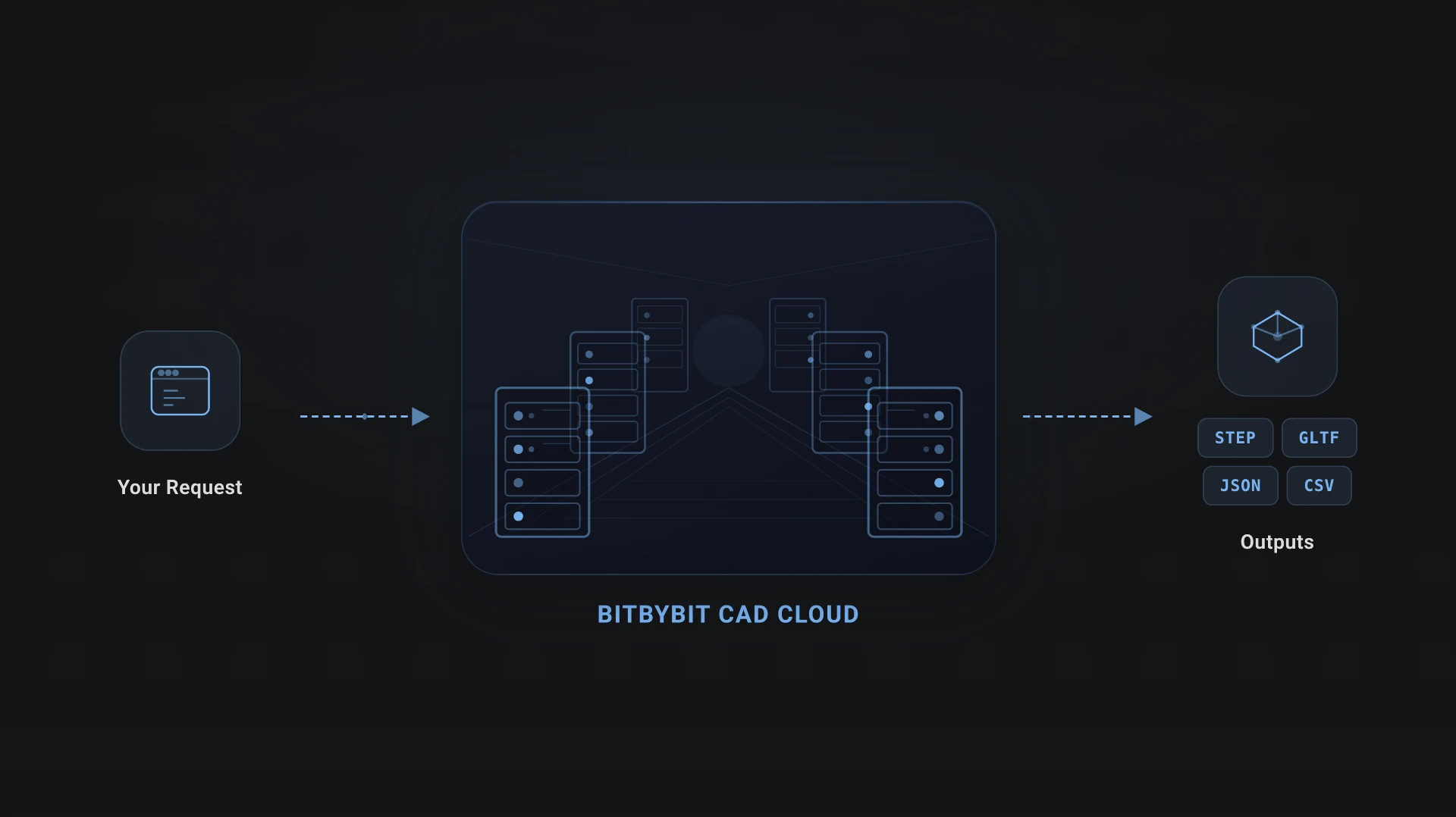
While Bitbybit remains browser-first, enterprise deployments often require server-side computing. The Managed Bitbybit CAD Cloud provides a RESTful API designed to offload heavy geometry computations to our server infrastructure.
The CAD Cloud is the ideal solution if you want to avoid bundling heavy CAD libraries into your website, need to execute complex parametric scripts that take a long time to compute, or are looking to process batches of CAD operations in parallel.
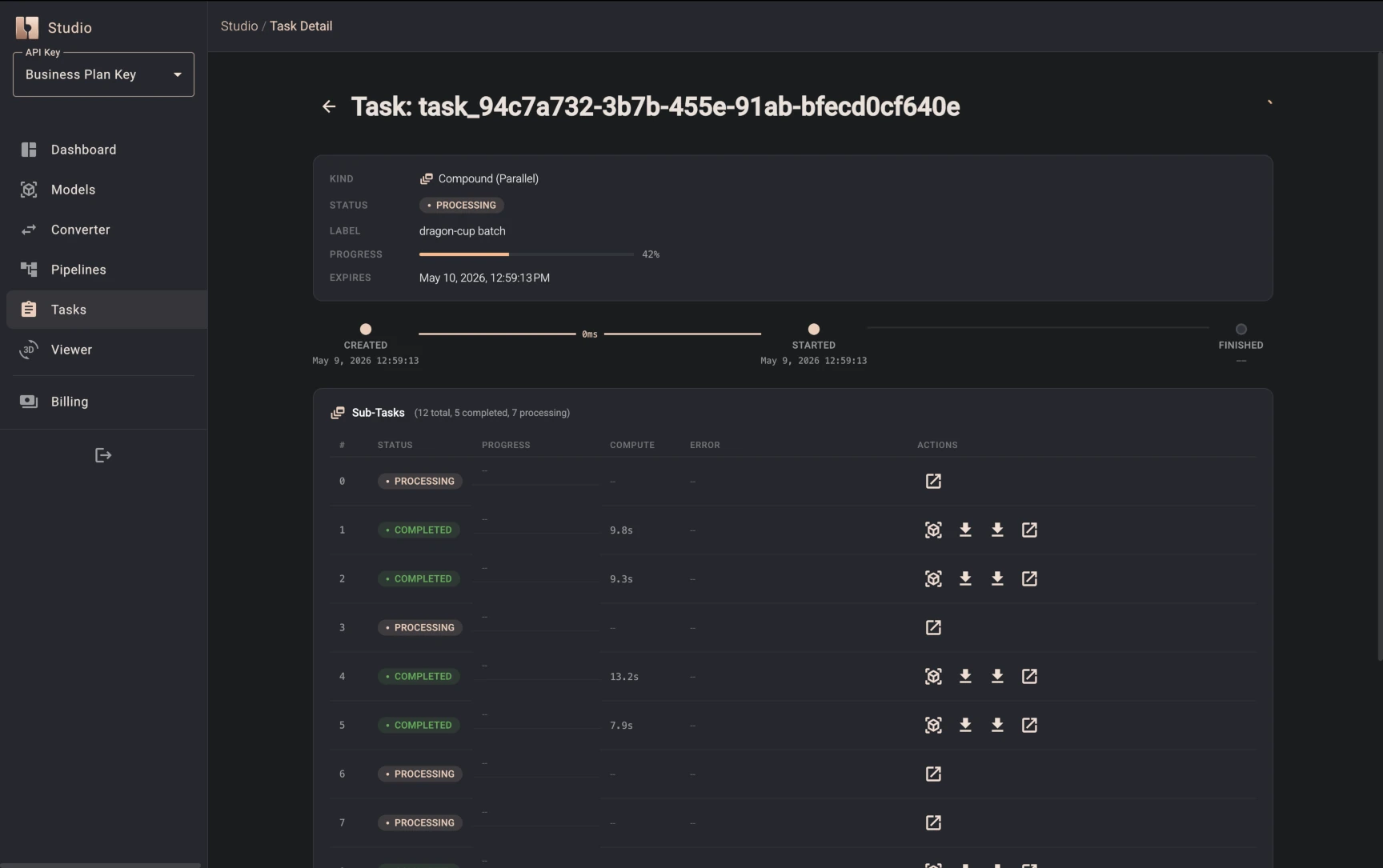
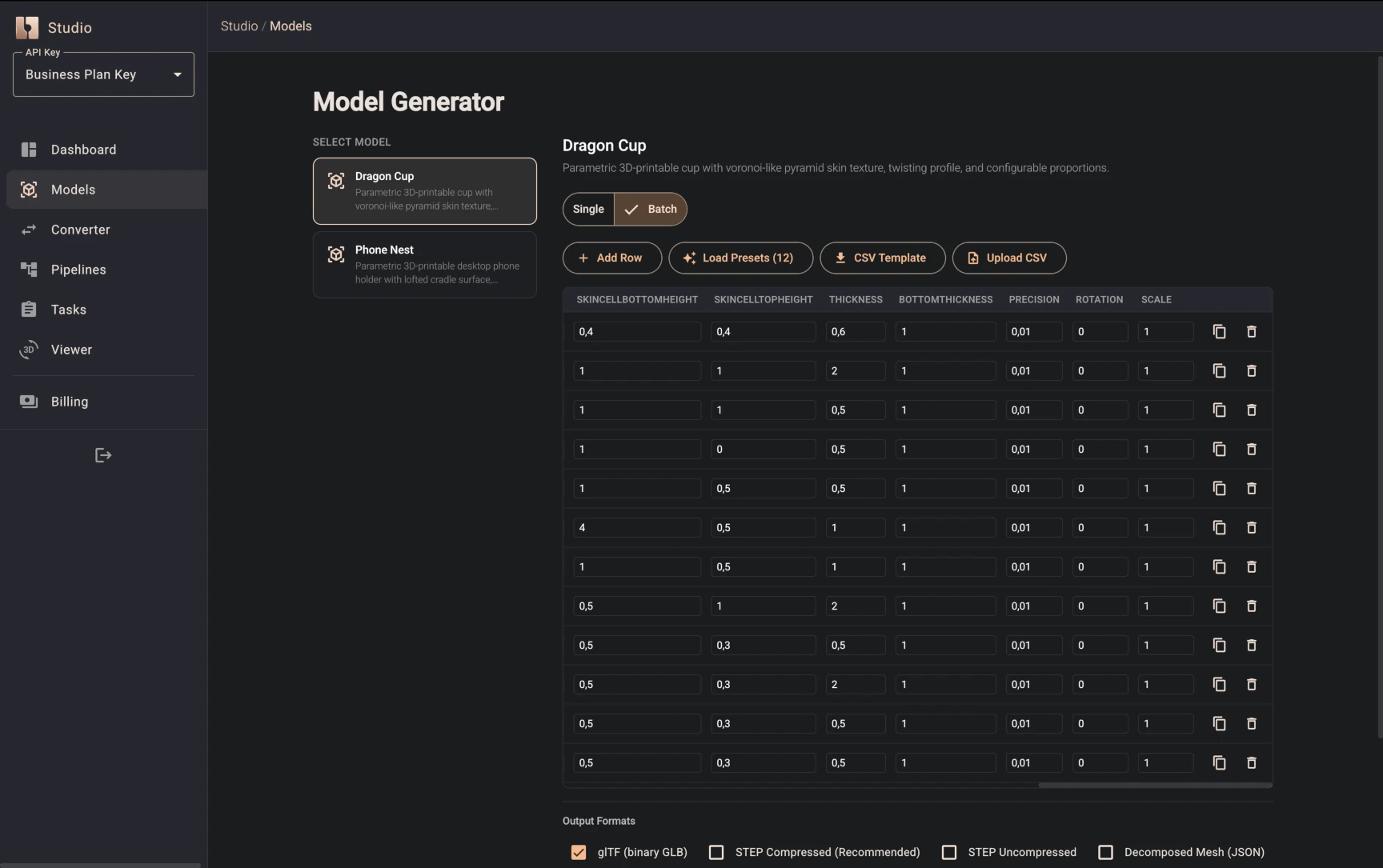
Importantly, all Bitbybit algorithms - from the base and OCCT packages to other libraries - are available on our managed CAD Cloud. Because it provides a standard REST API, it can be seamlessly called from any backend programming language. You can execute parametric algorithms on the server, manage your API keys, and receive the results to your backend. This infrastructure is now production-ready and handles active workflows.
Furthermore, when custom pipelines are not enough, enterprise customers can contact us to implement and run custom tenant workflows on our managed infrastructure.
The CAD Cloud TypeScript SDK
To help integrate the cloud capabilities into your backend, we're introducing @bitbybit-dev/cad-cloud-sdk. This standalone npm package connects your TypeScript infrastructure to our engine.
Key coverage areas include:
| Namespace | Functionality |
|---|---|
client.models | Run single or batch parametric model jobs and retrieve results. |
client.cad | Execute native CAD operations, compounds, and pipelines. |
client.convert | Convert STEP to glTF with advanced controls. |
client.files | Upload assets via presigned URLs. |
client.tasks | Monitor, list, and manage task execution. |
Pipelines
The SDK lets you chain multiple CAD operations into single request. Reference prior outputs ($ref:N), inject external data ($file:N), iterate over collections (map), and use logic branching (choice). Build pipelines programmatically or design them visually in Bitbybit Studio.
Client-Side Validation
Requests feature built-in JSON Schema validation. The SDK catches parameter errors before leaving your server, returning a BitbybitValidationError to save API round-trips.
(Ready-to-use backend examples are provided for Hono, Express 5, and ASP.NET Core).
Bitbybit Studio
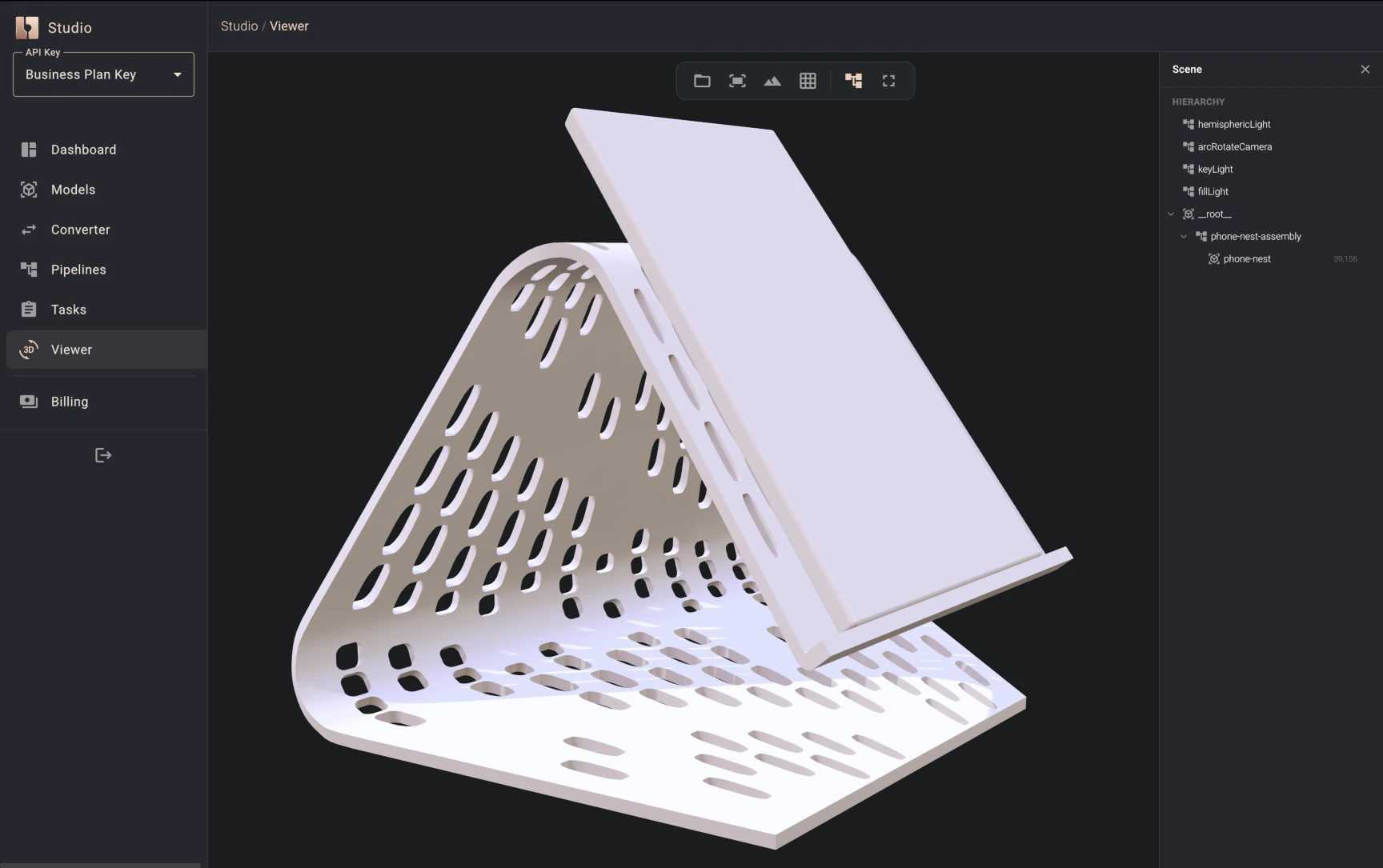
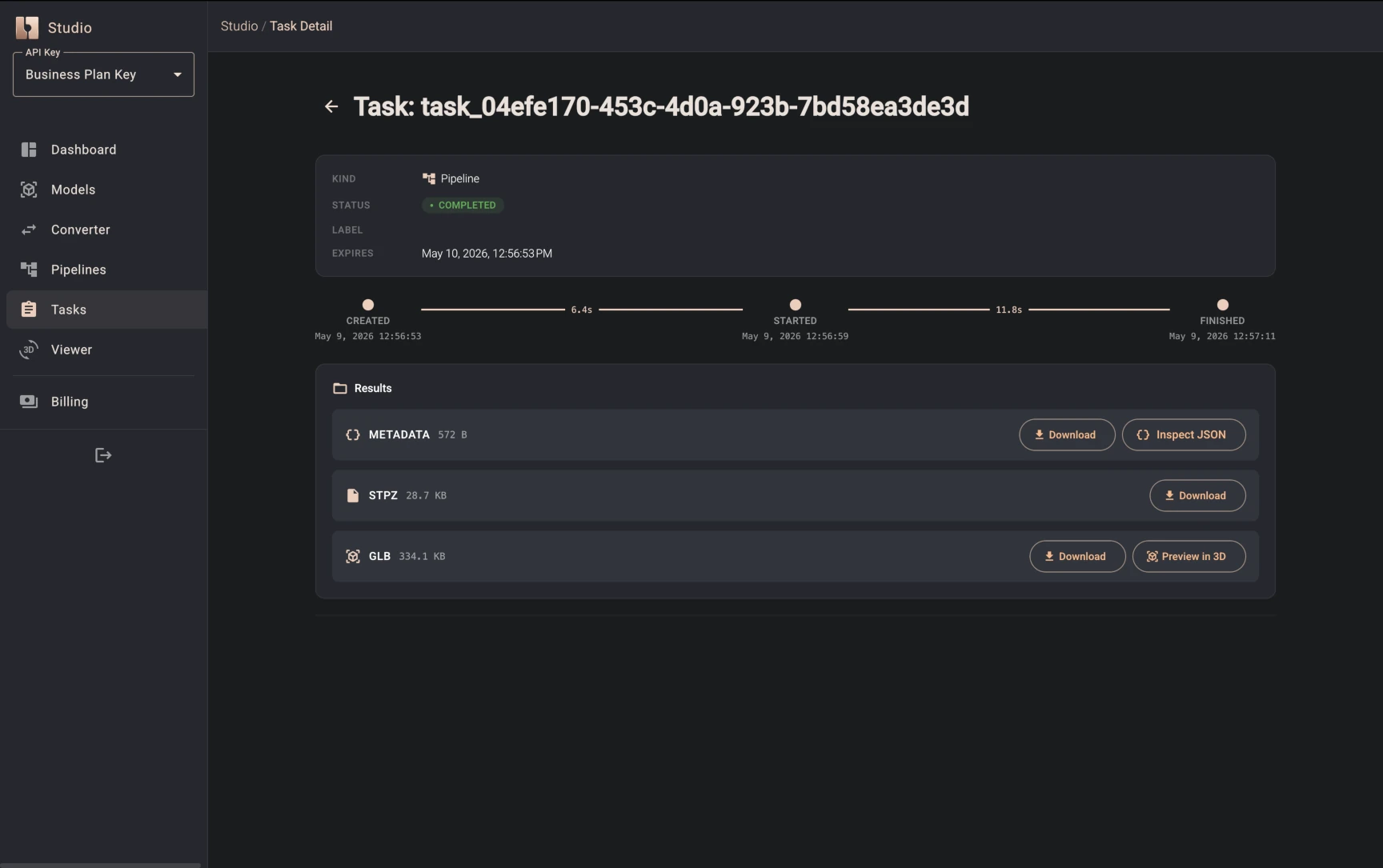
Bitbybit Studio is your homepage and playground for the CAD Cloud API. It's a place to experiment with parametric models, STEP file conversions, and CAD pipelines - capable of composing serious workloads, using your STEP and other file types as inputs. Generate production-ready models, fine-tune conversion settings, chain multi-step operations, manage tasks, and preview results in 3D - all from your browser, without writing code or making raw API calls.
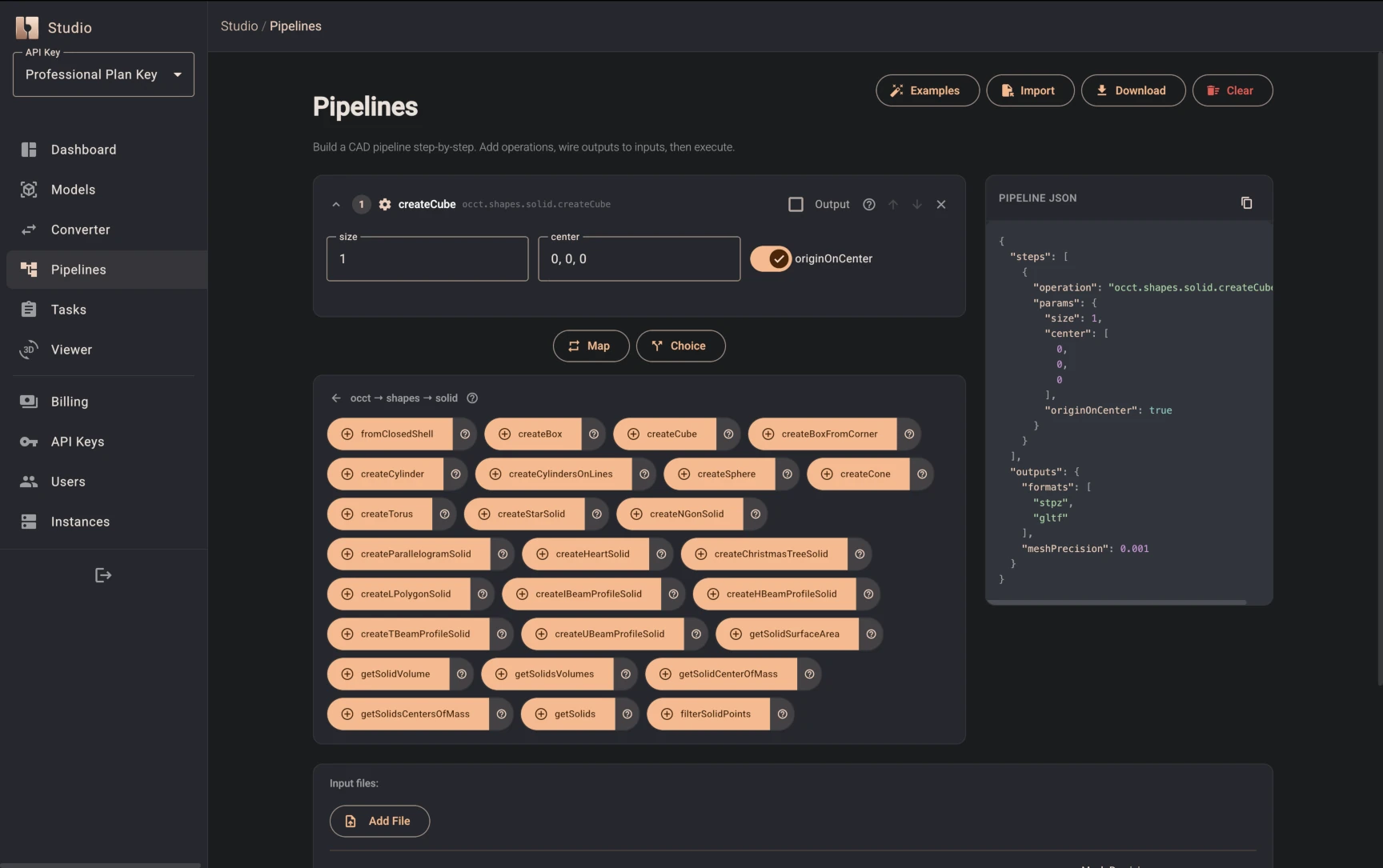
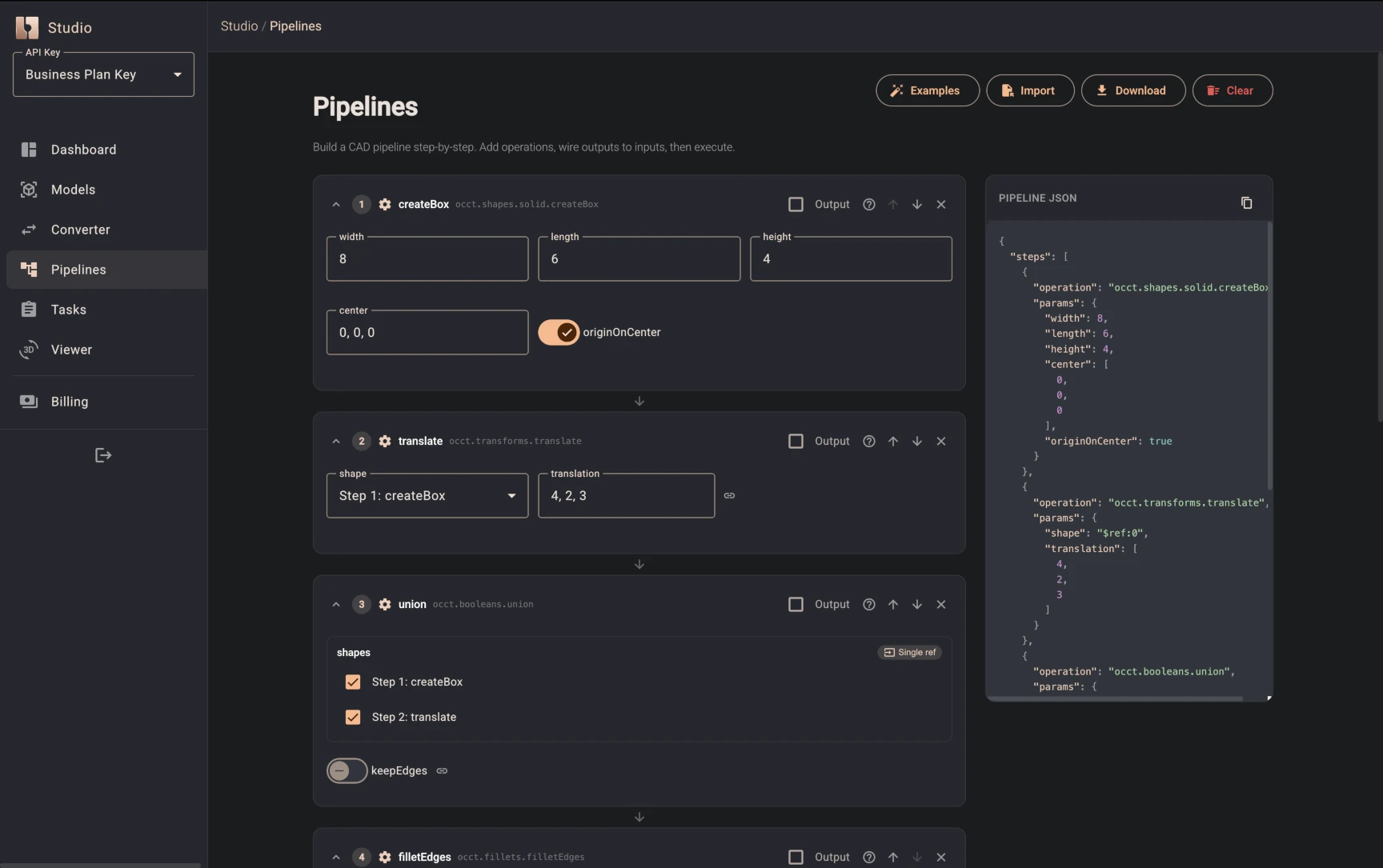
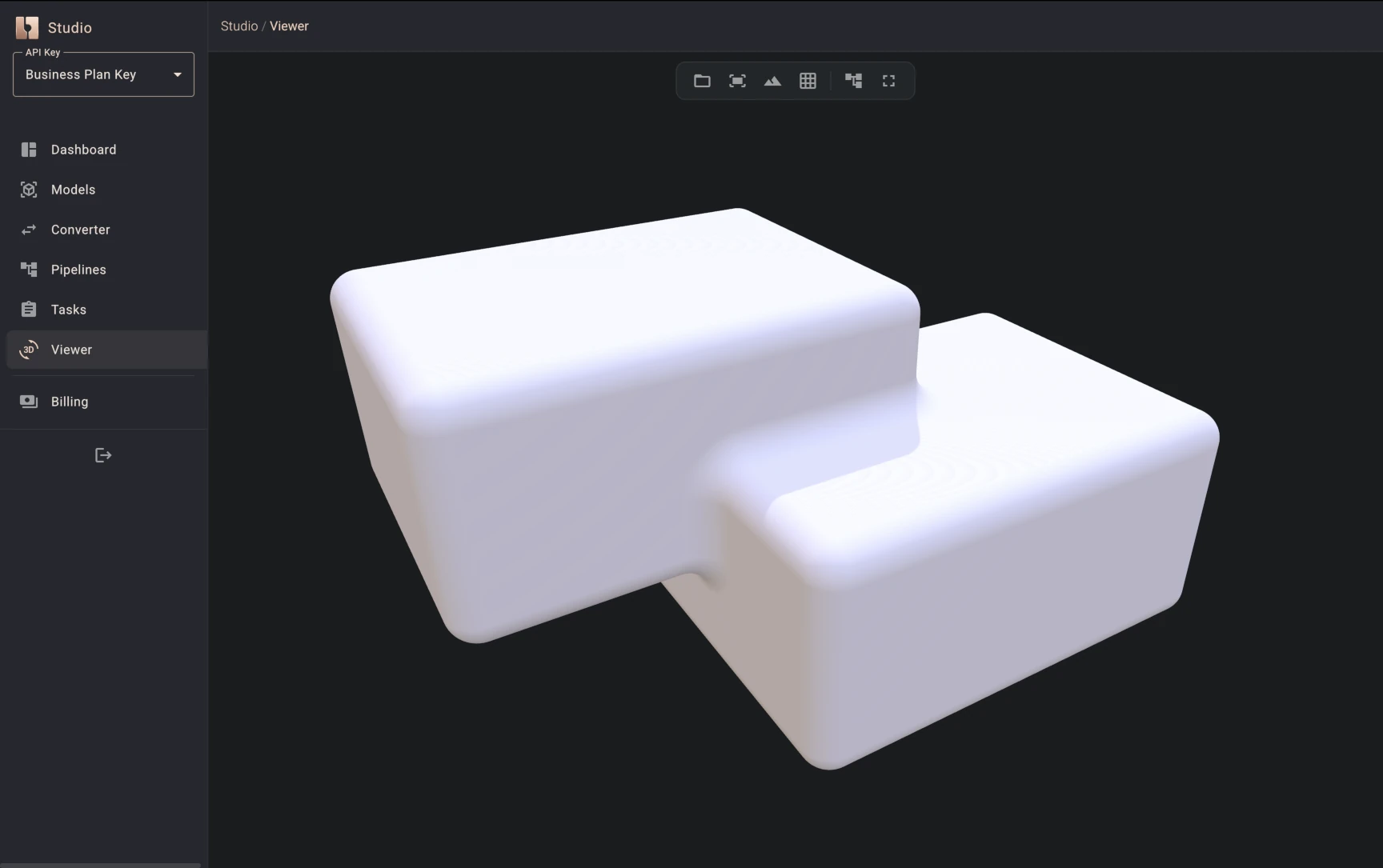
Studio now also functions as an interactive pipeline builder. You can design multi-step workflows visually and deploy them to the API. For example, the images below illustrate a custom pipeline that creates a box, translates it in space, models a union between the original and the translated box, and finally applies a fillet to the edges of the resulting shape.
Upgraded Rendering Engines
We have updated our 3D engine integrations to their latest major releases:
- BabylonJS 9.6.0: A major update delivering significant performance improvements.
- Three.js 0.185.0: Updated to the latest ecosystem standards.
- PlayCanvas 2.20.0: Enhanced integration for web experiences.
Additional Features
- Secure Arithmetic Evaluator: Safe string expression evaluation (e.g.,
(3+2)*4) via the shunting-yard algorithm, without usingeval(). - Advanced Spirals and Primitives: Generate springs and volumetric features with
createTaperedHelixWire,createHelixWireByTurns,createFlatSpiralWireand our new Torus solid geometry. - Custom CDN URL Propagation: Maintain control over WebAssembly loading for self-hosted deployments using the
cdnUrlflag. - Standalone Conversion Runner: A lightweight HTML example for converting STEP files to GLB without a rendering engine.
Breaking Changes
- Zero-Based Edge Indexing: Edge indexing now begins at
0instead of1. Existing code referencing edges by index will need updating. - Direct WASM API Adjustments: The low-level OCCT WASM API has changed significantly. Use the official
@bitbybit-dev/occt-workeror engine-specific packages for stability.
Published Packages
@bitbybit-dev/base@bitbybit-dev/occt@bitbybit-dev/occt-worker@bitbybit-dev/manifold-worker@bitbybit-dev/jscad-worker@bitbybit-dev/core@bitbybit-dev/babylonjs@bitbybit-dev/threejs@bitbybit-dev/playcanvas@bitbybit-dev/cad-cloud-sdk(New)@bitbybit-dev/create-app
Getting Started
Try Bitbybit v1.0.0 today. Scaffold a project with your choice of engine and OCCT build:
npx @bitbybit-dev/create-app my-project
Or inject the new Cloud SDK into your existing backend:
npm install @bitbybit-dev/cad-cloud-sdk
For tutorials, API references, and example repositories, visit our Learning Center and API Reference.