View all authors

Introducing the Designer: Parametric CAD by Clicking, Built for People and Agents

· 10 min read
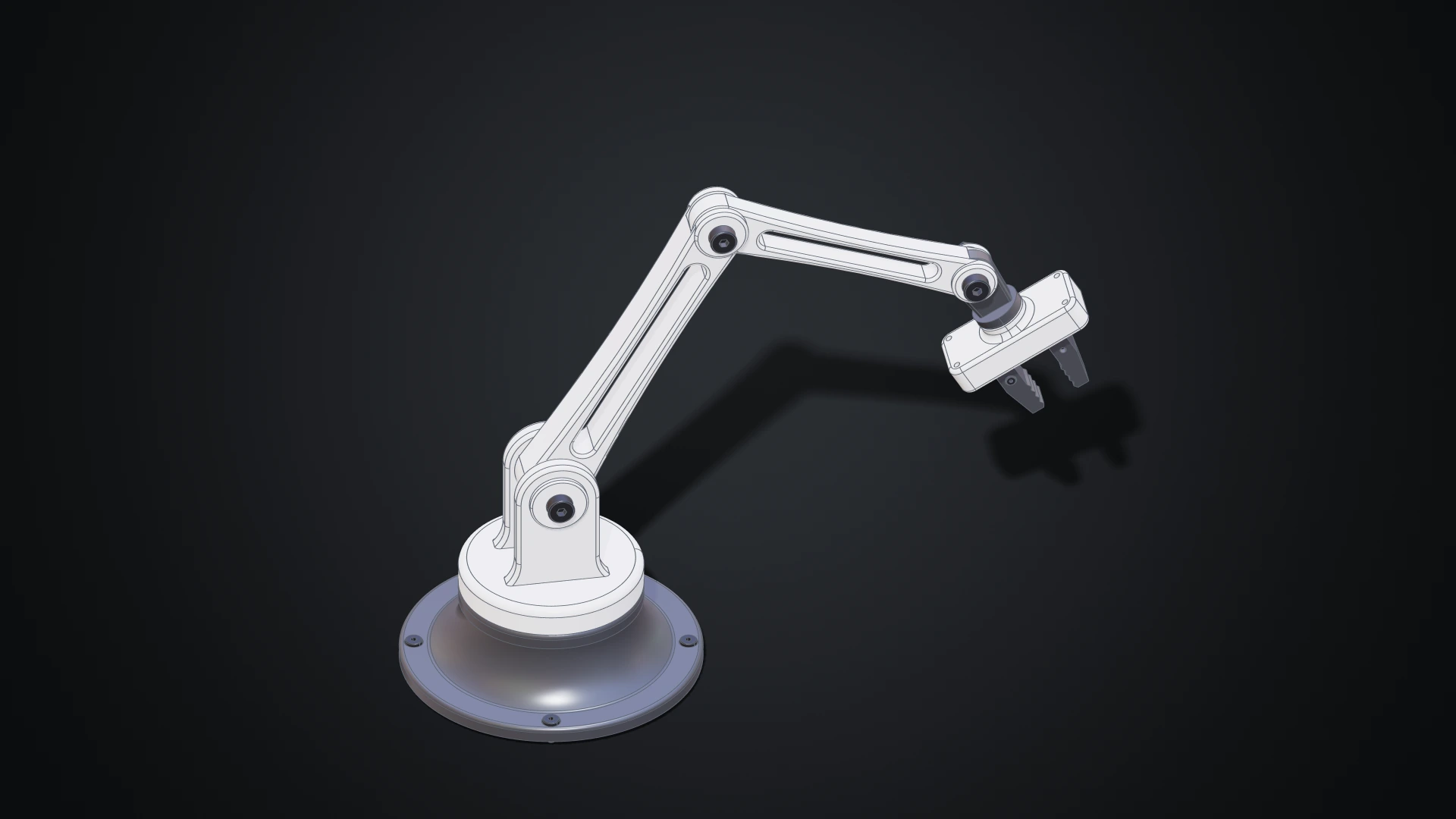
The desk robot arm modelled in the Designer, in white and dark grey: a revolved base with four screws, a shoulder with a clevis, two links with lightening windows, a wrist and a gripper with two jaws

Until now, making geometry on Bitbybit meant writing it: wiring nodes in Rete, snapping blocks in Blockly or typing TypeScript. Those editors shine when a model is a program, a family of parts generated from a few numbers. But a lot of design isn't programming. You want to draw a profile, pull it into a solid, round an edge, drill four holes and see the result straight away.

The Designer is our answer: a parametric CAD modeller you use with the mouse, in your browser. Draw a sketch, extrude it, fillet it, drill it, then put parts together with joints and pose the assembly. Every step is kept, so changing a size later rebuilds everything that depends on it. The Bitbybit OCCT Kernel does the modelling on your own machine, so there is nothing to install. And because the Designer was built for AI agents as much as for people, an agent can work in the same document beside you, while you keep or undo each of its changes.
The Coding Editors, Rebuilt: Readable Rete Graphs, Async Blockly Functions and a Drone Built Three Ways

· 10 min read
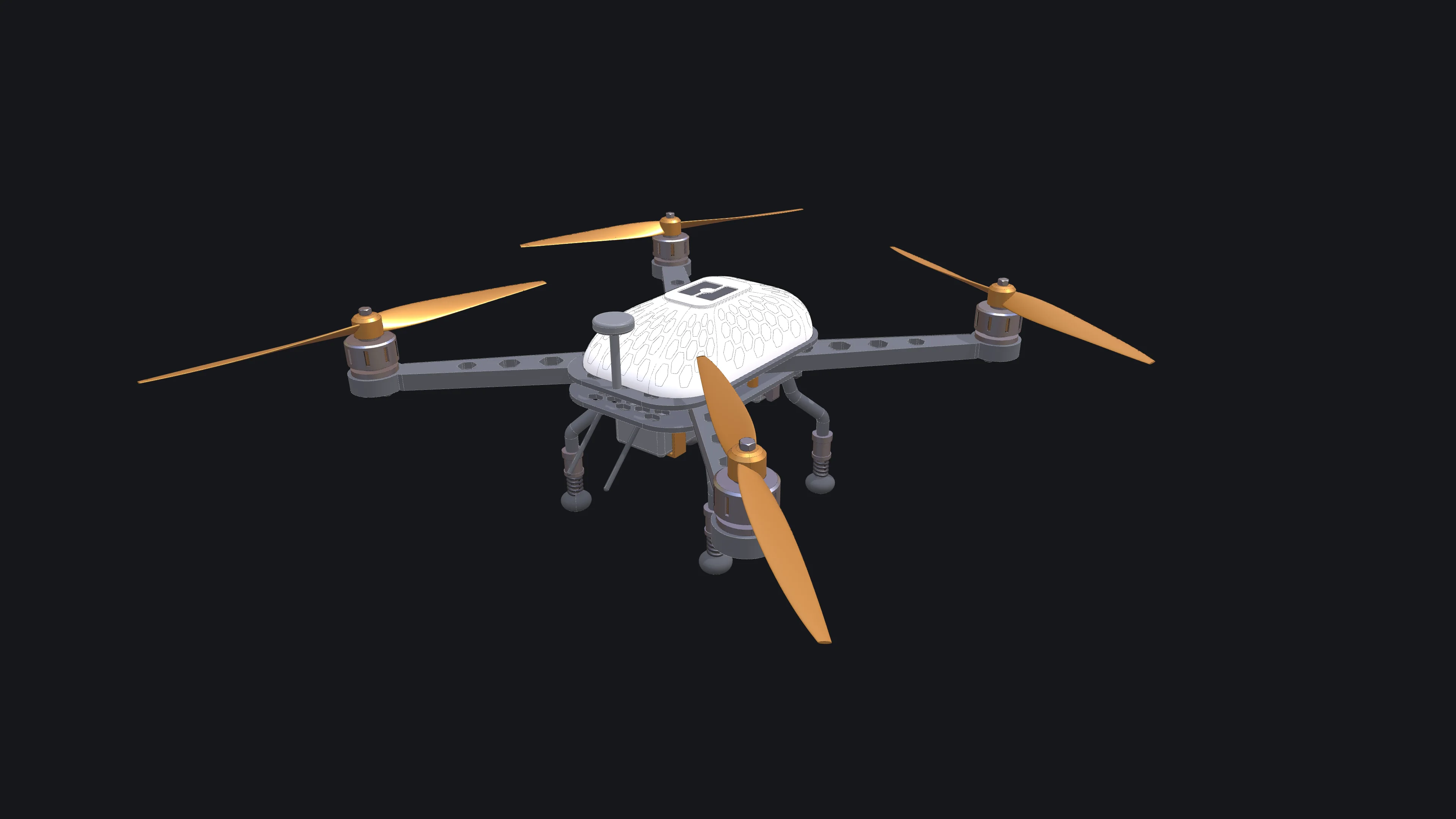
The drone the coding-editor tutorials build, finished in white with orange accents: a carbon frame with hexagon vents, four arms with motors and two-blade propellers, a honeycombed canopy with the bitbybit logo, sprung legs and a camera on its gimbal

Bitbybit has three coding editors: Rete, where you wire nodes together; Blockly, where you snap blocks; and TypeScript, where you write code against the same API. This release rebuilds a large part of all three. Most of the work went into Rete, which now stays readable when a script grows to hundreds of nodes. Blockly functions can await geometry, TypeScript scripts can span many files, and an AI agent can drive any of the three editors.

To show what that adds up to, we built one drone in all three editors: a quadcopter with a carbon frame, motors with cooling slots, propellers that alternate their spin, a canopy traced with a honeycomb and the bitbybit logo on its hatch, sprung landing legs and a camera on a gimbal. Each build is a tutorial with a picture after every step.

Making Bitbybit AI Ready: Our MCP Servers, and a Jet Engine Built With Them

· 16 min read
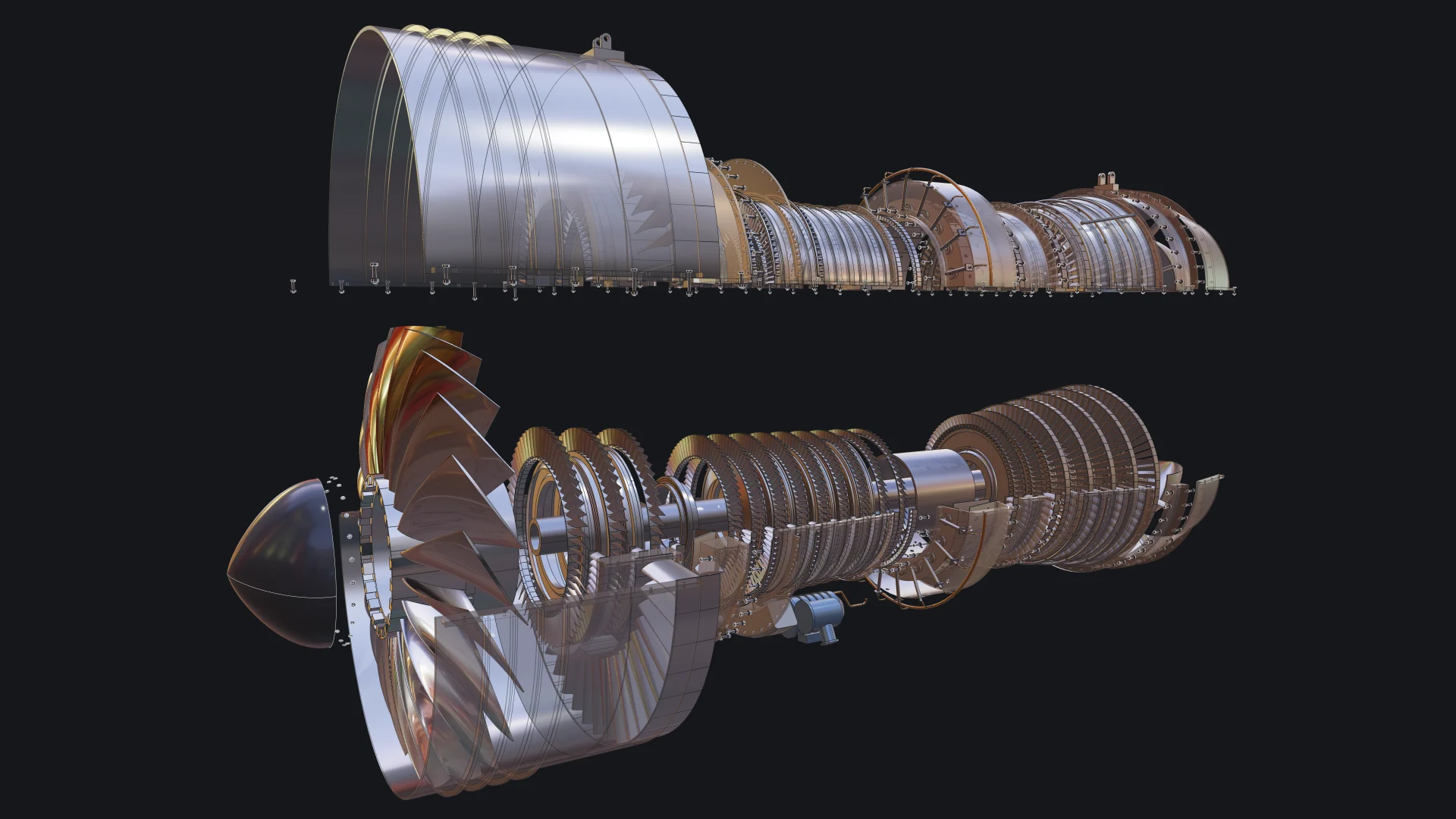
Exploded view of a two-spool turbofan engine built with Bitbybit by an AI coding agent, with the upper casing lifted and see-through

More and more of the code that uses Bitbybit is not typed by a person. It is written by an AI coding agent, inside an editor or a terminal, while a person describes what they want and judges what comes back. We think this is where 3D development is heading, and we want Bitbybit to be the CAD library that agents get right. That is why Bitbybit now runs its own MCP servers: one that teaches any agent the exact Bitbybit API, and one that lets an agent run real CAD operations for you.

To show what that looks like in practice, we asked an agent to build something far beyond a demo cube: a two-spool turbofan engine with 130 unique parts placed 4,853 times, bolted flanges, blades seated in slotted disks, a casing that opens, an exploded view and a welded transport stand. This post explains what MCP is, the use cases we care about most, what they mean for you, and how the engine was made.

Gamechanger Furniture Launched a Personalised Gaming Chair Configurator on Shopify, Built Entirely With 3D Bits

· 19 min read
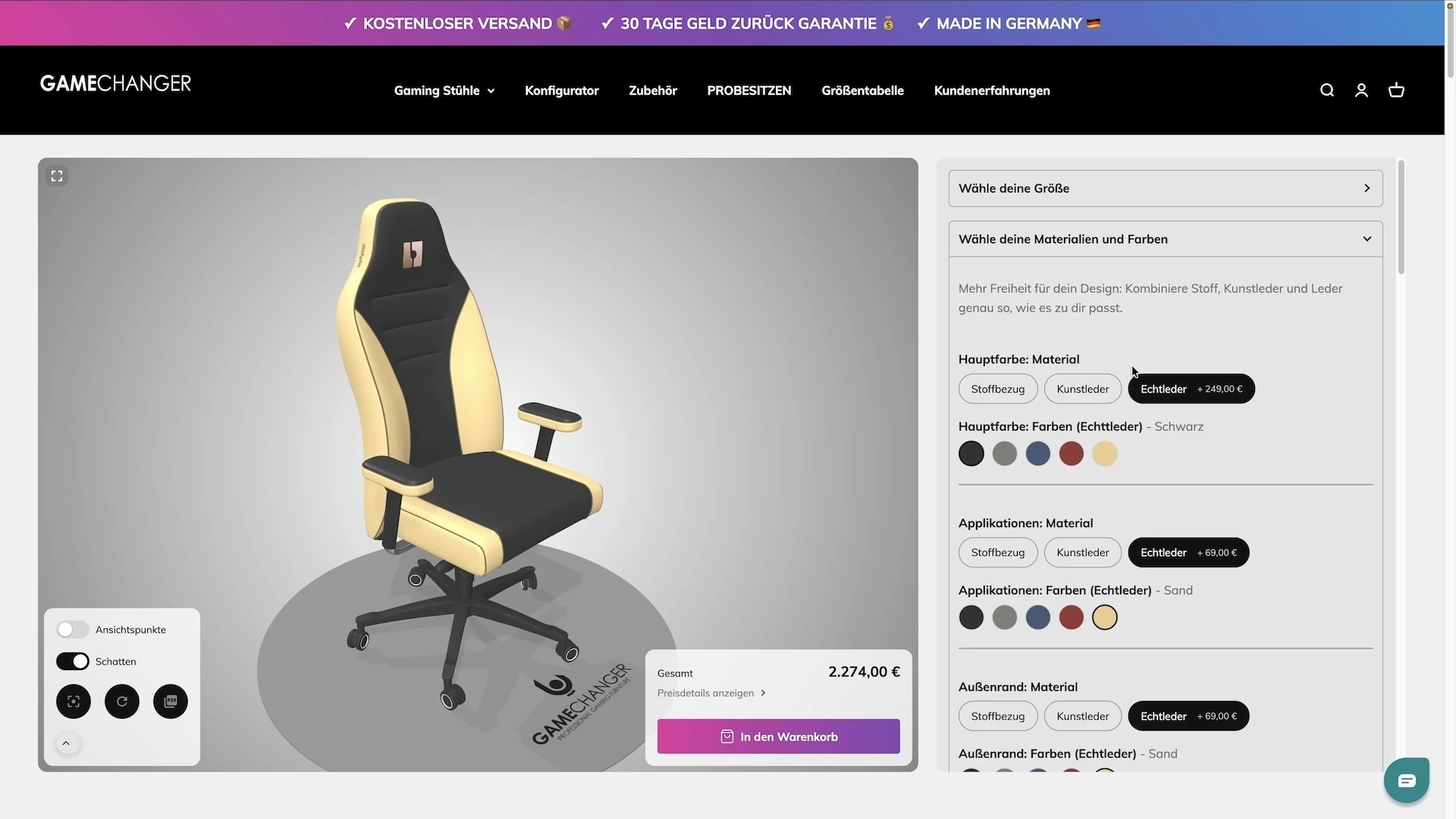
Gamechanger Furniture personalised gaming chair 3D configurator on Shopify built with 3D Bits

Some companies pick a name and then have to live up to it. Gamechanger Furniture builds gaming chairs by hand in northern Germany, and when they decided that every customer should design their own chair - the fabric, the colours, the stitching, their initials embroidered on the headrest, even their own logo - they needed a product page that could keep up with the name. What they launched is, quite literally, a game changer for how a chair gets sold: shoppers put it together in 3D, watch the price follow every choice, see their name appear on the chair, and take a PDF of their design away with them. All of it was built inside the 3D Bits app for Shopify, without a single line of code.

The Browser Is the New CAD: From Code to Configurable Products

· 14 min read

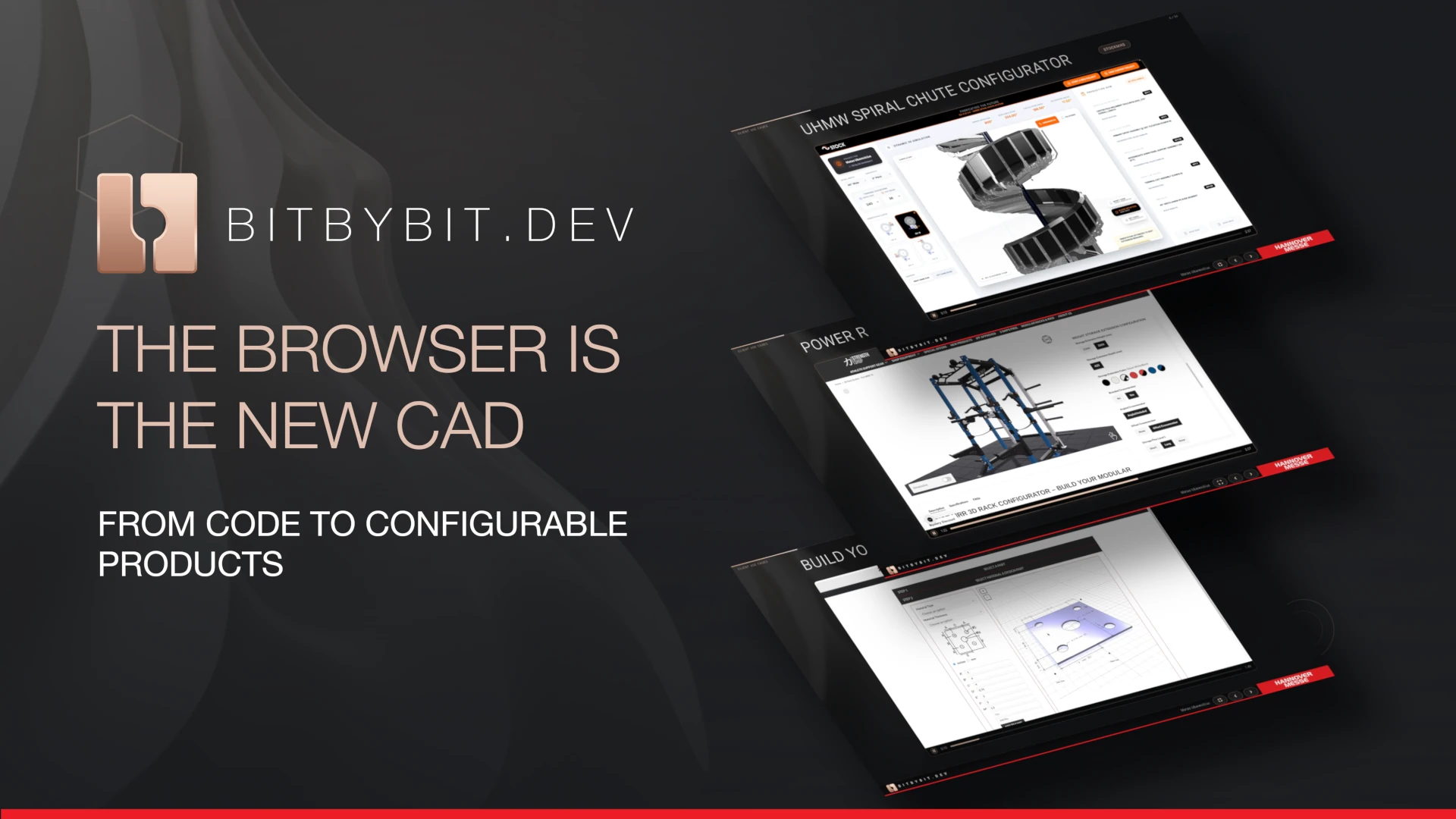
Matas Ubarevičius at Hannover Messe 2026

In April 2026 Bitbybit travelled to Hannover, where Matas Ubarevičius delivered the presentation titled "The Browser Is the New CAD: From Code to Configurable Products" at Hannover Messe, the world's leading trade fair for the manufacturing industry. The talk was accepted by CAE-Forum for their curated presentation stage and featured in their newsletter. In this blog post he shares his experience from the event and explains why this discourse matters for the manufacturing industry today.

Bitbybit v1.0.0: New Base for Cloud and Web CAD

· 8 min read

Bitbybit v1.0.0

After nearly 100 releases in the 0.x.x range and a release candidate phase, Bitbybit v1.0.0 is officially here. This release brings our new CAD foundation, cloud infrastructure, and an expanded toolkit for developers.

This post outlines the major architectural changes and new capabilities available across our NPM packages, TypeScript SDK, Bitbybit Studio, and the Managed CAD Cloud.

Parametric 3D Spiral Chute Configurator for STOCKMHS

· 12 min read

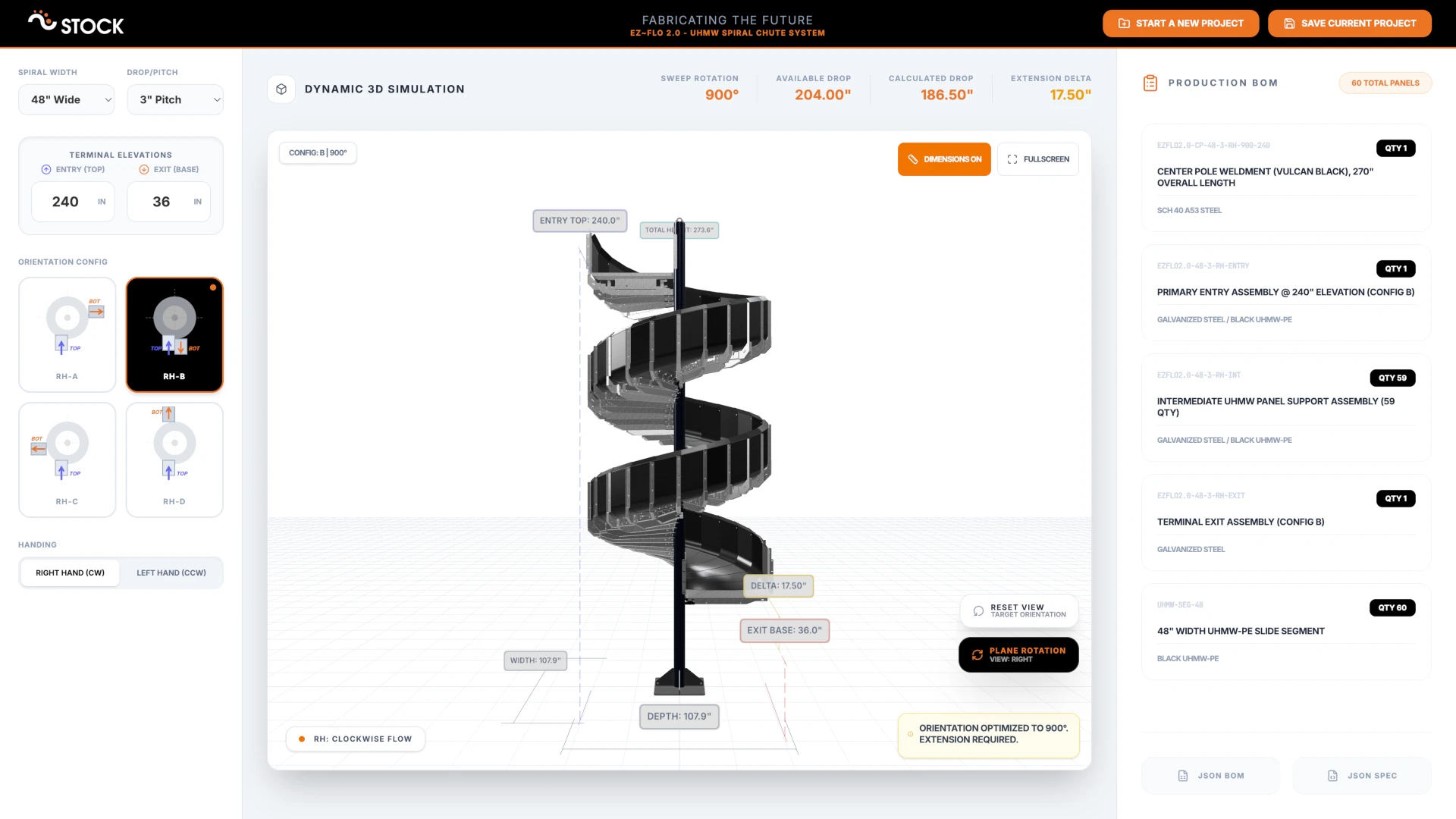
STOCKMHS UHMW Spiral Chute 3D Configurator

Demand for customizable products that don't need to be redesigned from scratch for every unique customer or situation is growing across the manufacturing industry. STOCKMHS recognized this early and created the modular EZ~FLO 2.0 Chute System (Patent Pending), which gives their team the freedom to adapt a proven product to any situation. Through our collaboration, we built a browser-based 3D configurator that serves as a digital twin for the entire spiral chute product line - letting the sales and engineering teams explore configurations, generate bills of materials, and produce branded PDF reports without ever leaving their browser.

Strength Shop Launched Riot MRR 75 Power Rack Configurator on Shopify With 3D Bits App

· 12 min read

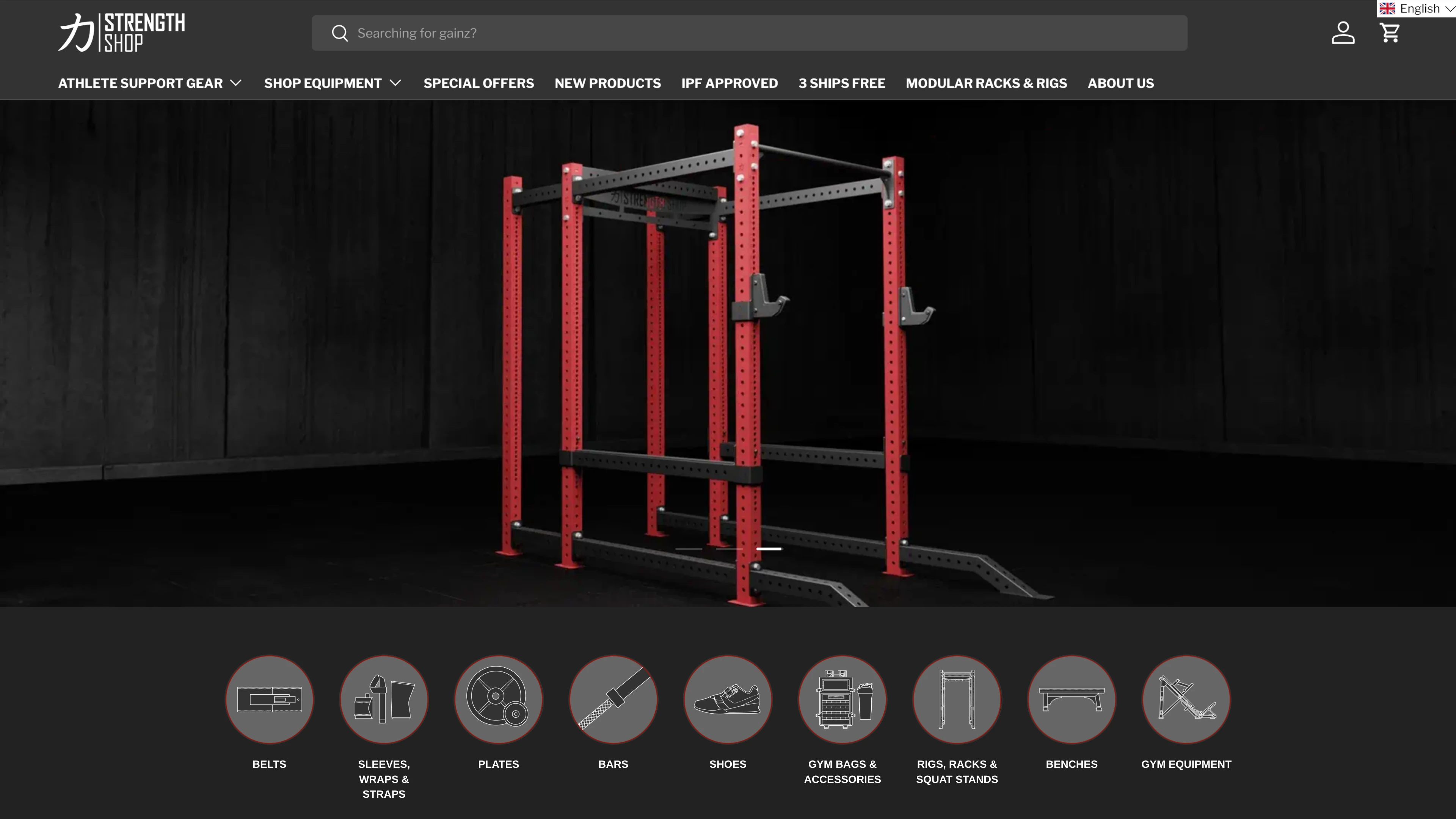
Strength Shop Launched Riot MRR 75 Power Rack 3D Configurator on Shopify With 3D Bits App

How do you sell a modular power rack online when every customer wants a different combination of uprights, crossbars, pull-up bars, and accessories - and needs to see the result before committing? Strength Shop answered that question by building a fully interactive 3D configurator powered by 3D Bits, with a completely custom user interface designed and developed by their own team.

How We Helped The Shim Shack Integrate Parametric 3D Configurators Into Their WooCommerce Store

· 8 min read

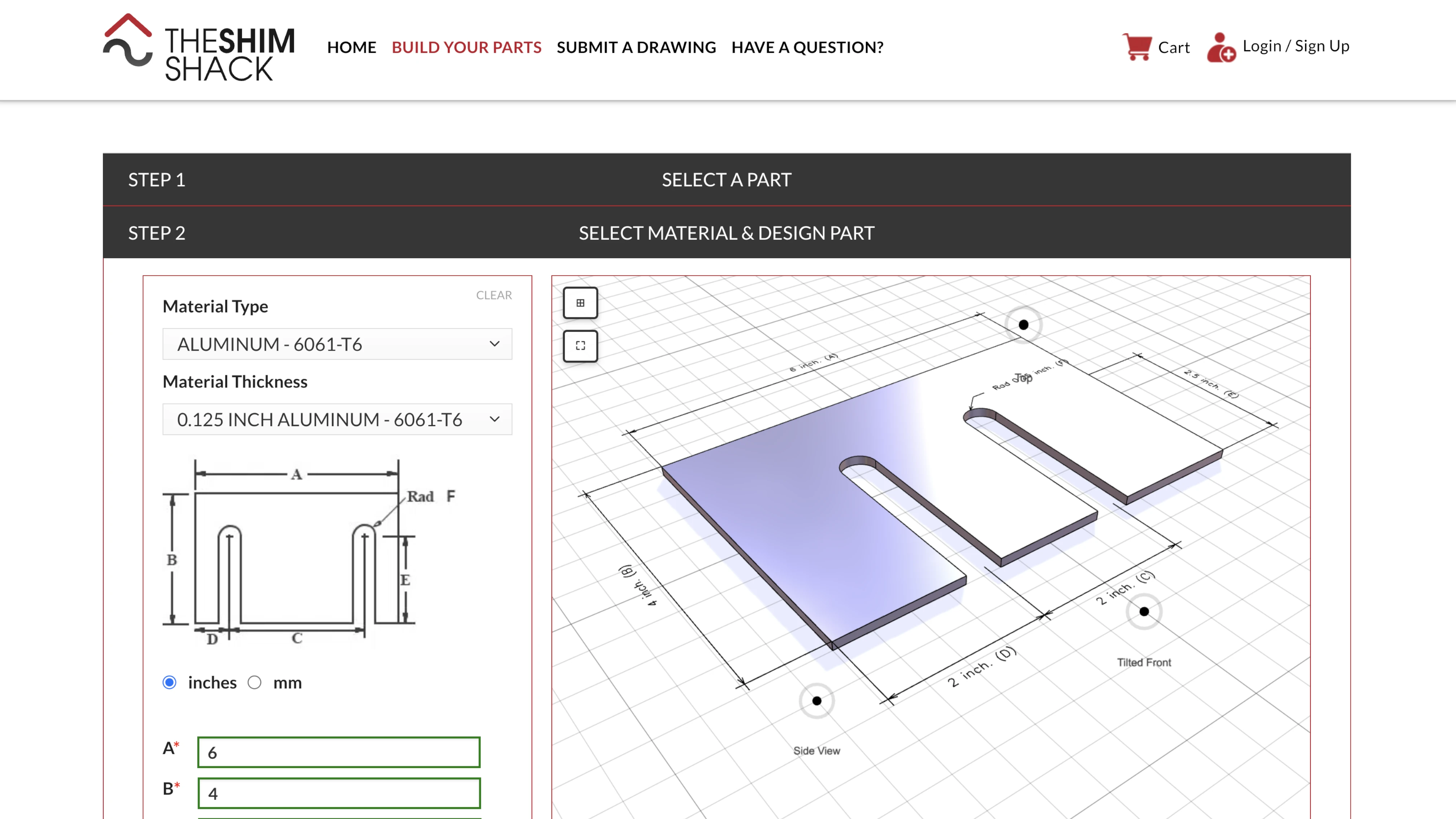
The Shim Shack 3D Configurators powered by Bitbybit Runner

How do you let customers design their own precision-cut metal parts online - with exact dimensions, real manufacturing constraints, and instant visual feedback? That was the challenge facing The Shim Shack. Through our collaboration, we delivered a suite of parametric 3D configurators that run directly inside their existing WordPress store. You can try them yourself at buildyourparts.theshimshack.com.