5 posts tagged with "AI"

Using AI assistants and machine learning with 3D modeling and CAD automation.

View All Tags

Introducing the Designer: Parametric CAD by Clicking, Built for People and Agents

· 10 min read
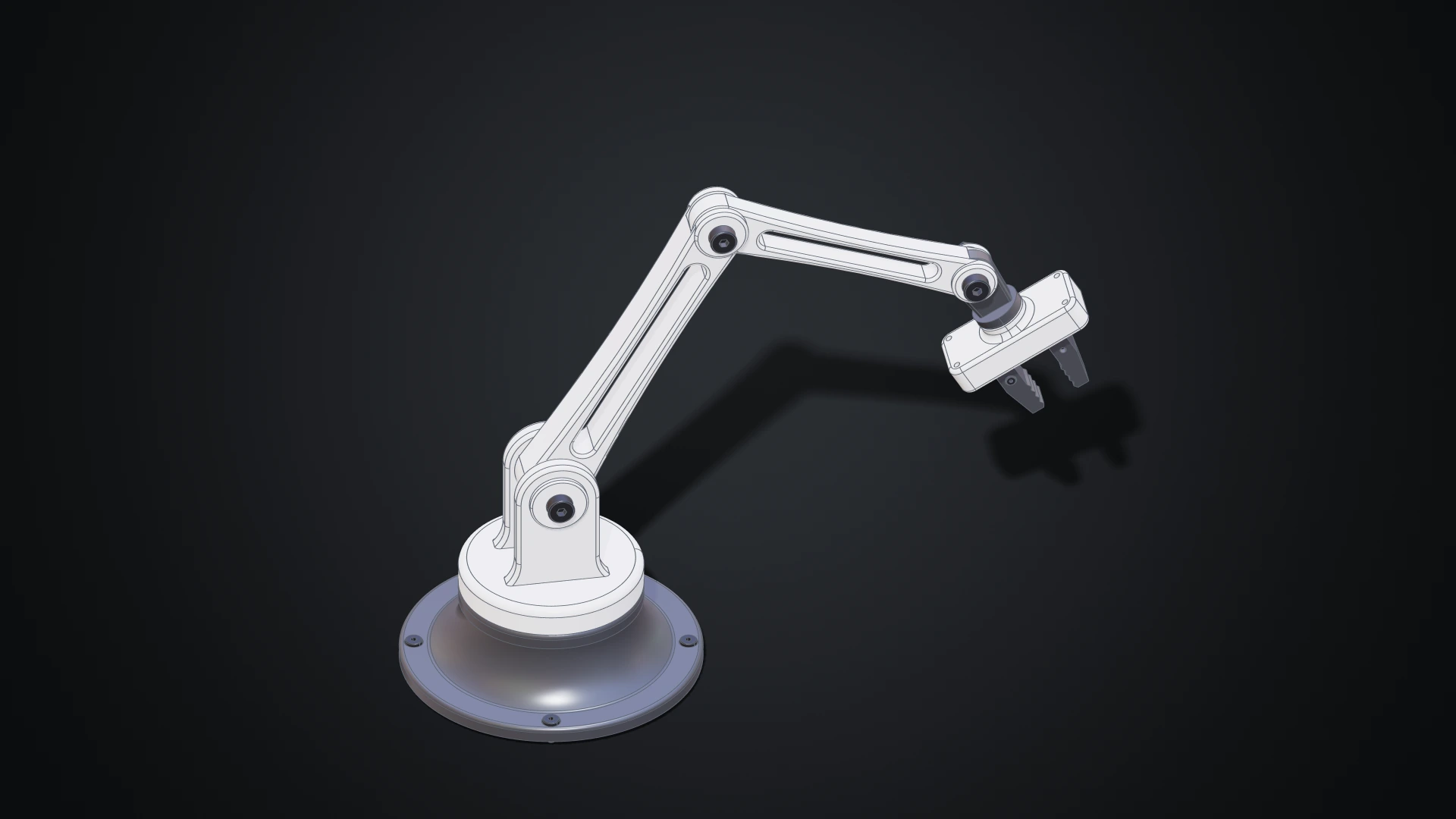
The desk robot arm modelled in the Designer, in white and dark grey: a revolved base with four screws, a shoulder with a clevis, two links with lightening windows, a wrist and a gripper with two jaws

Until now, making geometry on Bitbybit meant writing it: wiring nodes in Rete, snapping blocks in Blockly or typing TypeScript. Those editors shine when a model is a program, a family of parts generated from a few numbers. But a lot of design isn't programming. You want to draw a profile, pull it into a solid, round an edge, drill four holes and see the result straight away.

The Designer is our answer: a parametric CAD modeller you use with the mouse, in your browser. Draw a sketch, extrude it, fillet it, drill it, then put parts together with joints and pose the assembly. Every step is kept, so changing a size later rebuilds everything that depends on it. The Bitbybit OCCT Kernel does the modelling on your own machine, so there is nothing to install. And because the Designer was built for AI agents as much as for people, an agent can work in the same document beside you, while you keep or undo each of its changes.
Making Bitbybit AI Ready: Our MCP Servers, and a Jet Engine Built With Them

· 16 min read
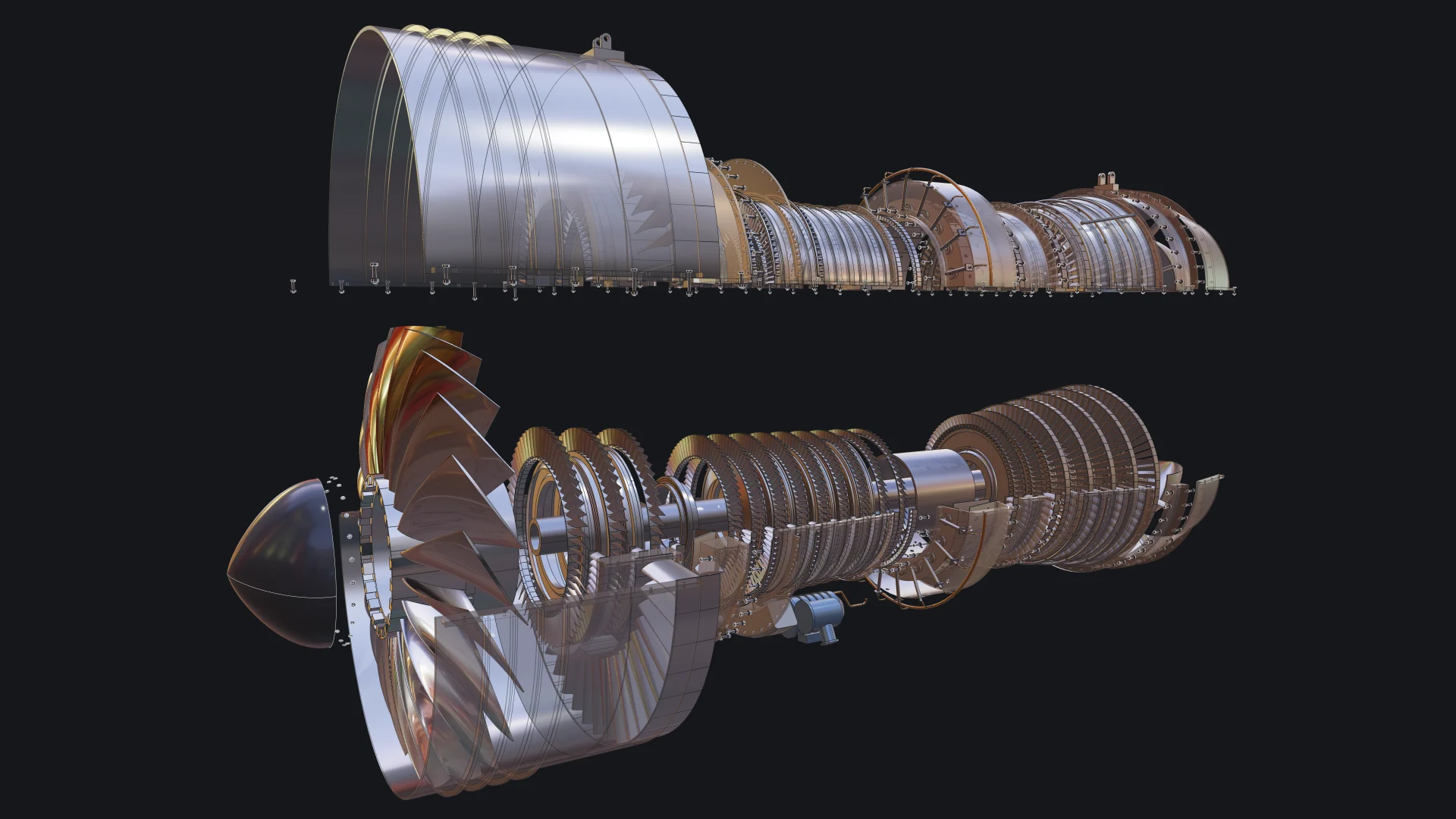
Exploded view of a two-spool turbofan engine built with Bitbybit by an AI coding agent, with the upper casing lifted and see-through

More and more of the code that uses Bitbybit is not typed by a person. It is written by an AI coding agent, inside an editor or a terminal, while a person describes what they want and judges what comes back. We think this is where 3D development is heading, and we want Bitbybit to be the CAD library that agents get right. That is why Bitbybit now runs its own MCP servers: one that teaches any agent the exact Bitbybit API, and one that lets an agent run real CAD operations for you.

To show what that looks like in practice, we asked an agent to build something far beyond a demo cube: a two-spool turbofan engine with 130 unique parts placed 4,853 times, bolted flanges, blades seated in slotted disks, a casing that opens, an exploded view and a welded transport stand. This post explains what MCP is, the use cases we care about most, what they mean for you, and how the engine was made.

The Browser Is the New CAD: From Code to Configurable Products

· 14 min read

Matas Ubarevičius at Hannover Messe 2026

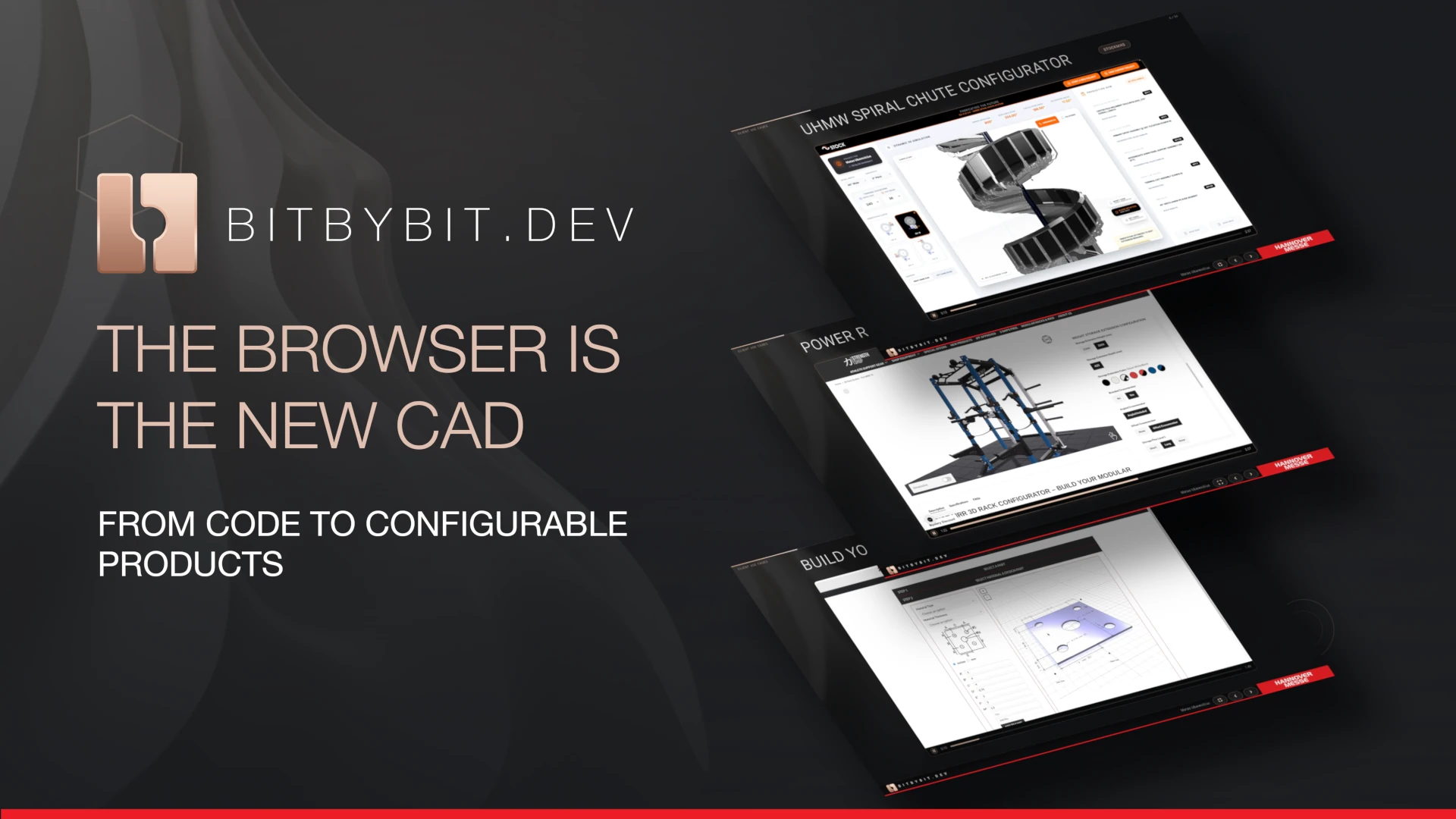
In April 2026 Bitbybit travelled to Hannover, where Matas Ubarevičius delivered the presentation titled "The Browser Is the New CAD: From Code to Configurable Products" at Hannover Messe, the world's leading trade fair for the manufacturing industry. The talk was accepted by CAE-Forum for their curated presentation stage and featured in their newsletter. In this blog post he shares his experience from the event and explains why this discourse matters for the manufacturing industry today.

AI Prompt Contexts - Teaching Your AI Assistant to Code with Bitbybit

· 11 min read

AI Prompt Contexts for Bitbybit

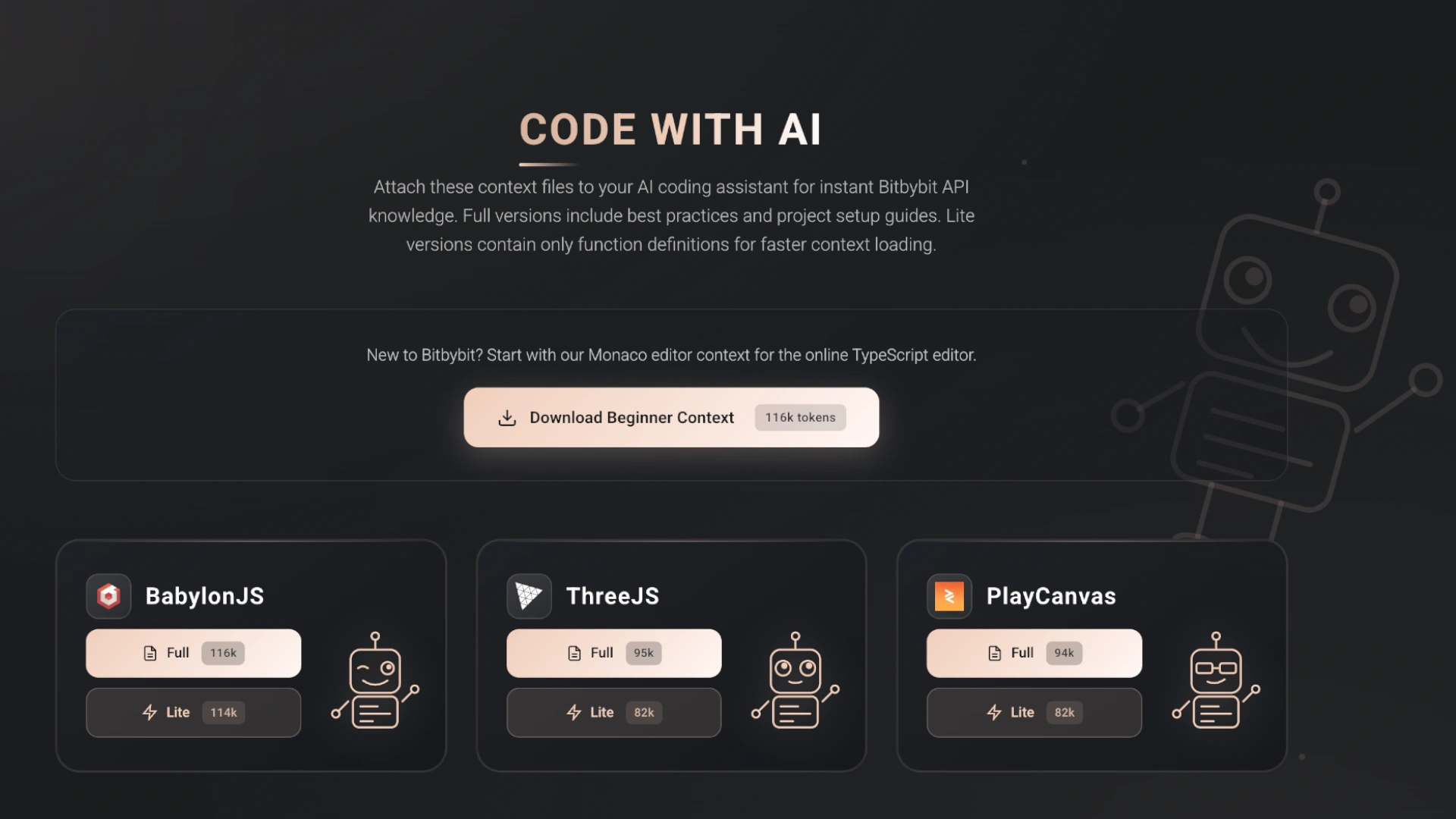
Modern AI assistants like Claude, Gemini, Grok or ChatGPT or are remarkably capable at writing code. However, they can struggle with specialized libraries and APIs they weren't extensively trained on. That's where AI Prompt Contexts come in - specially crafted documentation files that give your AI assistant deep knowledge of the Bitbybit API.

Download Context Files​

Choose the context file that matches your 3D rendering engine. Right-click and "Save As" to download, or open and copy the content. Read on below for guidance on which format to choose.

Monaco Editor Context (Beginner-Friendly)

For users of our online TypeScript editor at bitbybit.dev/app

Markdown Context (Dictionary Translation)
TypeScript Declarations (No Translation)

GOLDEN AGE FOR OPEN-SOURCE CAD AND AI

· 4 min read

The image showing some possible web technologies where bitbybit can be implemented. There are definitely more.

Open-source CAD software and AI have the potential to revolutionize the field by providing a platform for collaboration and innovation. Closed-source ecosystems may struggle to keep up due to proprietary restrictions and a focus on commercial interests over innovation.