
3 posts tagged with "Assembly"

Working with multi-part CAD assemblies, hierarchies, and component structures.

View All Tags

Introducing the Designer: Parametric CAD by Clicking, Built for People and Agents

· 10 min read
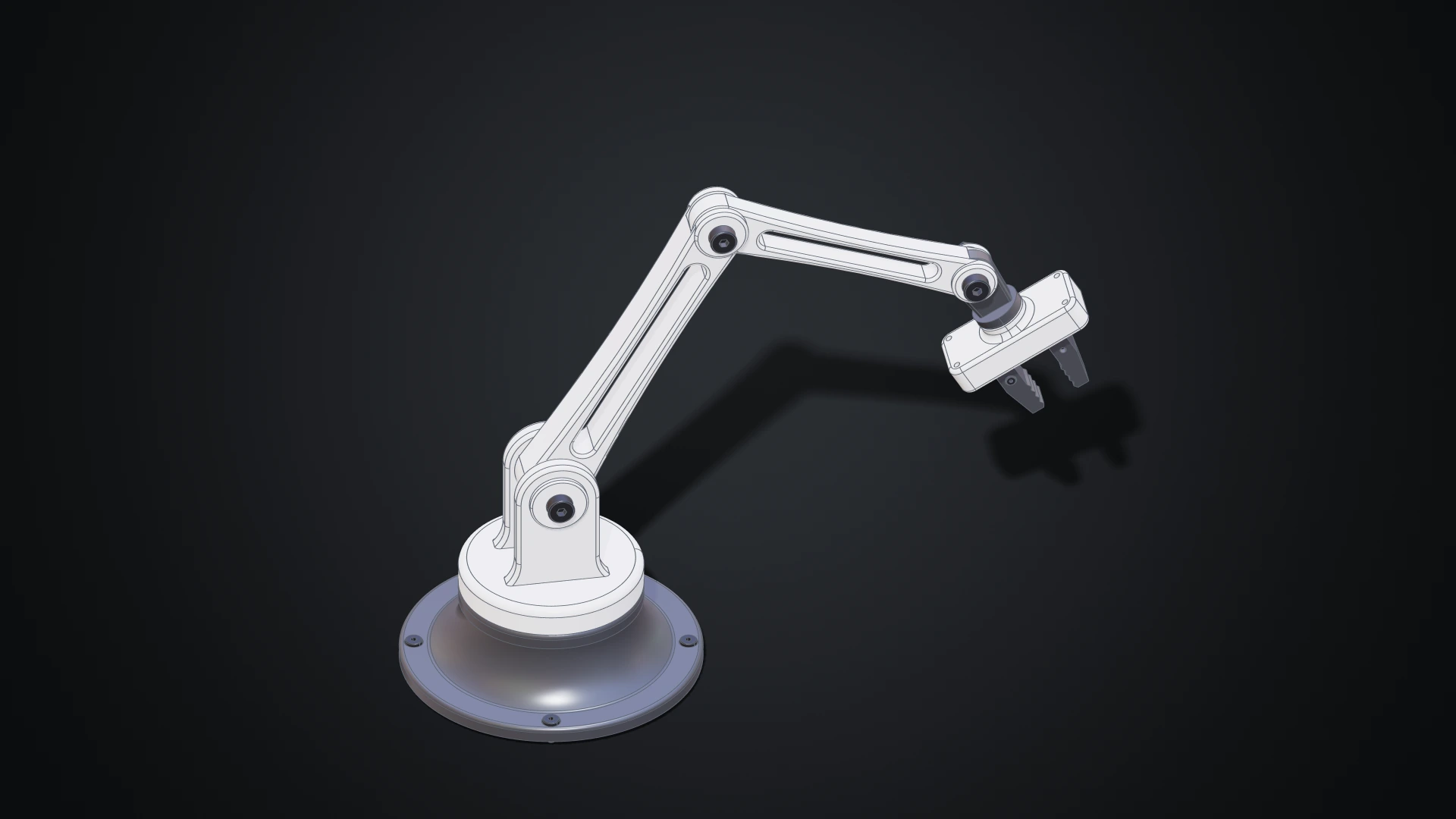
The desk robot arm modelled in the Designer, in white and dark grey: a revolved base with four screws, a shoulder with a clevis, two links with lightening windows, a wrist and a gripper with two jaws

Until now, making geometry on Bitbybit meant writing it: wiring nodes in Rete, snapping blocks in Blockly or typing TypeScript. Those editors shine when a model is a program, a family of parts generated from a few numbers. But a lot of design isn't programming. You want to draw a profile, pull it into a solid, round an edge, drill four holes and see the result straight away.

The Designer is our answer: a parametric CAD modeller you use with the mouse, in your browser. Draw a sketch, extrude it, fillet it, drill it, then put parts together with joints and pose the assembly. Every step is kept, so changing a size later rebuilds everything that depends on it. The Bitbybit OCCT Kernel does the modelling on your own machine, so there is nothing to install. And because the Designer was built for AI agents as much as for people, an agent can work in the same document beside you, while you keep or undo each of its changes.
Making Bitbybit AI Ready: Our MCP Servers, and a Jet Engine Built With Them

· 16 min read
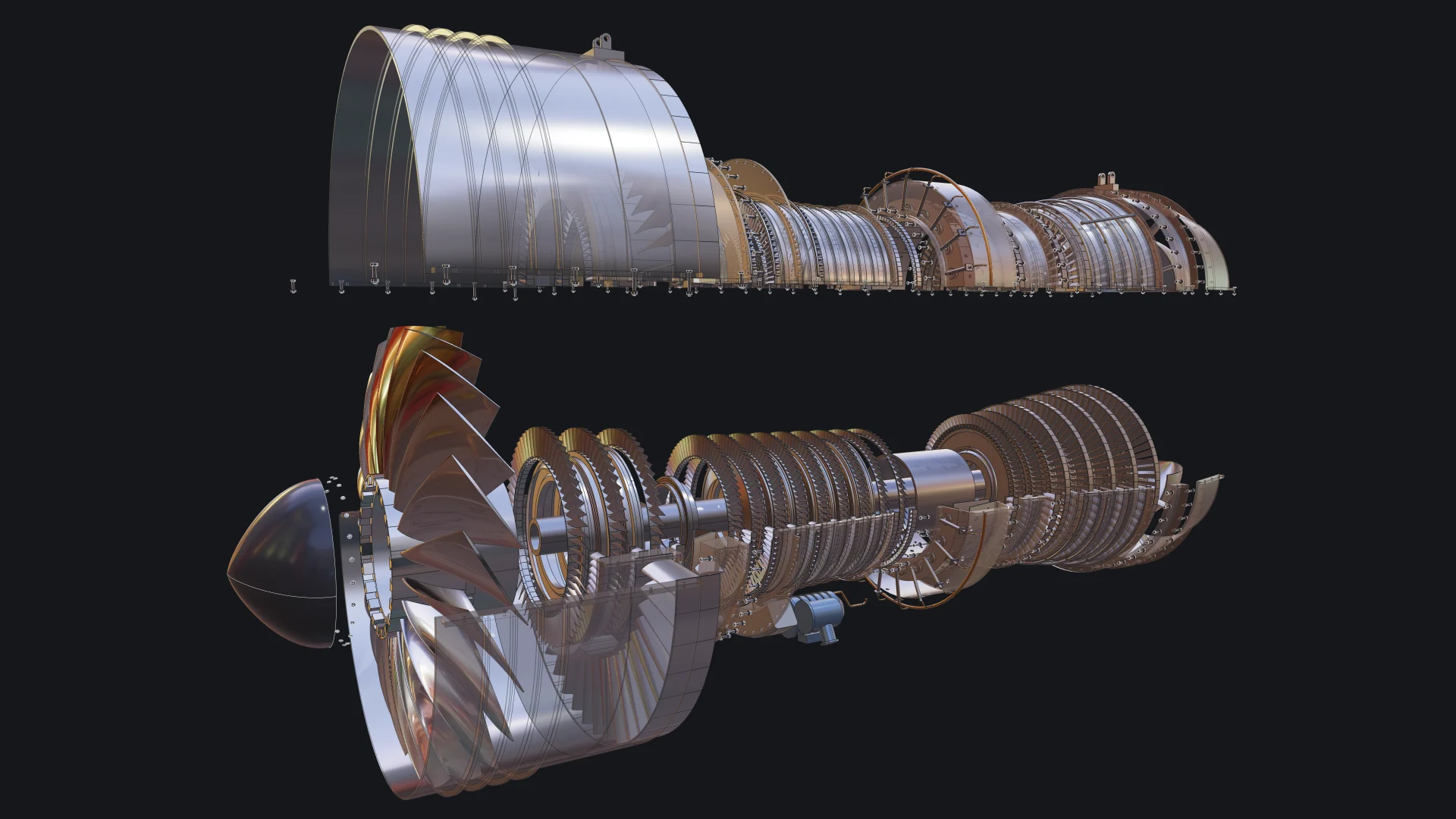
Exploded view of a two-spool turbofan engine built with Bitbybit by an AI coding agent, with the upper casing lifted and see-through

More and more of the code that uses Bitbybit is not typed by a person. It is written by an AI coding agent, inside an editor or a terminal, while a person describes what they want and judges what comes back. We think this is where 3D development is heading, and we want Bitbybit to be the CAD library that agents get right. That is why Bitbybit now runs its own MCP servers: one that teaches any agent the exact Bitbybit API, and one that lets an agent run real CAD operations for you.

To show what that looks like in practice, we asked an agent to build something far beyond a demo cube: a two-spool turbofan engine with 130 unique parts placed 4,853 times, bolted flanges, blades seated in slotted disks, a casing that opens, an exploded view and a welded transport stand. This post explains what MCP is, the use cases we care about most, what they mean for you, and how the engine was made.

STEP Assembly Support: Load, Parse, and Export Professional CAD Files

· 6 min read

Bitbybit STEP Assembly Support

If you've ever tried to load, edit or create a complex STEP assembly in a web browser, you know how tricky it can be. STEP is the standard format engineers use to share CAD models, but browsers don't understand it natively. You usually need desktop software or a server to convert it.

With Bitbybit v1.0.0, that changes. You can now load STEP assemblies directly in the browser, explore their structure, extract individual parts, and export to web-friendly formats. Everything runs locally using Bitbybit OCCT WebAssembly.