Blockly Editor
Blockly is the block editor of Bitbybit. You build a program by dragging blocks out of a toolbox and snapping them together: a block that does something stacks under another, and a block that gives a value plugs into an input. The blocks only fit where they make sense, so a whole kind of mistake cannot happen, which makes Blockly the gentlest way into programming 3D geometry. Every function of the Bitbybit API has its block, beside Blockly's own variables, loops, logic, lists and functions.
Blockly is the open-source framework by Google behind Scratch-like editors. Under the blocks is JavaScript, so a Blockly script can grow into a real program: events, conditions, loops and functions included.
What you can do
- Build a script from the toolbox, by category or by searching, stacking blocks and plugging values in.
- Work with blocks: duplicate, comment, collapse or disable them from their menu, and read what each one does from its tip.
- Use variables and functions to name a value once and reuse it, or to wrap blocks into a function of your own.
- See the code the blocks turn into, and take it into your own app.
- Let an agent build with you: an AI agent in your browser can snap blocks together, run them and read which failed.
Where to start
- The tour names every part of the window.
- Hello World builds a first script step by step, with a picture after every step.
- A parametric cube sizes a solid with a variable.
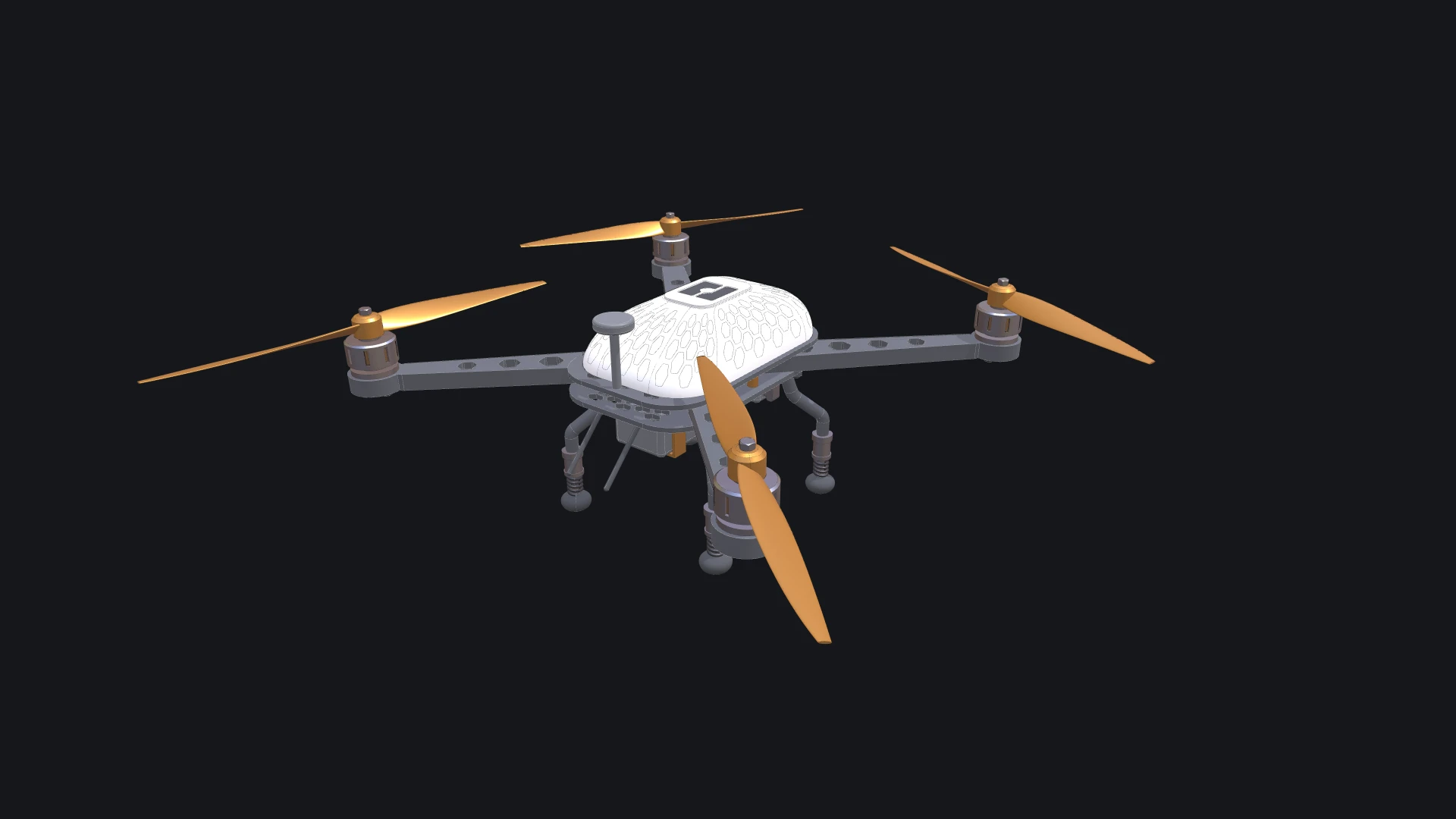
- Build a drone, the one above, over seven chapters: variables, a function for every part, loops, and async functions that await what they measure.
- The showcases are larger scripts to open, run and take apart.
Blockly runs only when you press Run The Code, so run again after a change. Running code explains the 3D view and the console, which every editor shares, and the shortcuts list the keys.
Verified against the product in October 2026