Open a design again
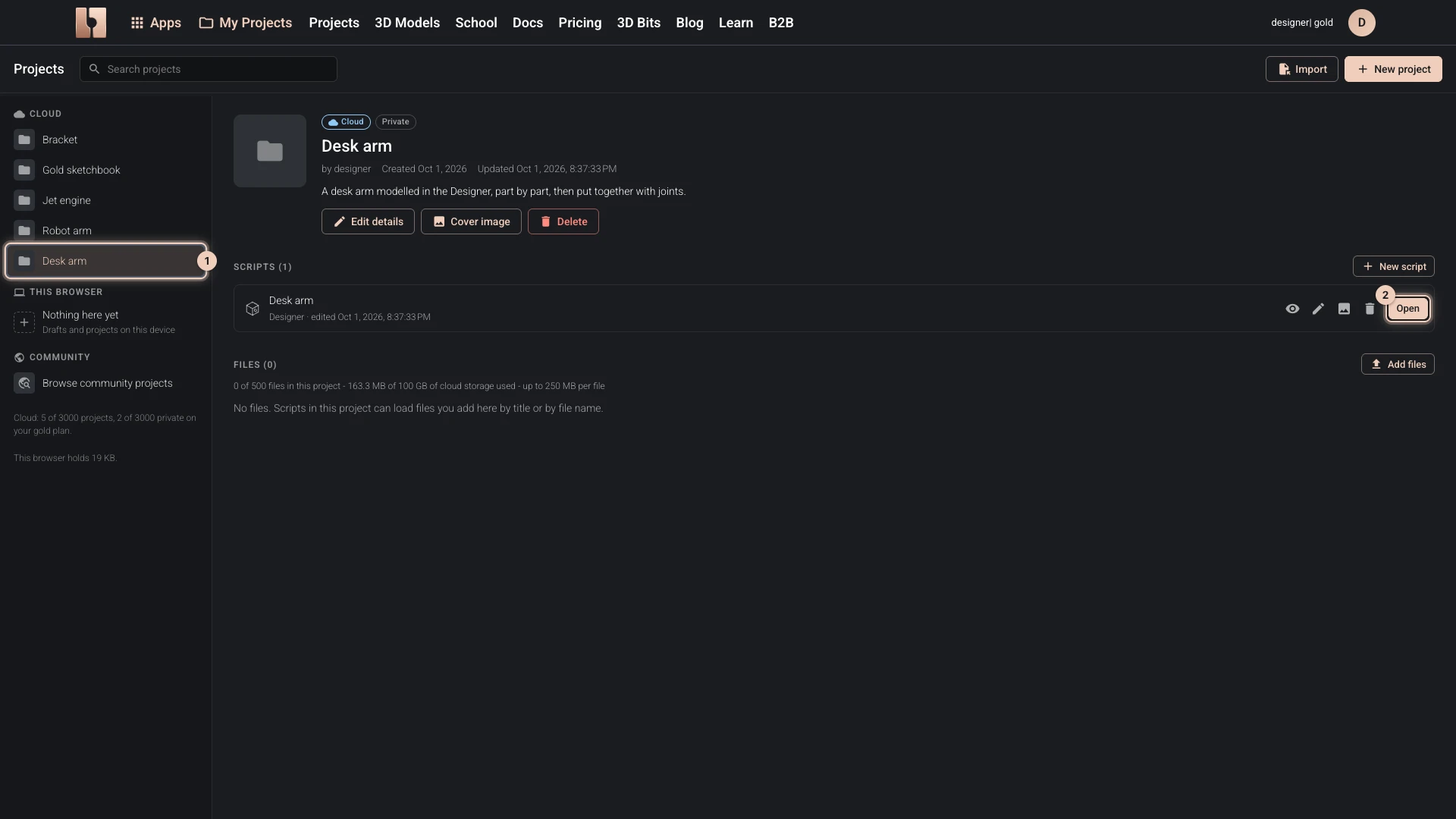
- Open My Projects in the bitbybit.dev header.
- On the left, choose the project: your cloud projects are listed first, then the ones in this browser. Drafts you started from the Apps menu are in Drafts, in this browser.
- Choose Open beside the script.
The Designer opens the design with every one of its documents, listed at the top of the Features panel, where you switch between them.
Someone else's design
A public design, or one shared with your plan's community, opens in the Designer as it is. On Gold, when you change something, your version is kept as a copy in this browser, named "Copy of" and the original's title. The original never changes. Below Gold it opens to view: Open the Designer says what you can do there.
Verified against the product in October 2026