Inspect an assembly: parts list, clashes and mass
Bill of materials
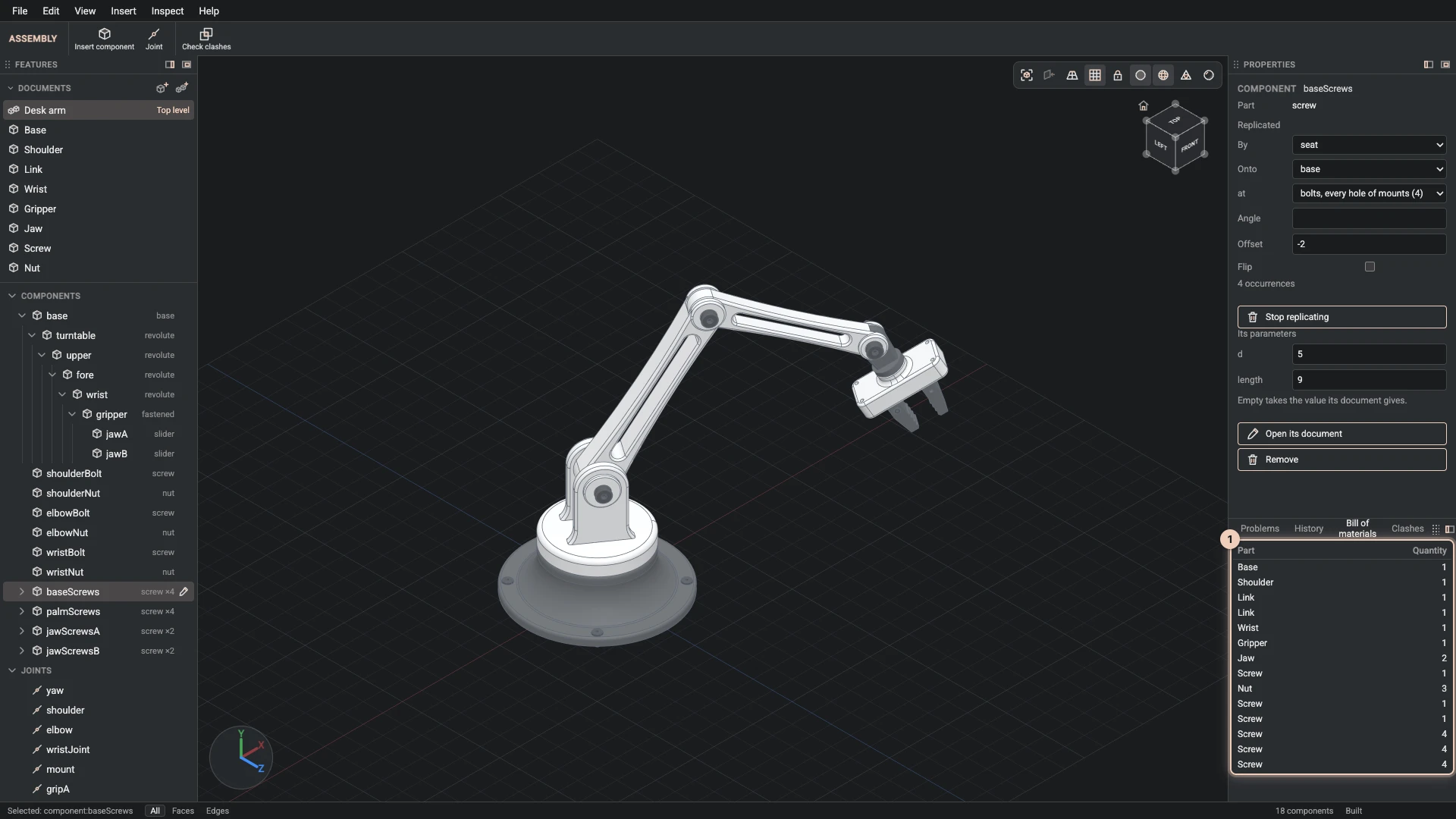
The dock's Bill of materials tab lists every part the assembly places, with its Quantity, counted through every sub-assembly, replicate and pattern. It follows the assembly as you change it.
A part placed at different sizes is a different part to make, so it has a line for each: the desk arm's long upper arm and short forearm come from one link document, and are two lines. The same goes for the screws of different lengths.
Check clashes
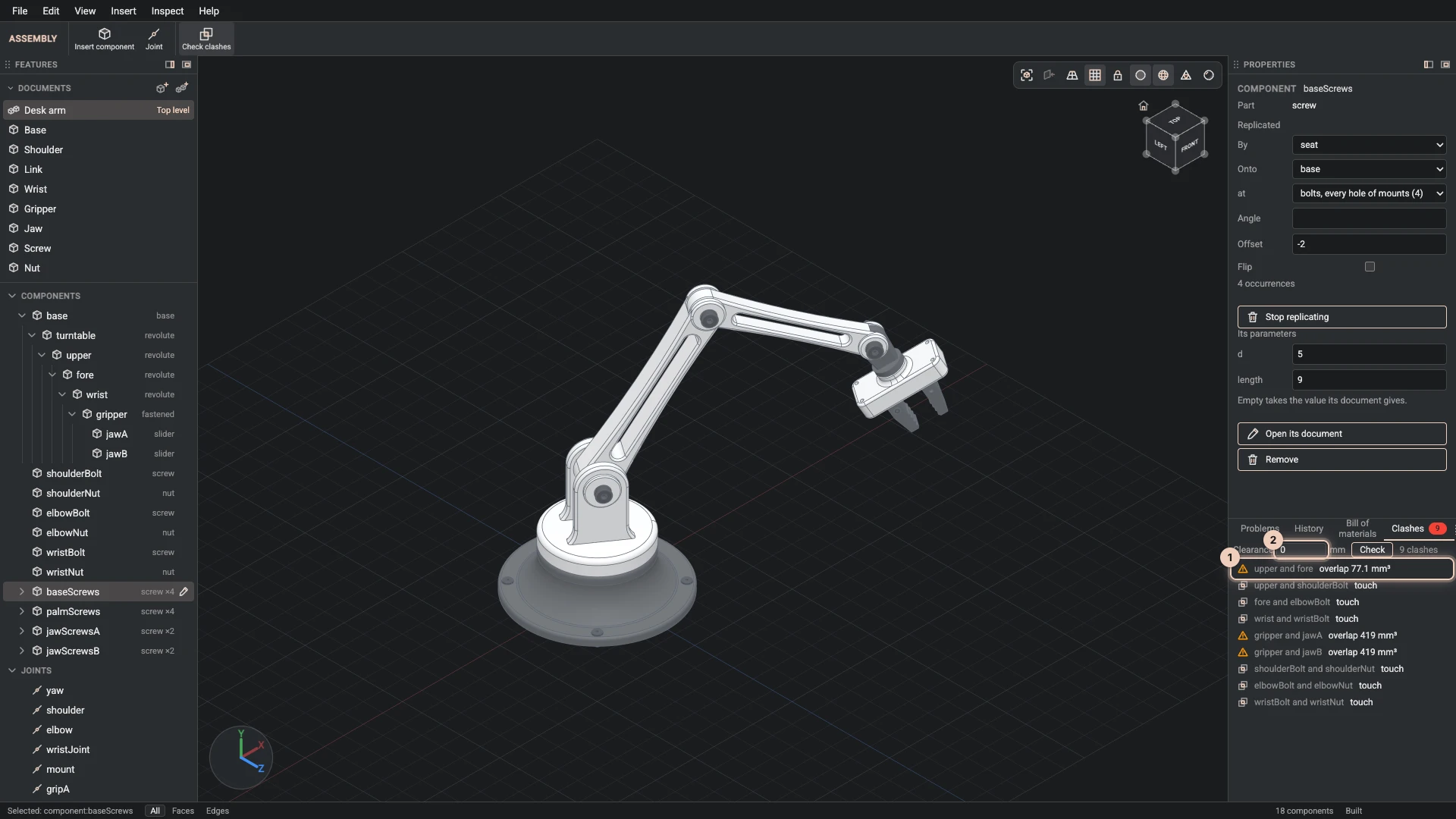
Check clashes, in Inspect, on the toolbar or in the dock's Clashes tab, builds the assembly as it stands and lists every pair of parts that:
- overlap, with the volume they share, which is almost always a mistake;
- touch, which can be right, such as a screw head on its seat;
- come closer than the Clearance you set, in the document's length unit. With 0, only overlaps and touches are listed.
A touch that a joint asks for, two parts meeting at their connectors, is left out. Click a clash to see the two parts in the view. Check again after a change: the list shows the assembly as it was when you checked, in the pose it was in, so try each configuration that matters.
Volume and mass
Select a part in its part document to see its volume, and its mass from its material's density.
Verified against the product in October 2026