Connectors
A connector marks a place on a part where an assembly can attach it: a point with a direction, such as the middle of a mounting face pointing out of it, or the axis of a hole. Joints join one part's connector to another's, and Replicate places a part on every connector of a set.
Connectors belong to the part, in its part document, so every assembly that places the part can use them.
Add a connector
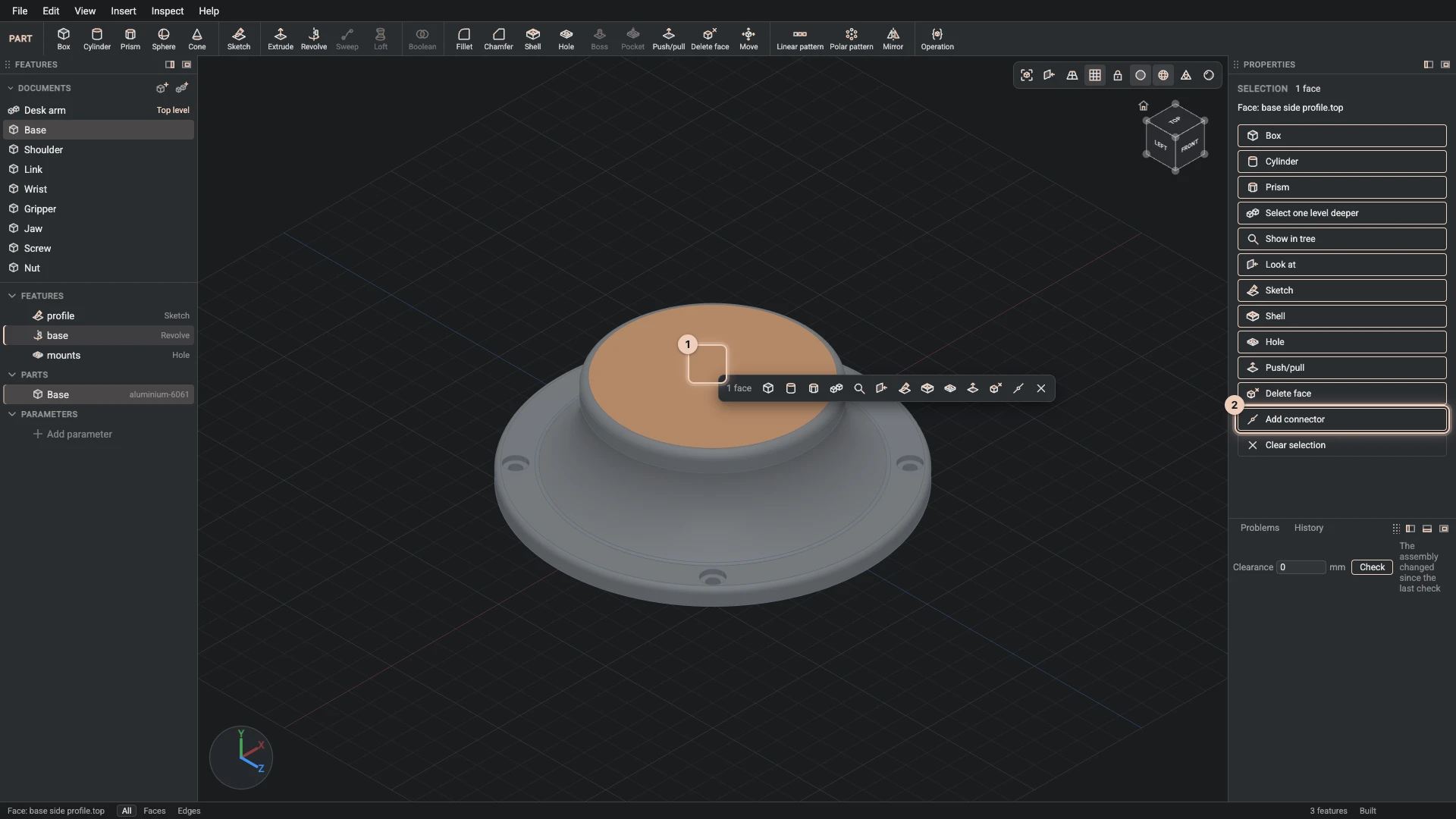
In the part document, pick where the connector goes, then choose Add connector in the Selection panel or Insert > Add connector:
- a flat face: the connector sits at the face's middle, pointing out of it;
- a hole's wall or a cylinder: it sits where the axis crosses the face the hole starts from, along the axis;
- a circular edge: it sits at the circle's centre.
The status bar names the connector it added. Like every reference, a connector names its face by the feature that made it, so it stays in place when the part changes size.
A connector per hole
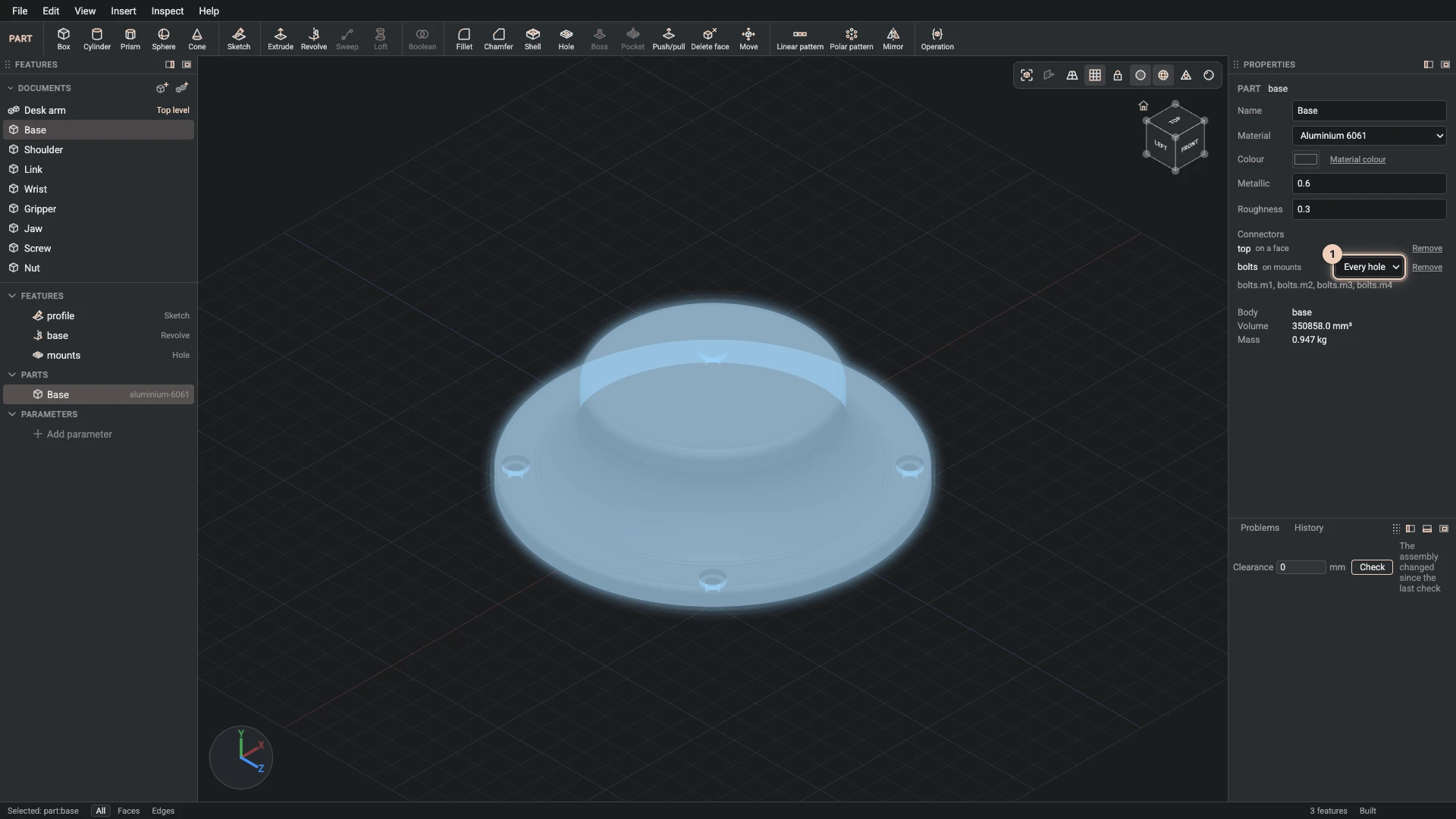
On the wall of a hole drilled at several positions, Add connector makes a set: one connector per hole, named after the connector and the position. Properties lists the part's connectors with the feature each sits on, and a set's choice of Every hole or a single position. The picture shows the desk arm's base, whose bolts set has a connector in each of its four mounting holes; the assembly places a screw in every one with one Replicate.
Remove beside a connector takes it off the part. A joint that used it then says it is missing, in the assembly's Problems tab.
Verified against the product in October 2026