A Parametric Cube
Parametric means that a shape follows its parameters: change a number and the geometry is rebuilt from it. In code a parameter is simply a value the rest of the script reads. Here one constant sizes a cube made by OCCT, the CAD kernel behind solids on Bitbybit.
Before you start
Open an empty TypeScript editor. If this is your first TypeScript script, Hello World shows the basics first.
The steps
-
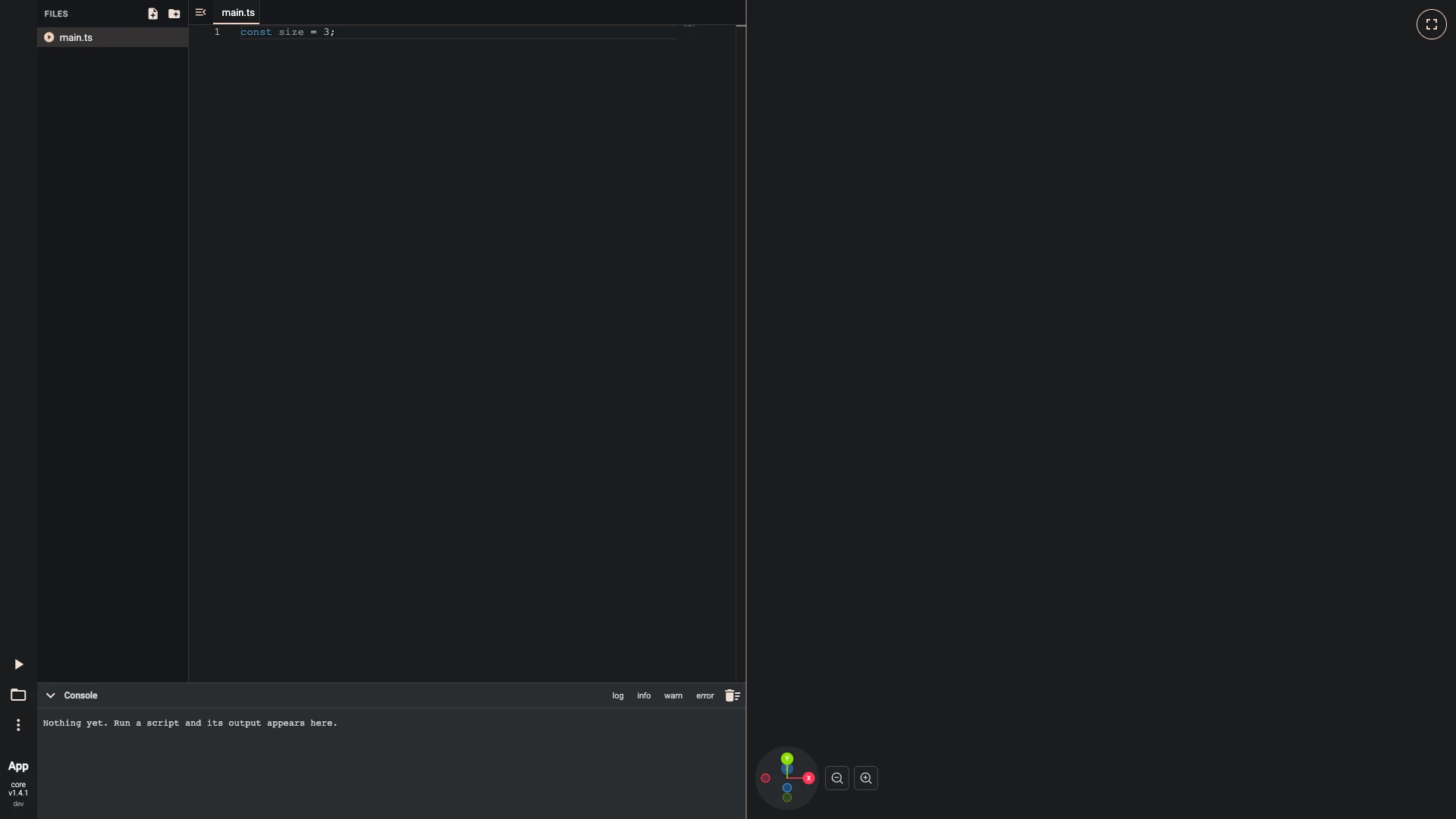
Add this line to
main.ts:const size = 3;One constant holds the parameter; everything that depends on it reads it.
-
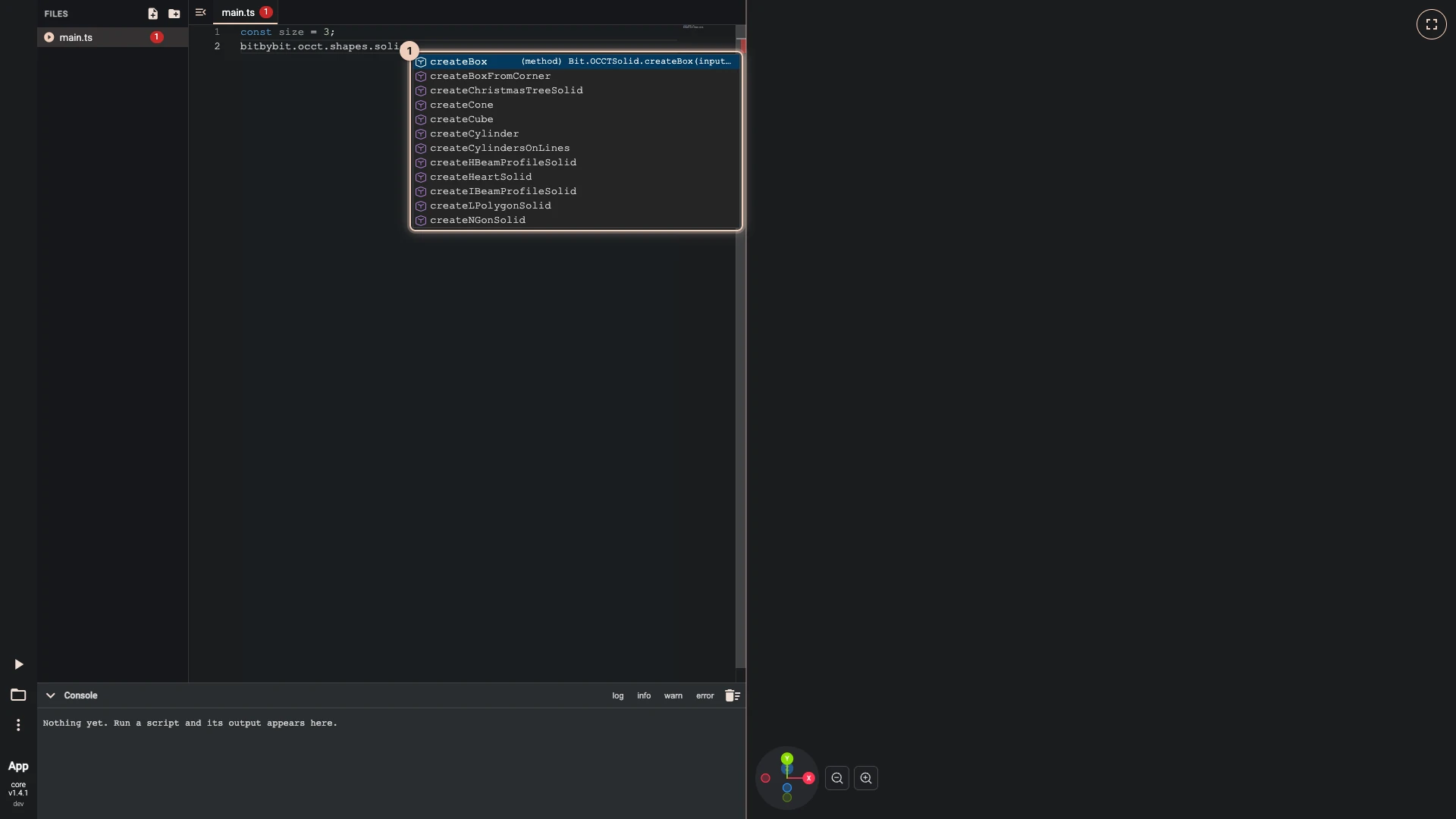
Type
bitbybit.occt.shapes.solid.and IntelliSense lists what the API offers there. Then add these lines tomain.ts:const cubeOptions = new Bit.Inputs.OCCT.CubeDto();cubeOptions.size = size;const cube = await bitbybit.occt.shapes.solid.createCube(cubeOptions);The API follows its categories: occt, then shapes, then solid. The cube is a solid made by OCCT, the CAD kernel, so it is awaited.
-
Add this line to
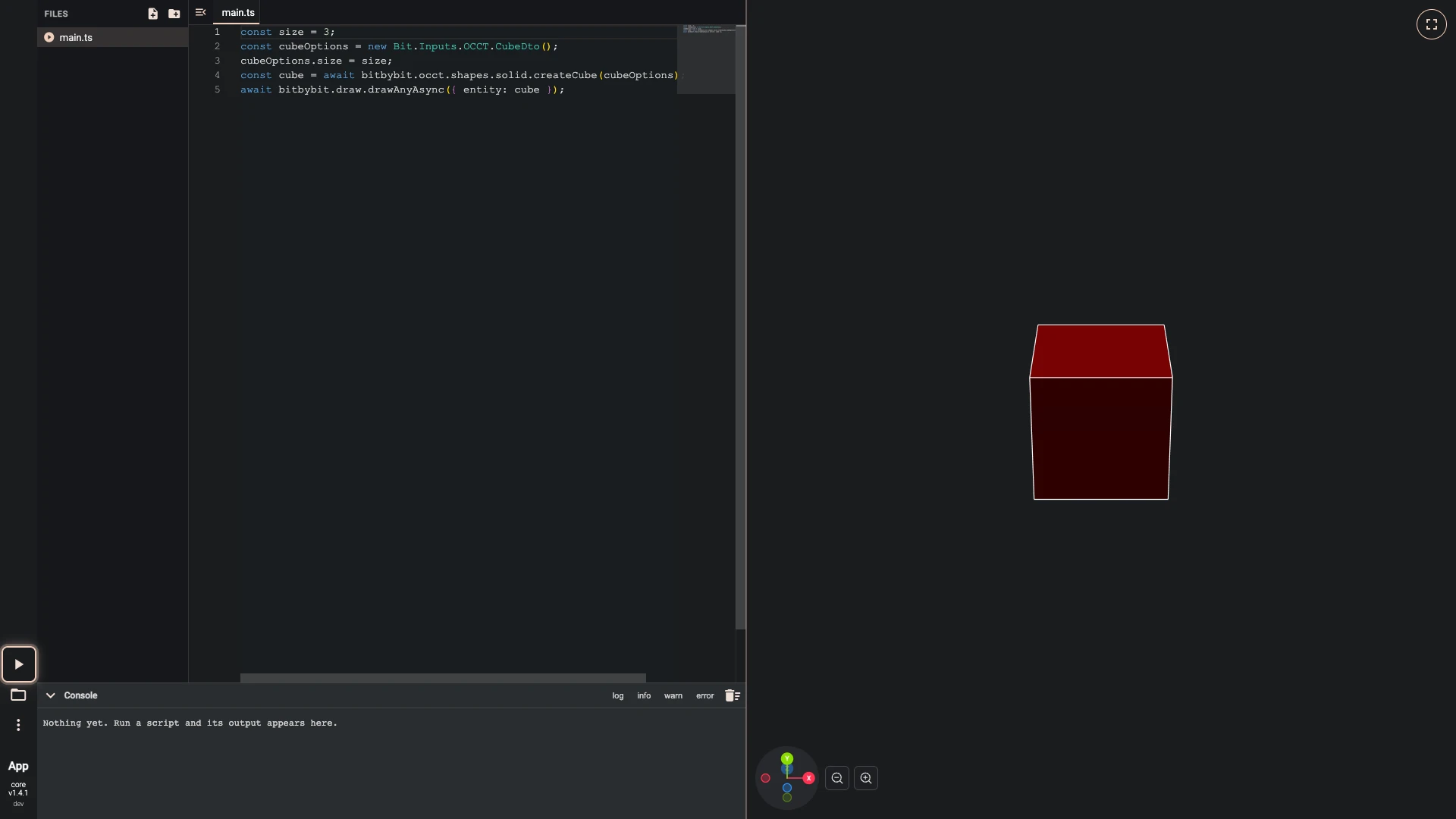
main.ts:await bitbybit.draw.drawAnyAsync({ entity: cube }); -
Run the script. Press Run The Code, the play button at the lower left.
-
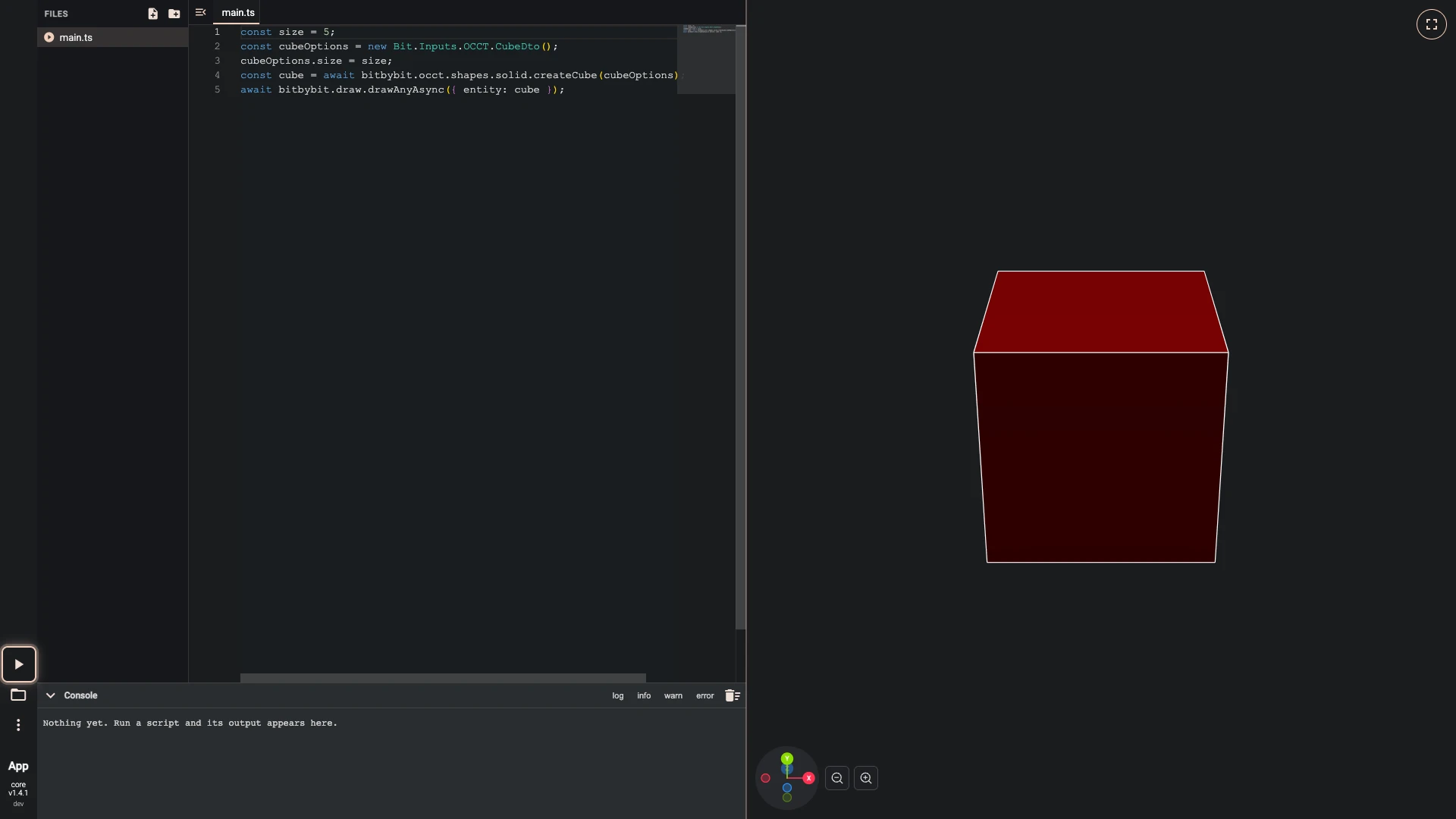
Change
const size = 3;toconst size = 5;.Change the one number, run again, and the cube follows.
-
Run the script. Press Run The Code, the play button at the lower left.
The finished script
The script these steps build, to run here:


const size = 5;
const cubeOptions = new Bit.Inputs.OCCT.CubeDto();
cubeOptions.size = size;
const cube = await bitbybit.occt.shapes.solid.createCube(cubeOptions);
await bitbybit.draw.drawAnyAsync({ entity: cube });
What you learned
- One value can drive a model. Every line that reads
sizefollows it. - The API follows its categories,
bitbybit.occt.shapes.solid.createCubesitting where the cube does in Rete and Blockly. - Split a growing script into files with files and imports.
Verified against the product in October 2026