Hello World in 3D
The classic first program prints "Hello World". In TypeScript on Bitbybit the words stand in 3D on a grid, in a few lines that call the bitbybit API. Every step shows the editor as it looks after it, and the finished script waits at the end, ready to run on this page.
Before you start
Open an empty TypeScript editor in your browser, or start a TypeScript script in one of your projects. The script lives in main.ts, the file the run starts from. The tour names every part of the window.
The steps
-
Add these lines to
main.ts:const grid = new Bit.Inputs.Draw.SceneDrawGridMeshDto();bitbybit.draw.drawGridMesh(grid);bitbybitholds the whole API, andBit.Inputsthe option objects its functions take. A new options object starts with sensible values, so the grid needs nothing else.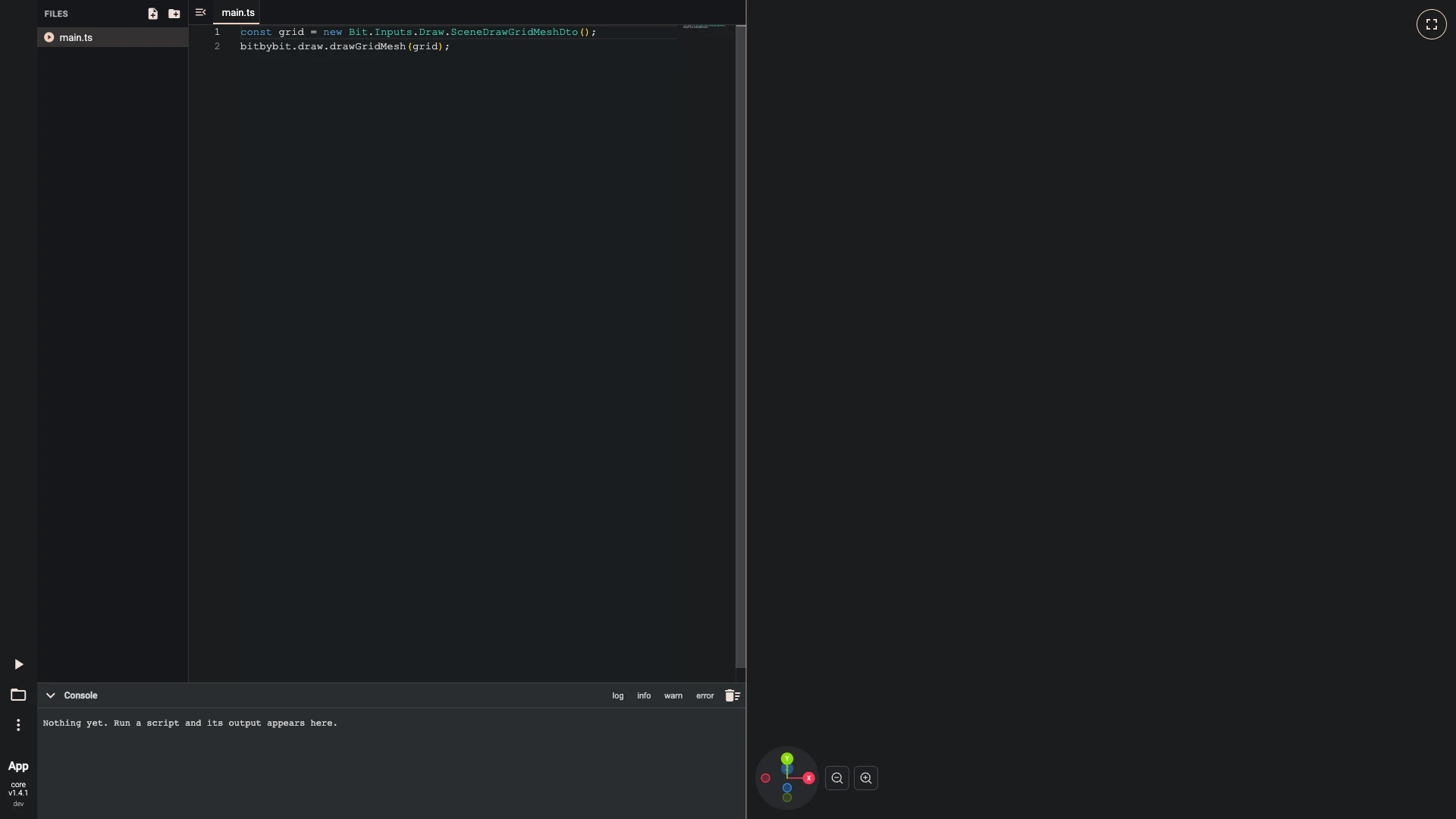
-
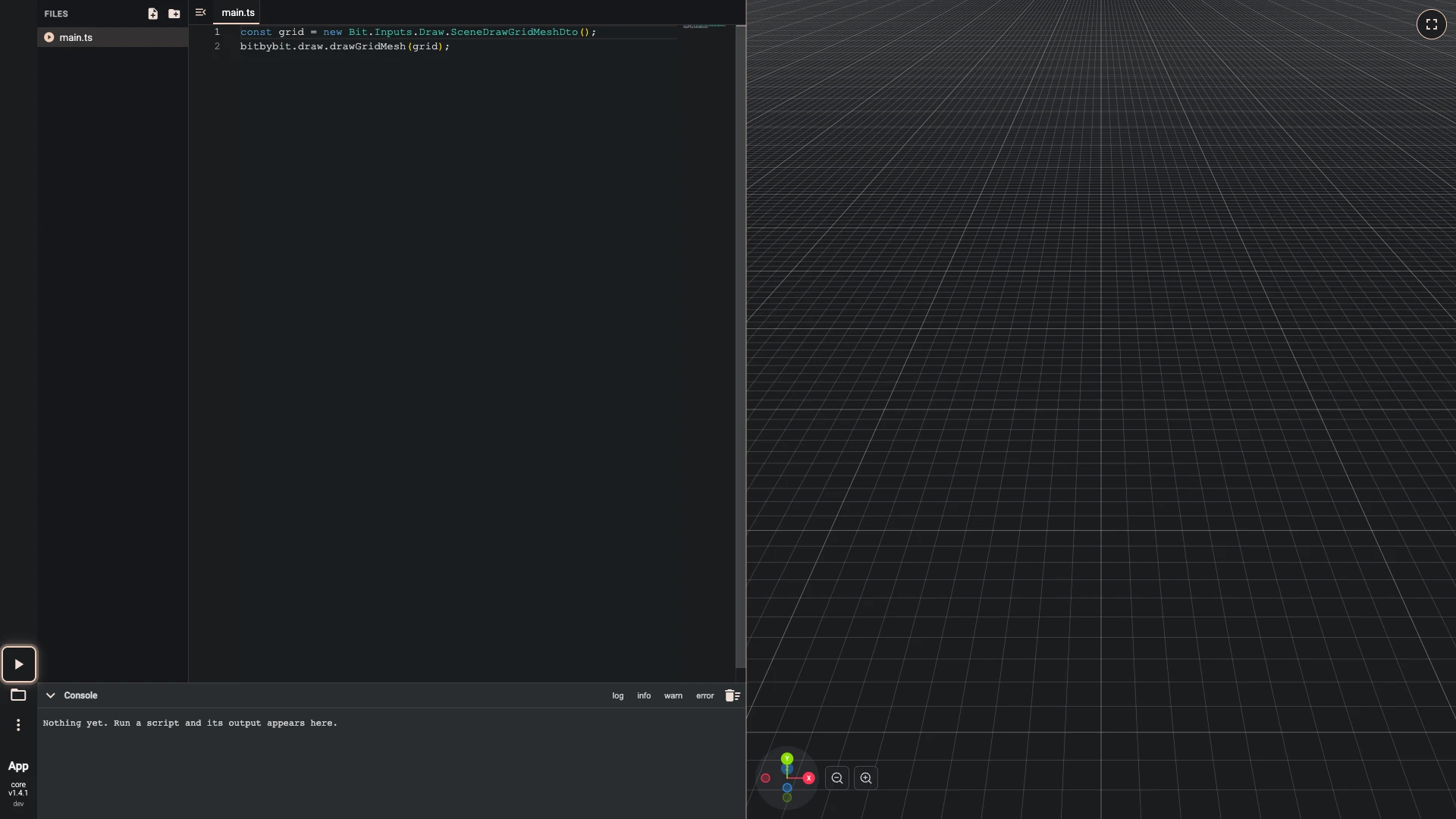
Run the script. Press Run The Code, the play button at the lower left.
A script runs only when you press Run The Code, so run it after each change.
-
Type
bitbybit.advanced.text3d.and IntelliSense lists what the API offers there. Then add these lines tomain.ts:const options = new Bit.Advanced.Text3D.Text3DDto();options.text = "Hello World!";options.rotation = -90;options.originAlignment = Bit.Advanced.Text3D.recAlignmentEnum.centerBottom;options.direction = [0, 0, -1];const text = await bitbybit.advanced.text3d.create(options);As you type, IntelliSense lists what the API offers at each dot, with what each function does. Text 3d takes the words, how they turn and where they stand;
awaitwaits for the text to be made.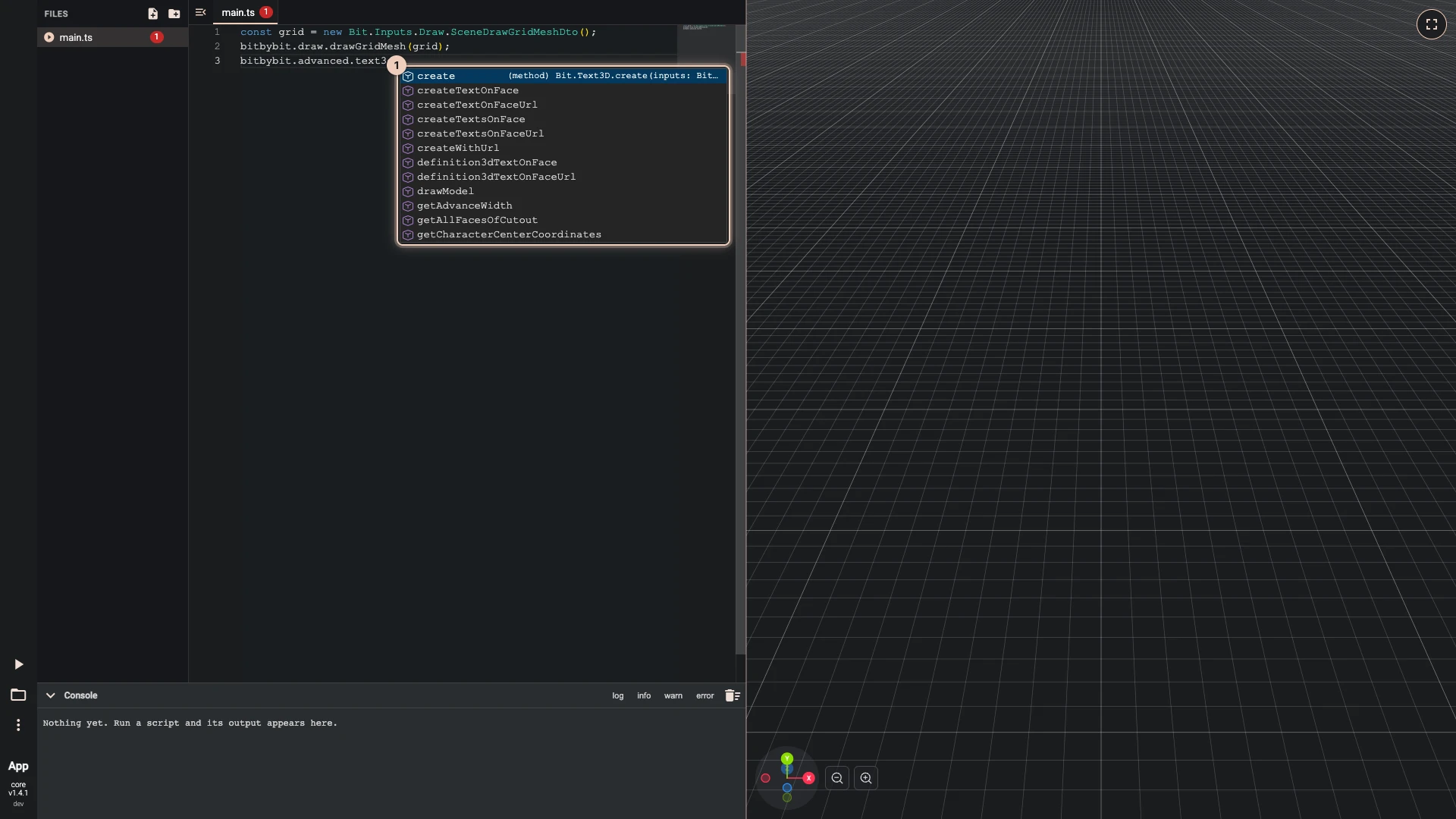
-
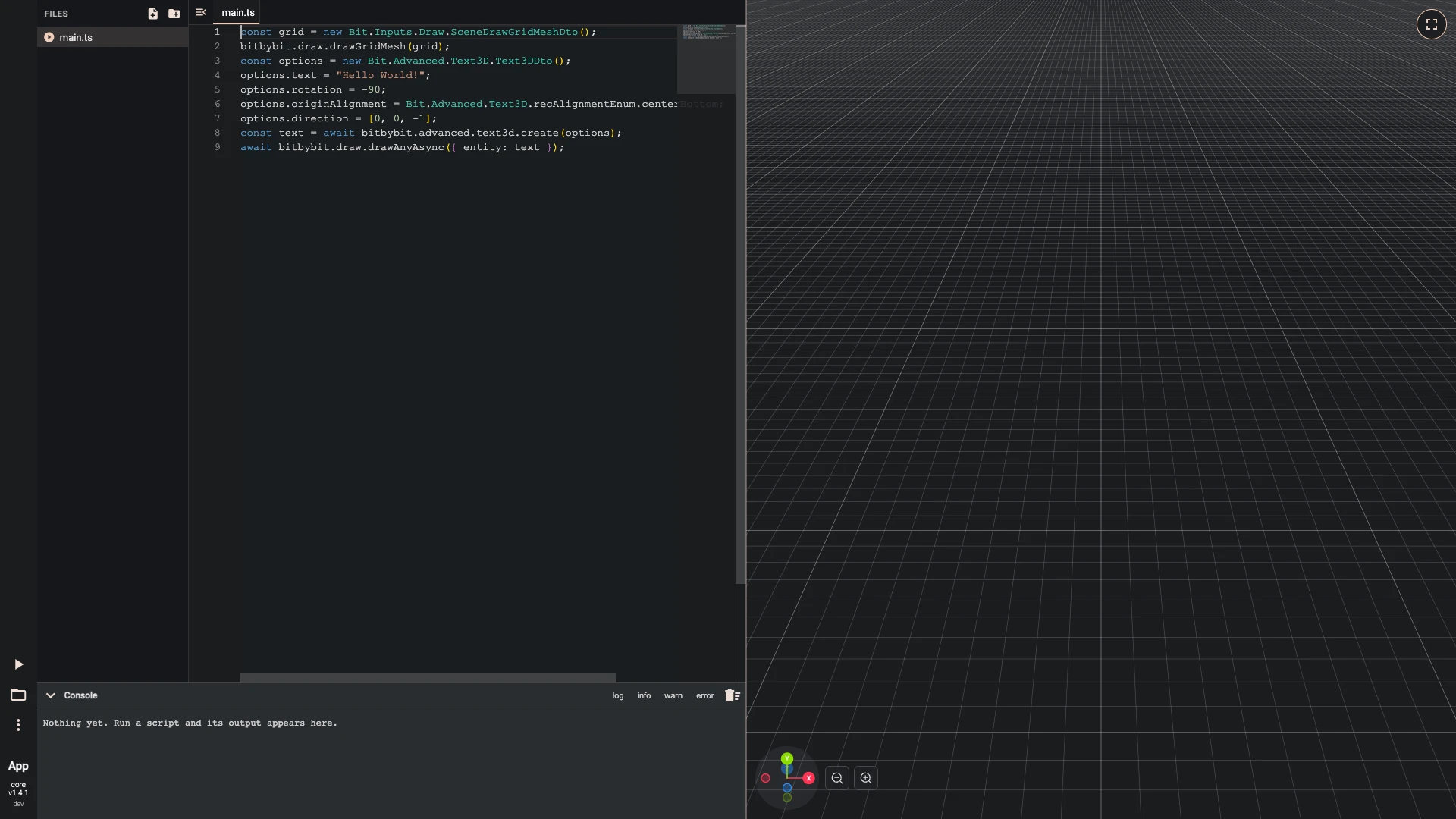
Add this line to
main.ts:await bitbybit.draw.drawAnyAsync({ entity: text });Making the text and drawing it are separate calls, so you can change a shape before you draw it, or never draw it at all.
-
Run the script. Press Run The Code, the play button at the lower left.
Run the script, and the words stand on the grid facing you.
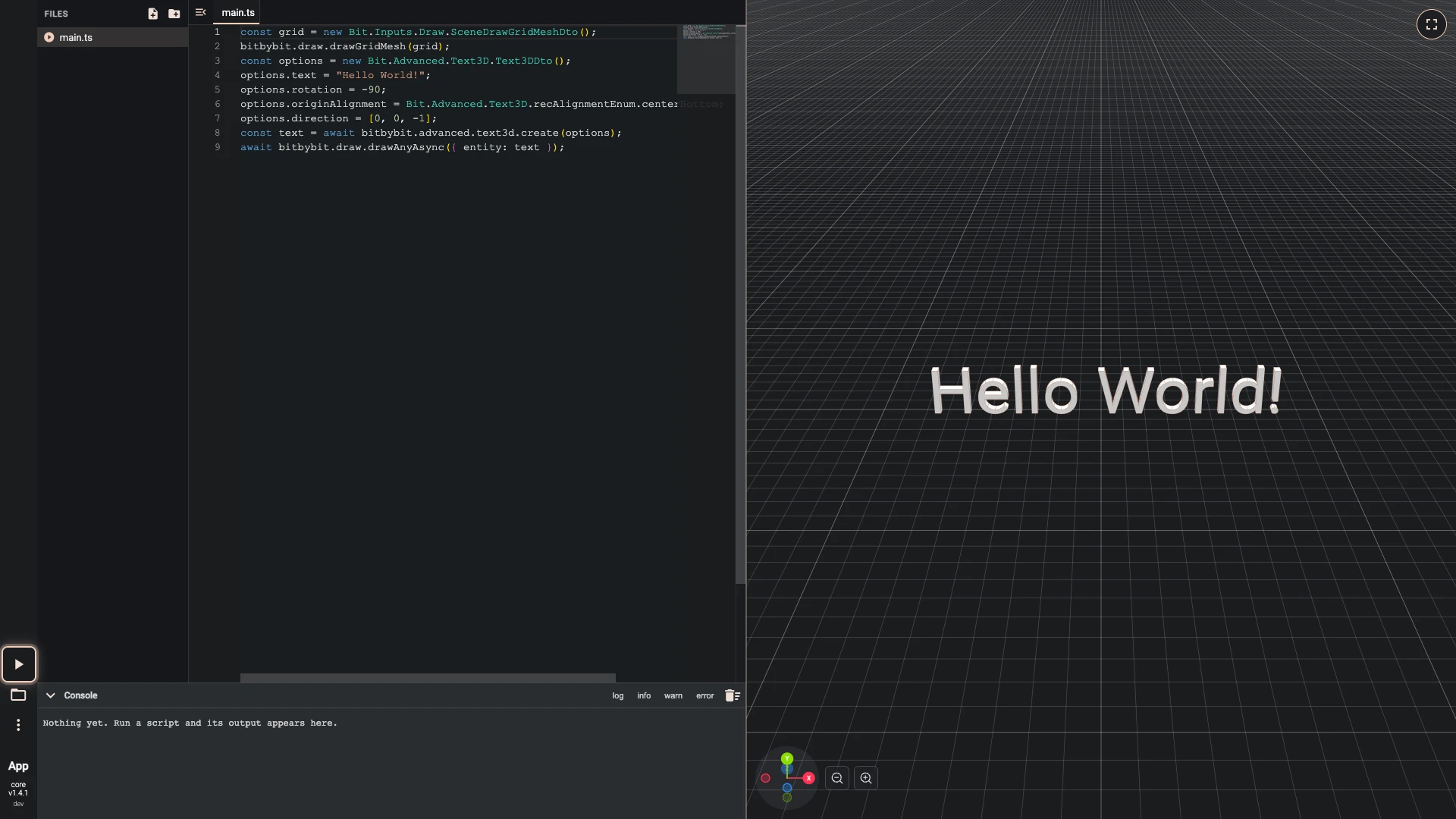
The finished script
The script these steps build, to run here:


const grid = new Bit.Inputs.Draw.SceneDrawGridMeshDto();
bitbybit.draw.drawGridMesh(grid);
const options = new Bit.Advanced.Text3D.Text3DDto();
options.text = "Hello World!";
options.rotation = -90;
options.originAlignment = Bit.Advanced.Text3D.recAlignmentEnum.centerBottom;
options.direction = [0, 0, -1];
const text = await bitbybit.advanced.text3d.create(options);
await bitbybit.draw.drawAnyAsync({ entity: text });
What you learned
bitbybitholds the API, andBit.Inputsits option objects. The API in code has more.- IntelliSense lists what comes next at each dot, and marks a mistake before you run. IntelliSense and errors has more.
- Making and drawing are separate, and anything a CAD kernel makes is awaited.
Next, a parametric cube sizes a solid from one number.
Verified against the product in October 2026