Tutorial: Using a 3D Bike Scan as a Shopify Product
What's Inside This Tutorial?
In this tutorial, you will learn the complete workflow for incorporating a 3D scan of a bike into your Shopify store as an interactive product. This example focuses on a straightforward yet highly effective use case for 3D in e-commerce.
We will cover:
- 3D Scanning the Bike: Tips and considerations for capturing the bike.
- Editing and Processing the Scan: Basic steps to refine the raw 3D scan data.
- Uploading to Shopify CDN: How to get your processed 3D model onto Shopify's Content Delivery Network.
- Exposing as a Product with "3D Bits": Using our "3D Bits" app (likely the BITBYBIT VIEWER block) to display the 3D scan on your product page.
By the end of this tutorial, you'll be able to showcase a detailed, interactive 3D model of a bike (or similar product) in your Shopify store.
View the Demo:
- Check out the live example on our Demo Store: Bike 3D Scan Product Page.
- Demo store password:
3d-bits-demo
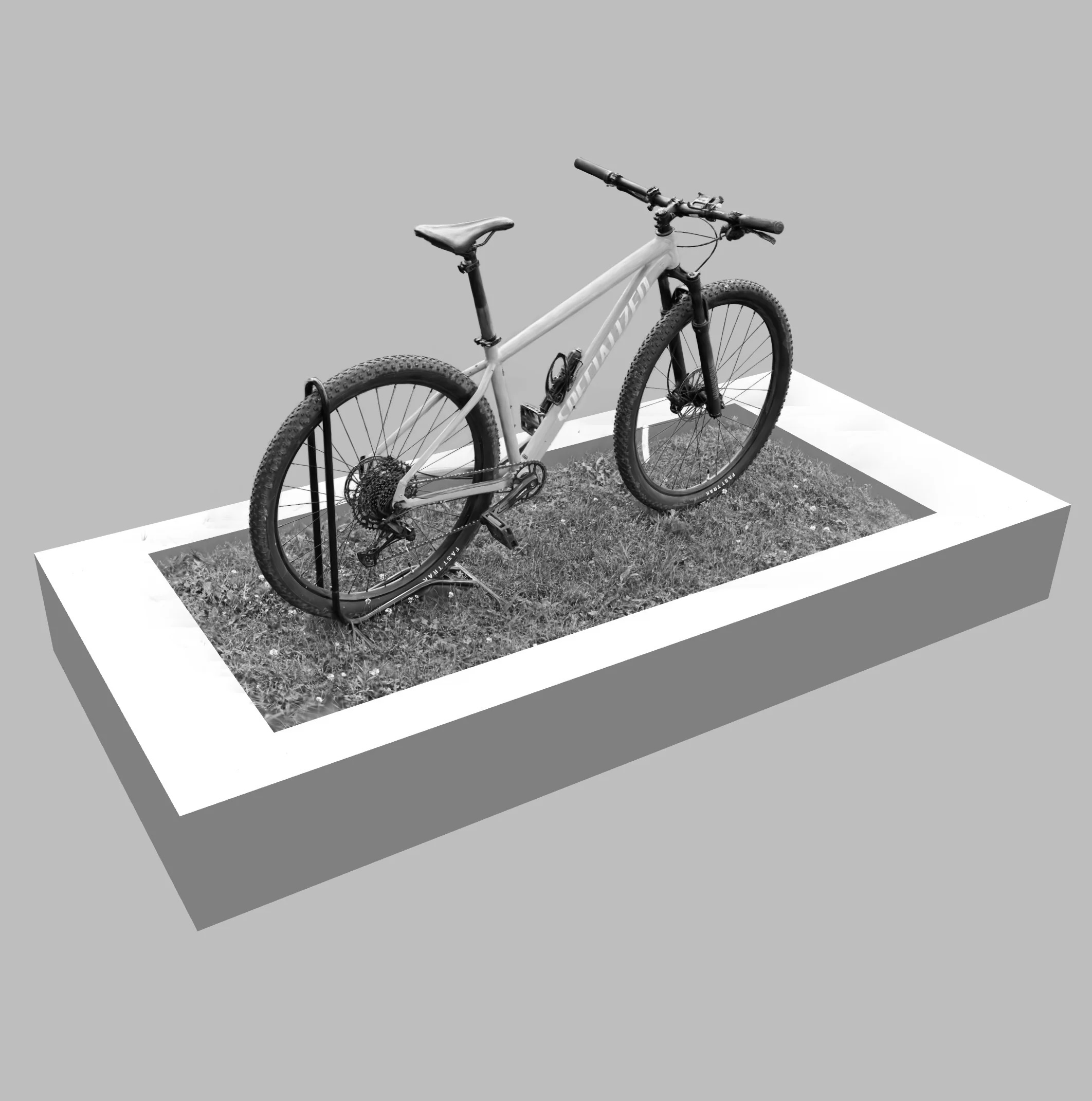 3D Bike Scan Example
Video Tutorial: Working with 3D Scans (Gaussian Splatting)
This video provides insights into working with 3D scans, particularly focusing on techniques like Gaussian Splatting, which can produce high-quality results.
Download the 3D Bike Scan Model
You can download the finished 3D bike scan model (in .splat format, suitable for Gaussian Splatting viewers) used in this tutorial to follow along or inspect:
Follow the steps in the video and our documentation for the "3D Bits" app to integrate this or your own 3D scans into your Shopify product pages.