Strengthshop Launched Pro Power Rack 3D Configurator on Shopify With 3D Bits App

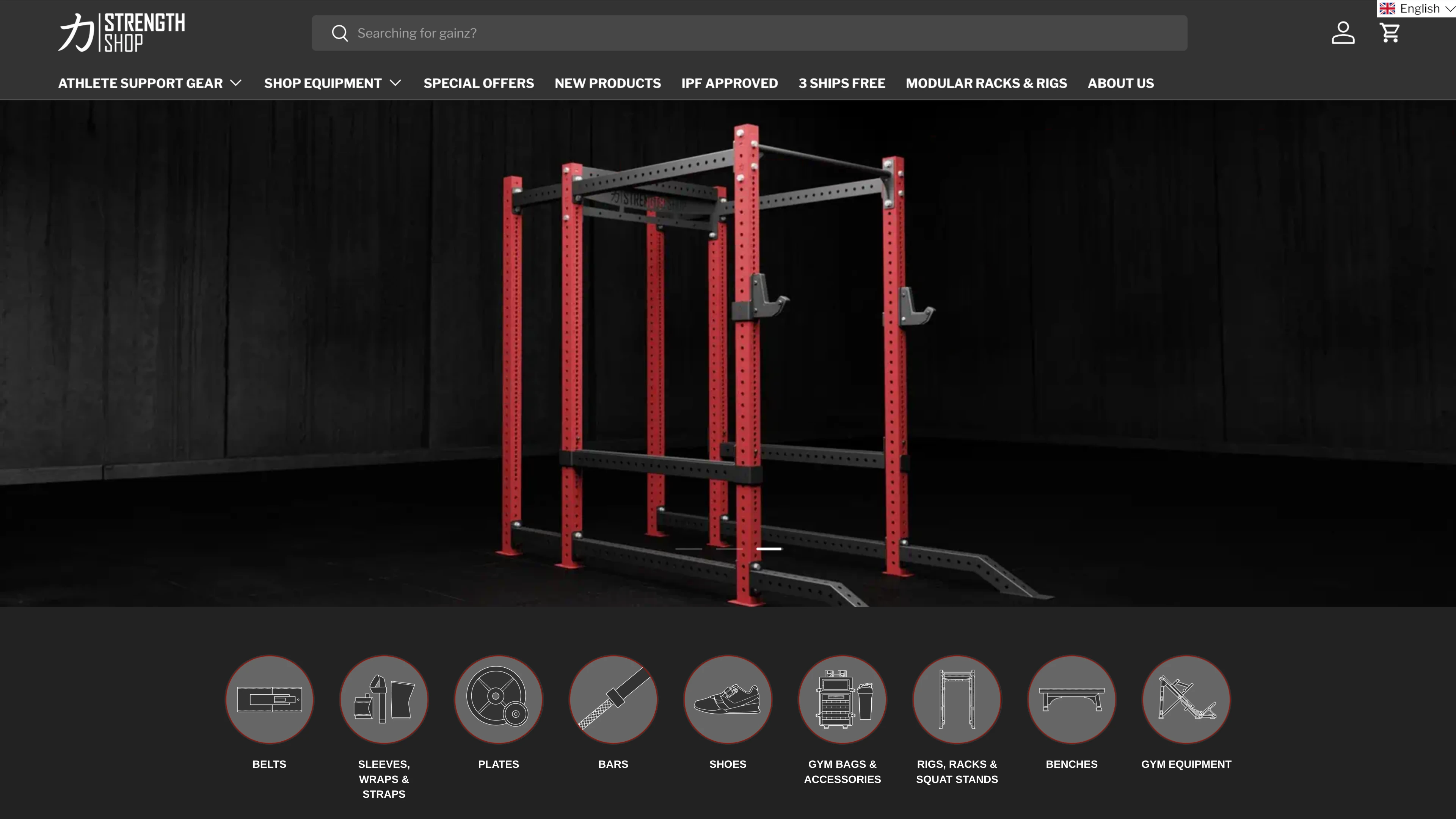
How do you sell a modular power rack online when every customer wants a different combination of uprights, crossbars, pull-up bars, and accessories - and needs to see the result before committing? Strengthshop answered that question by building a fully interactive 3D configurator powered by 3D Bits, with a completely custom user interface designed and developed by their own team.
The Client: Strengthshop

Strengthshop is a leading gym equipment company that was incorporated in Edinburgh, Scotland and soon after opened their headquarters in Berlin, Germany. This dual presence laid the foundations for them to become a top brand serving the European Union market with innovative, high-quality products - including the modular Pro Power Rack featured in this case study.
Close Collaboration From Day One
Building a 3D product configurator involves many moving parts - web integration, 3D expertise, asset preparation, a working understanding of boolean logic, and often parametric design thinking. From experience, clients who are open to collaboration and willing to lean on guidance tend to launch their configurators faster and with fewer headaches. Strengthshop was exactly that kind of partner. From the very first conversation, the collaboration was trust-based - ideas flowed freely and decisions were made quickly, without wasting anyone's time.
Bitbybit developed this configurator in close collaboration with Strengthshop. As a Pro plan subscriber of our 3D Bits app for Shopify, they took advantage of the hands-on support that comes included with the plan for setting up the first configurator. But the collaboration didn't stop at configuration logic.
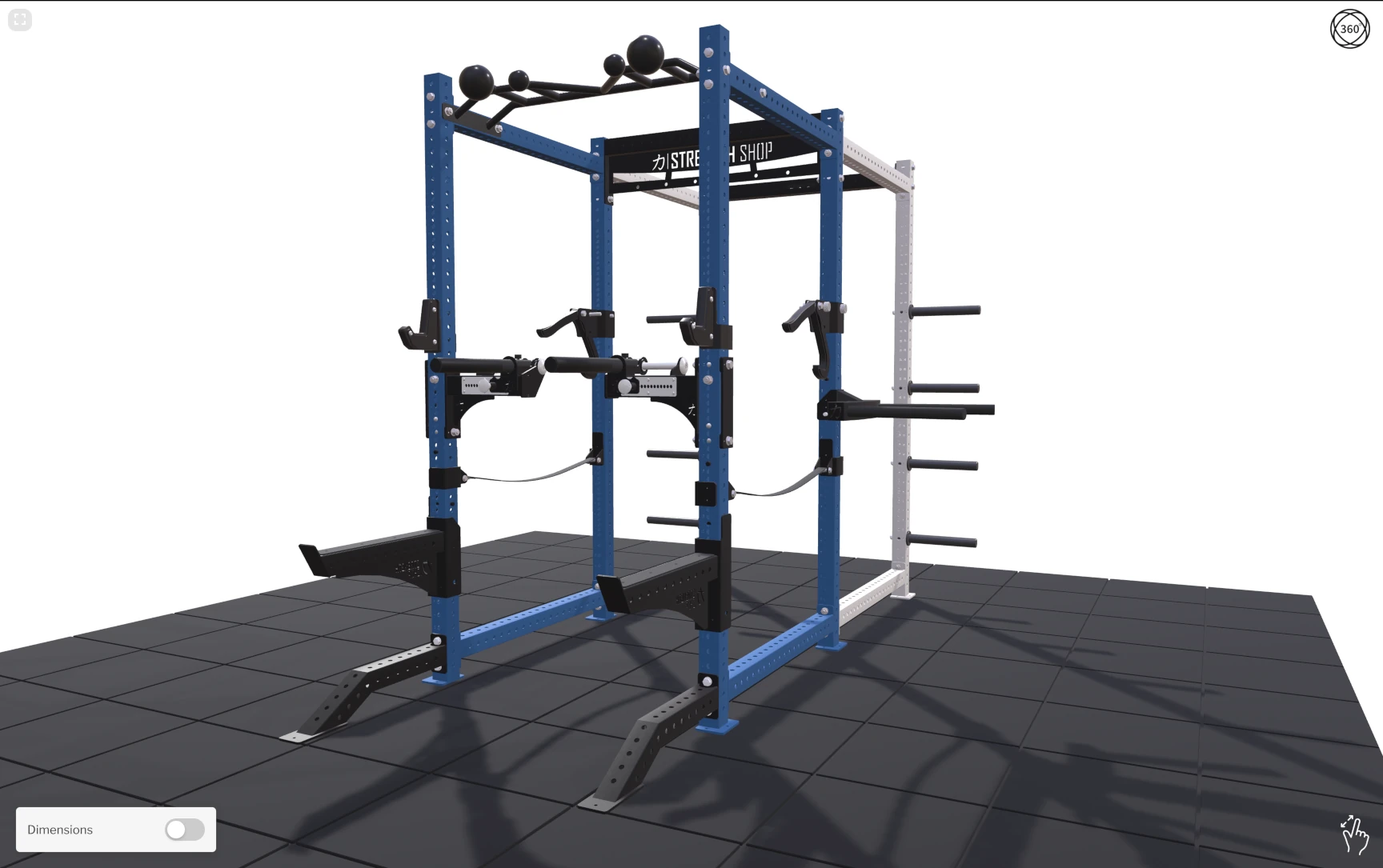
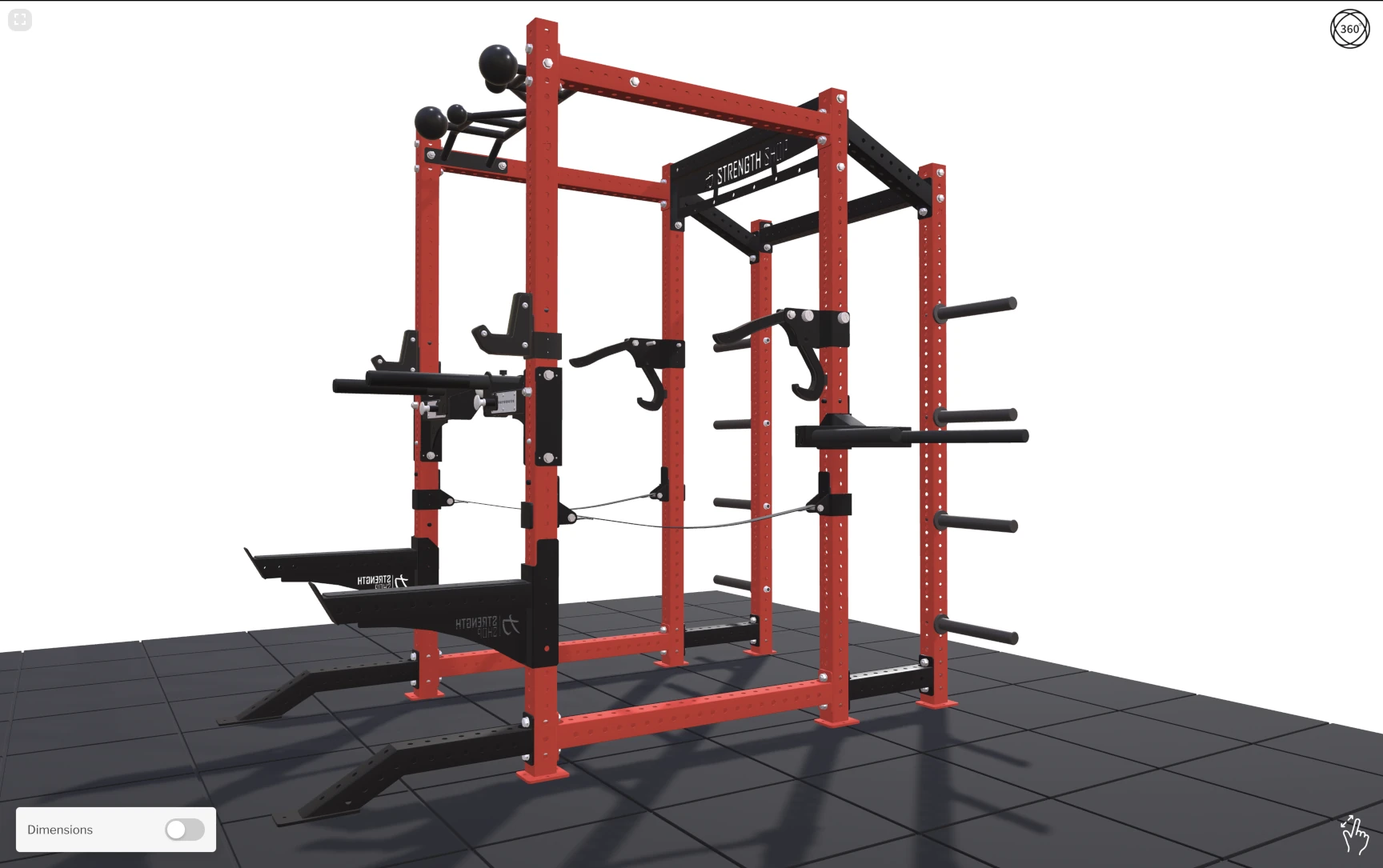
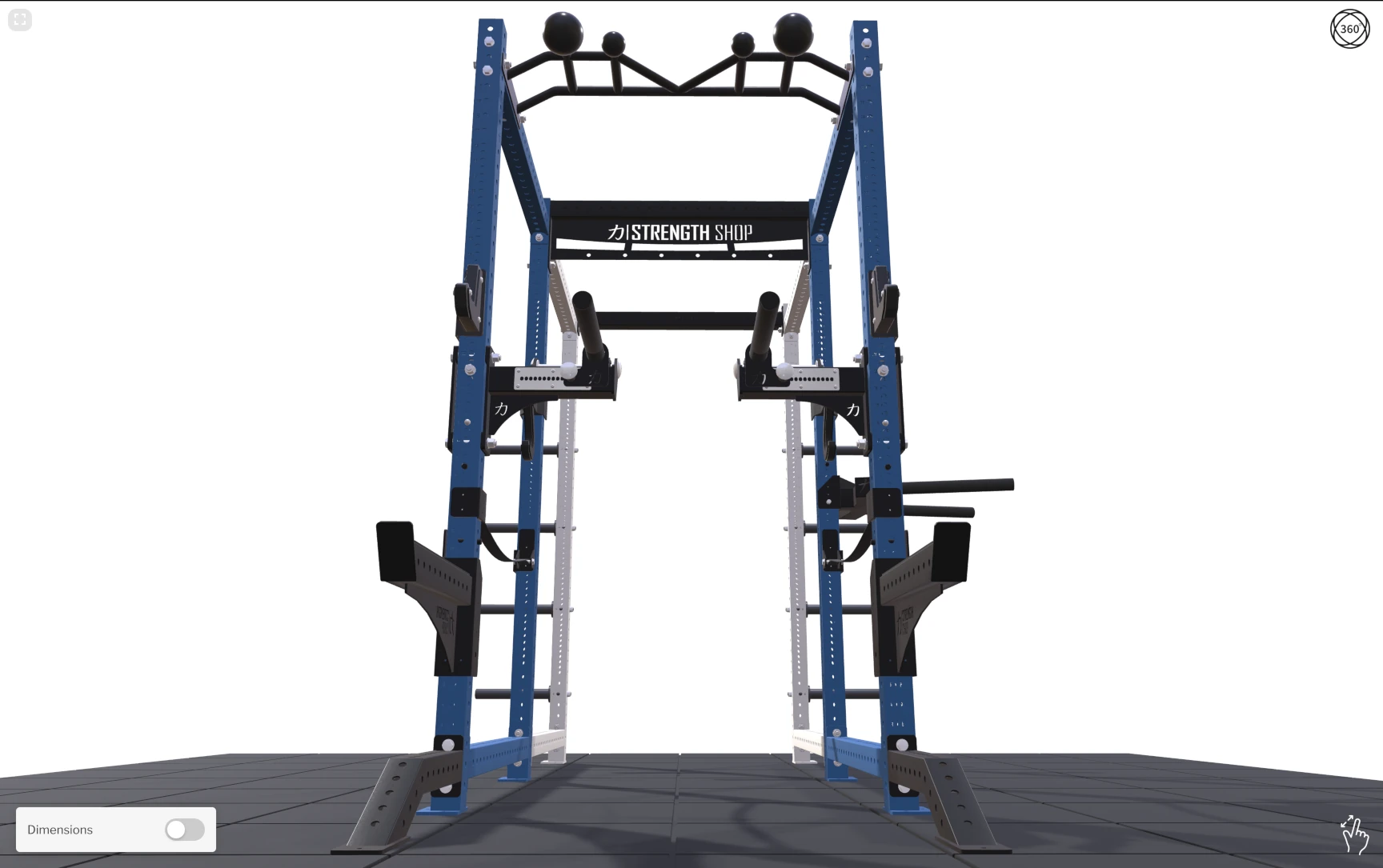
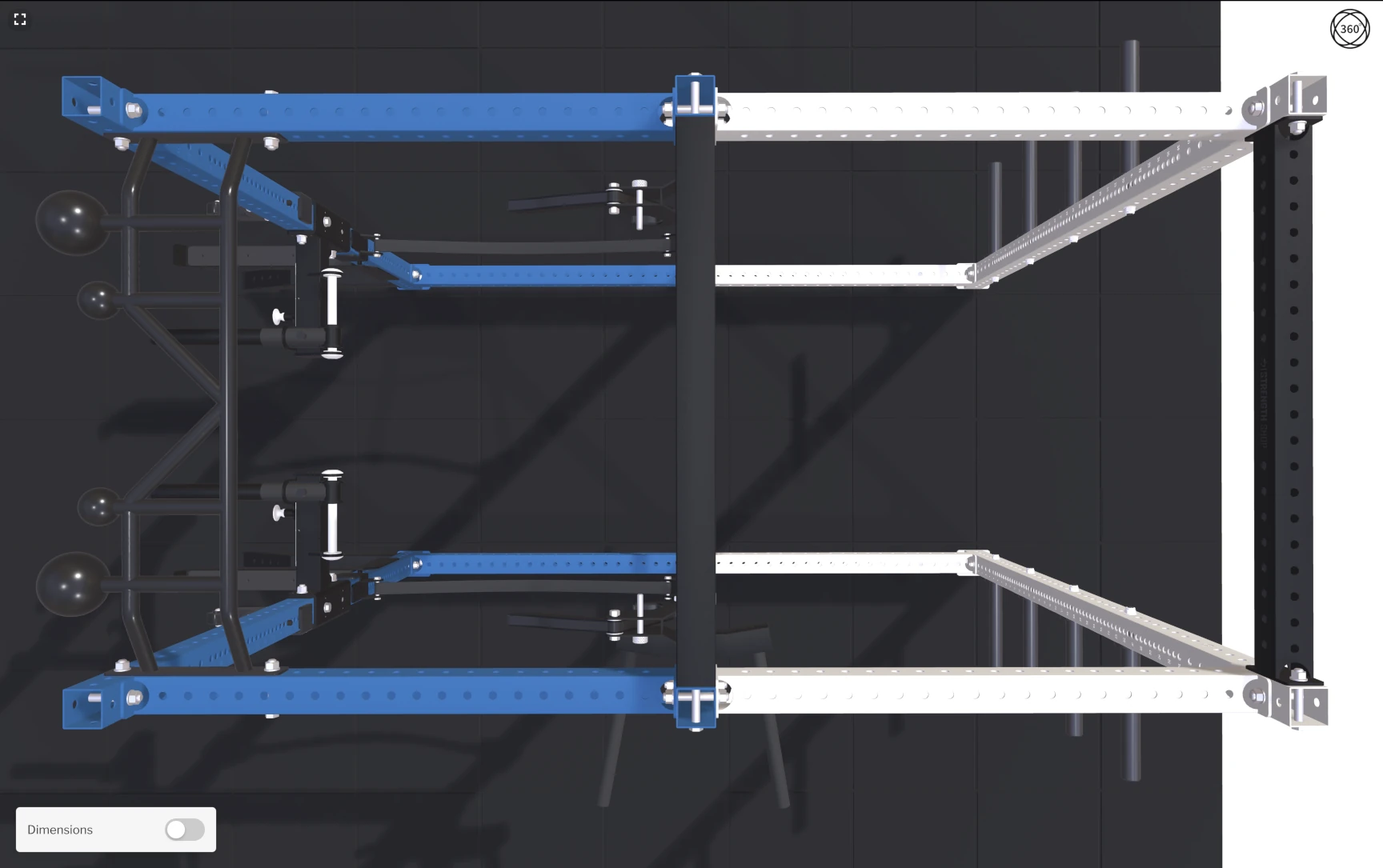
On top of the included Pro plan support, Strengthshop commissioned our 3D model preparation services to convert, set up and optimise their CAD models for the web. Working in Blender, the assembly was built with careful attention to material variants, textures, and GPU-based instancing to re-use repeating geometry. The result: the total weight of all 3D assets you see in the video below is just ~4 MB. That ensures the configurator loads fast, performs well even on mobile devices, and runs smoothly as customers interact with it.
A Fully Custom User Interface
3D Bits typically integrates seamlessly with standard Shopify variants and popular third-party option apps. But Strengthshop had a different vision. Due to their unique sales pipeline and product complexity, they decided to develop their own user interface system, pricing logic, and checkout flow from scratch.
When they asked whether 3D Bits could interpret and communicate with a fully custom-built UI, the answer was yes - as long as their developers followed the web standards and HTML input guidelines outlined in our documentation. 3D Bits is designed to listen for changes on standard HTML inputs (<input>, <select>, etc.), which means any front-end framework or custom implementation can drive the 3D scene without special adapters.
Custom Buttons, Indicators, and Interactions
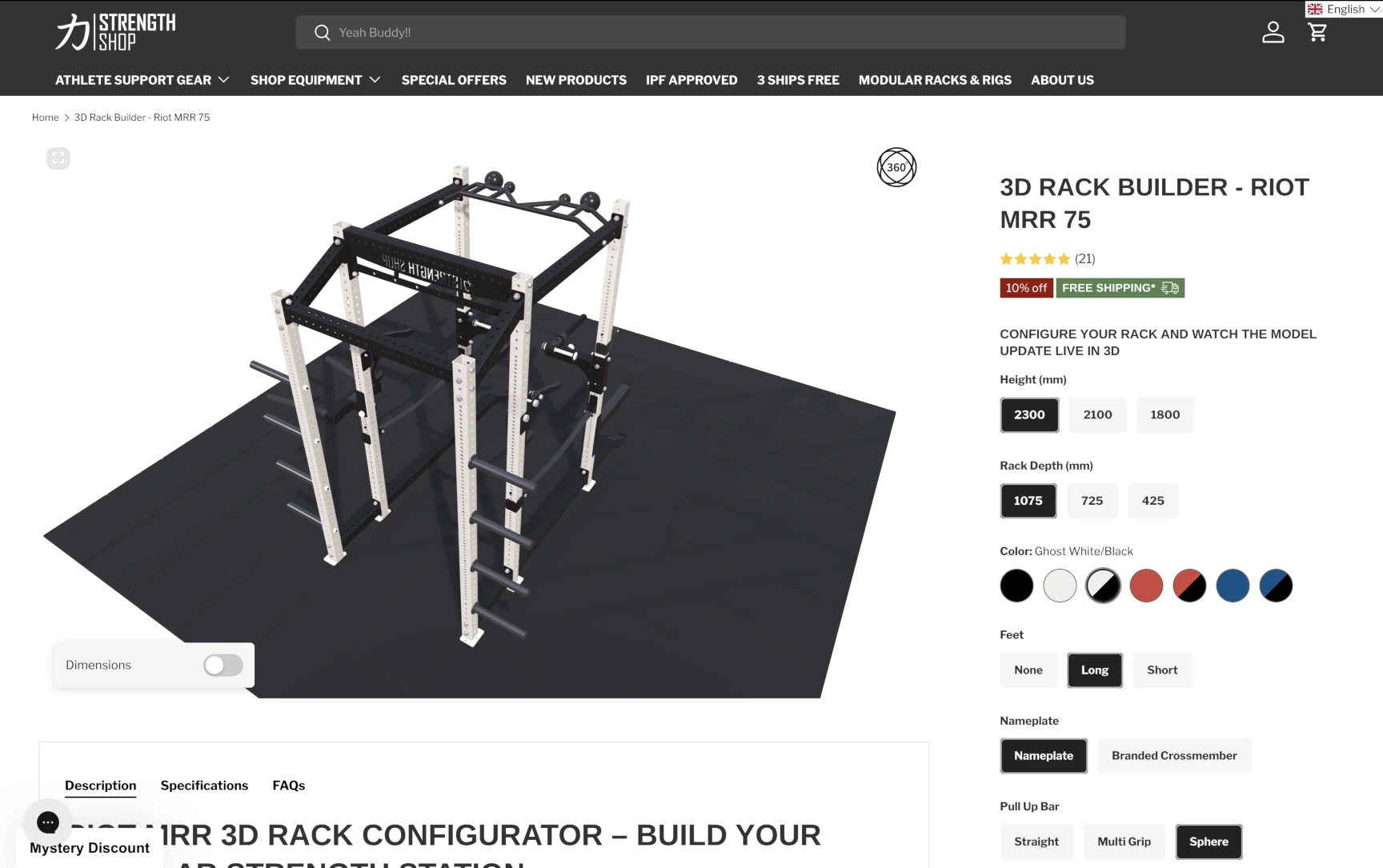
Strengthshop's developers went well beyond basic dropdowns. They crafted a polished, brand-consistent UI with:
- Custom-styled option buttons that match Strengthshop's design language, giving customers a clean, intuitive way to toggle between rack configurations, accessory packages, and color options
- A custom 360° rotation indicator - their own visual cue that encourages customers to interact with the 3D model, spin it around, and explore the rack from every angle
- Smooth transitions and hover states that make the configurator feel like a native part of their store rather than an embedded third-party widget
This is a great example of what's possible when a merchant's development team takes ownership of the UI layer while 3D Bits handles the heavy lifting of 3D rendering, assembly logic, and variant switching behind the scenes. The integration was seamless - after Strengthshop developed their interface, it was simply a matter of ensuring their input names pointed to the correct geometry nodes, activating the right logic gates in 3D Bits. The configurator was ready to ship.
Because the entire front-end is theirs, Strengthshop has full control over the product page going forward. They can redesign the layout, add new options, adjust the checkout flow, or restyle the configurator whenever they want - without waiting on a third party or being locked into someone else's component library. The 3D layer stays connected through standard HTML inputs, so as long as those conventions are followed, the UI can evolve freely.
Mobile-First Layout
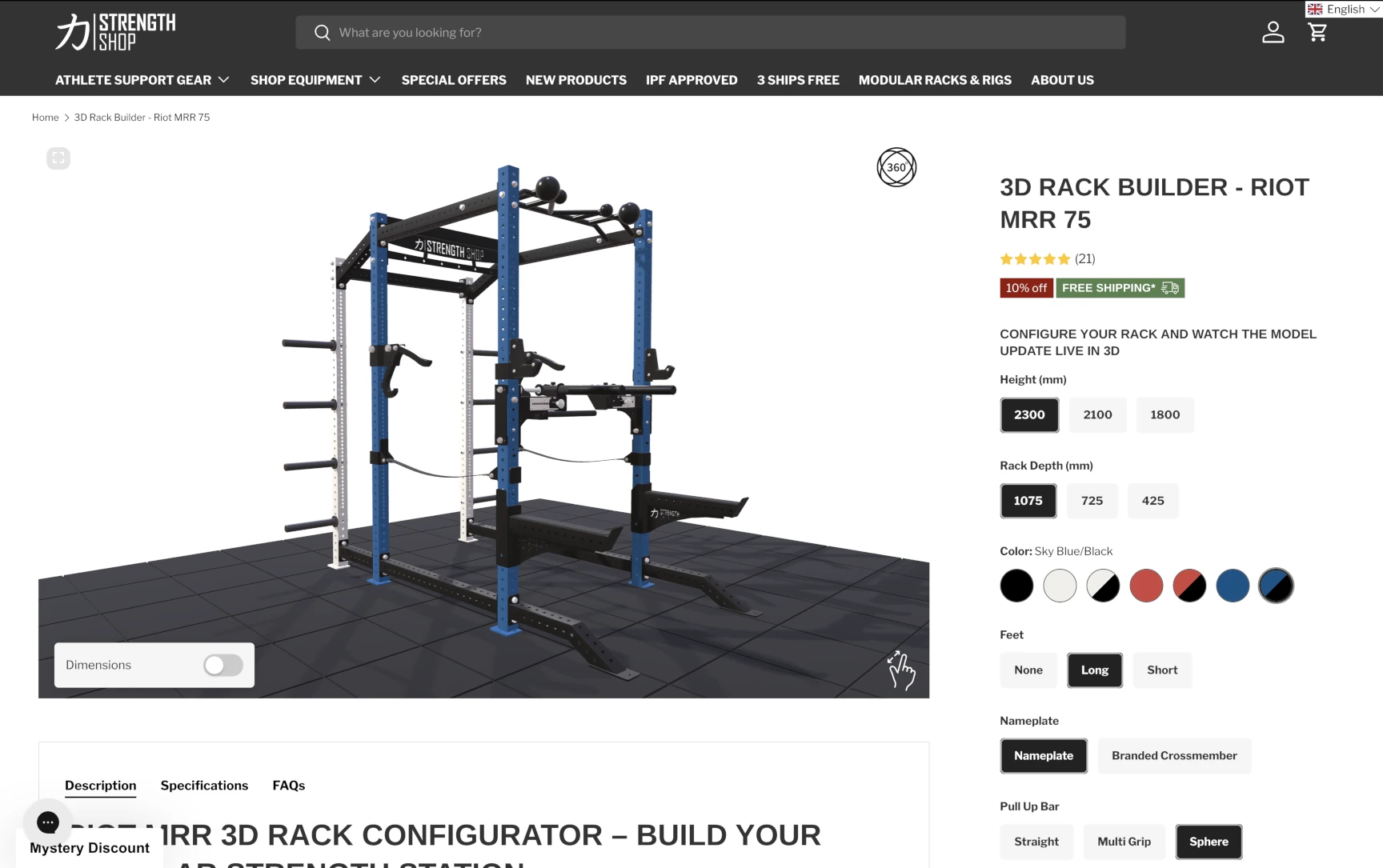
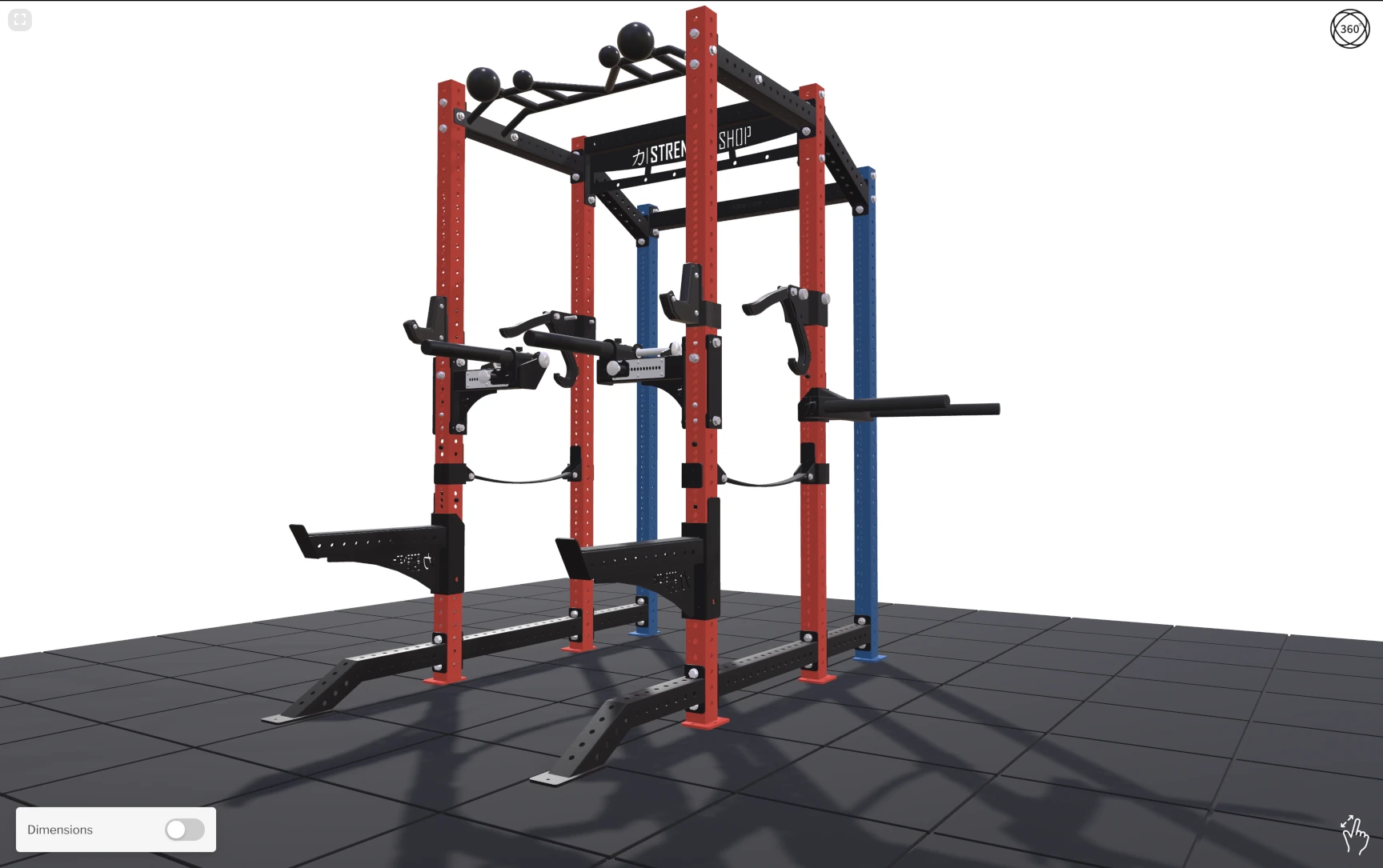
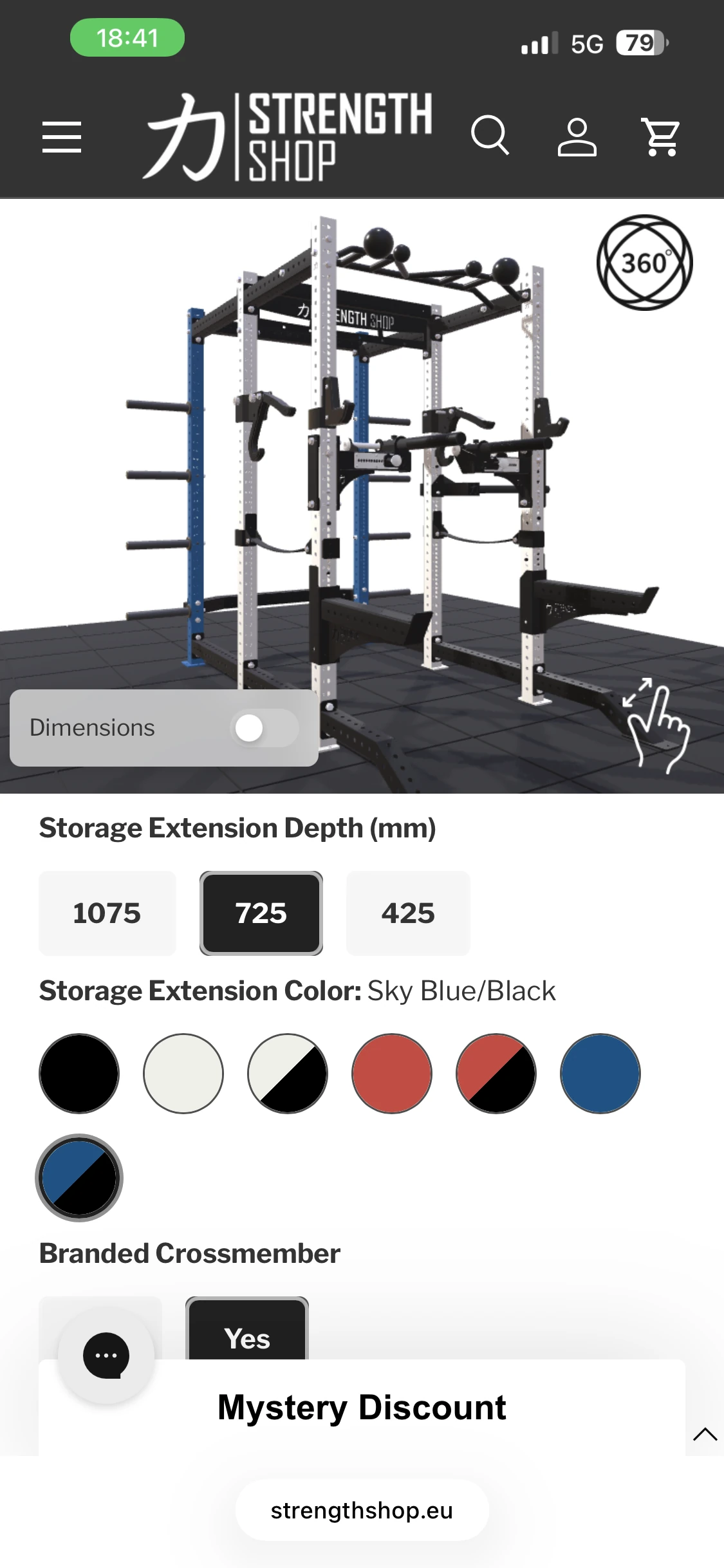
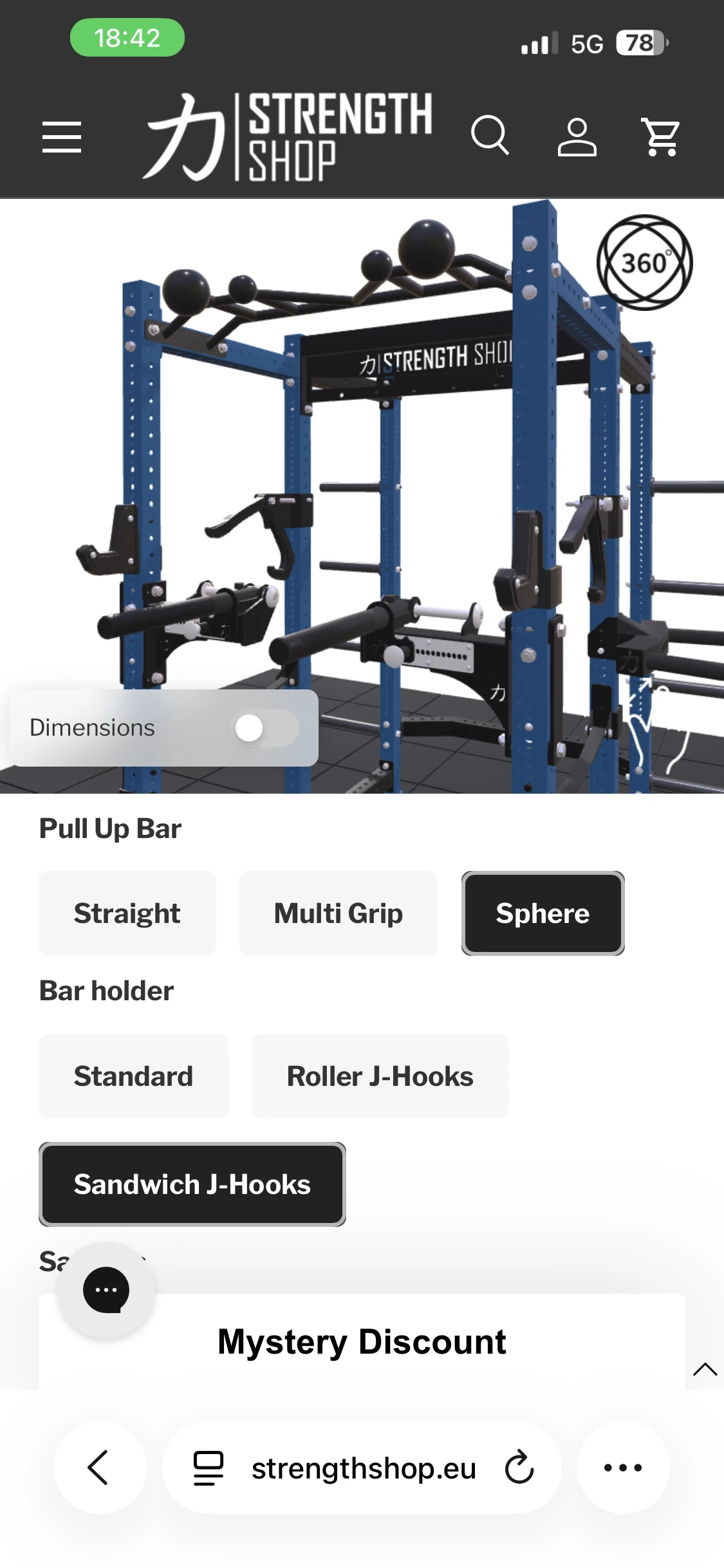
Strengthshop's mobile layout is a great reference for anyone building a 3D configurator. The screen is split into two clear zones: the 3D viewport stays fixed at the top, while all configuration options sit in a scrollable panel below. This means customers can freely rotate, zoom, and inspect the rack without the view jumping or resizing as they scroll through options. The 3D model remains stable and fully interactive at all times, even as the options list extends well beyond the visible area. It's a simple pattern, but it makes a big difference - especially for a complex product with many configuration choices.
Dynamic Dimensions: See the Real Size
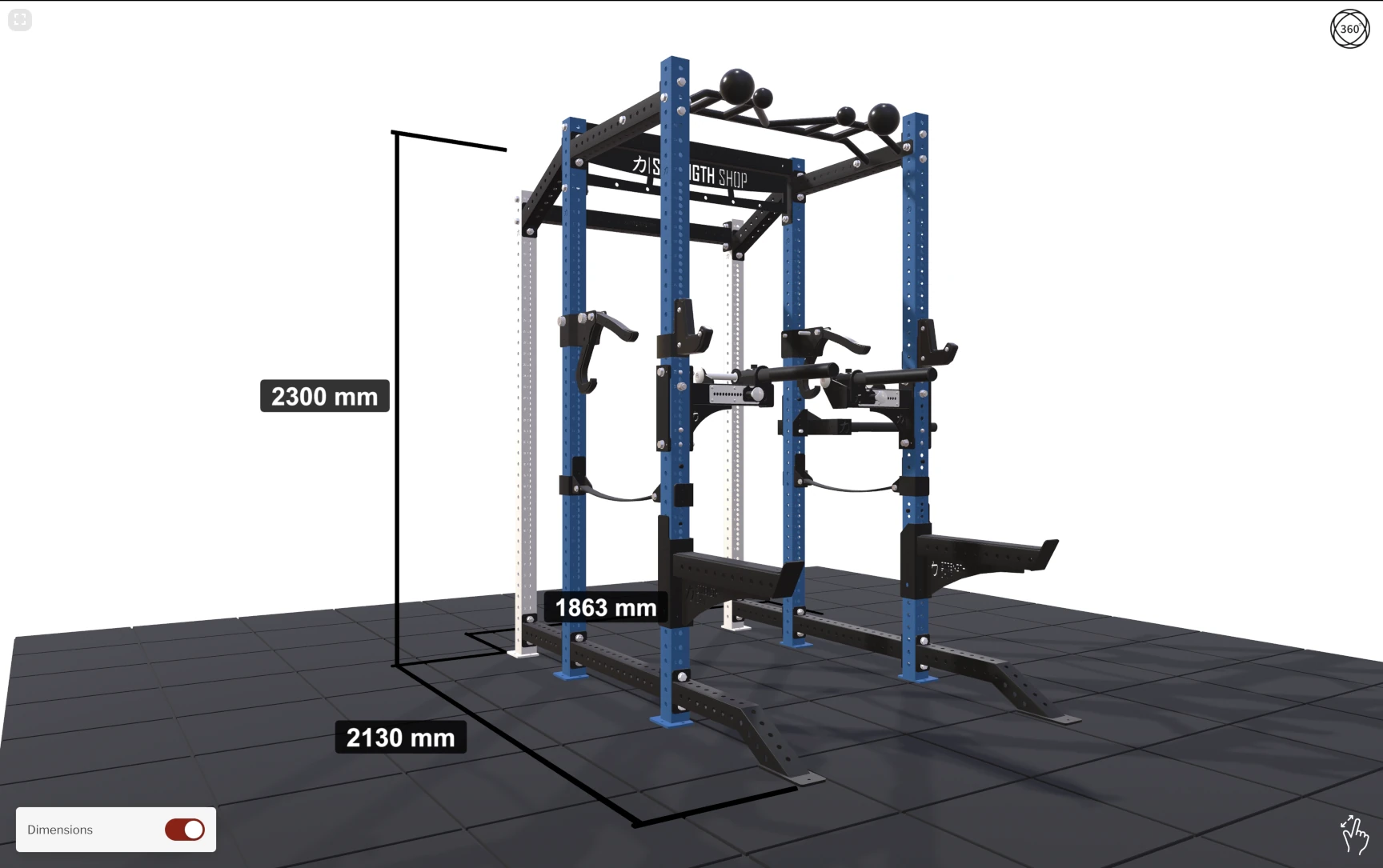
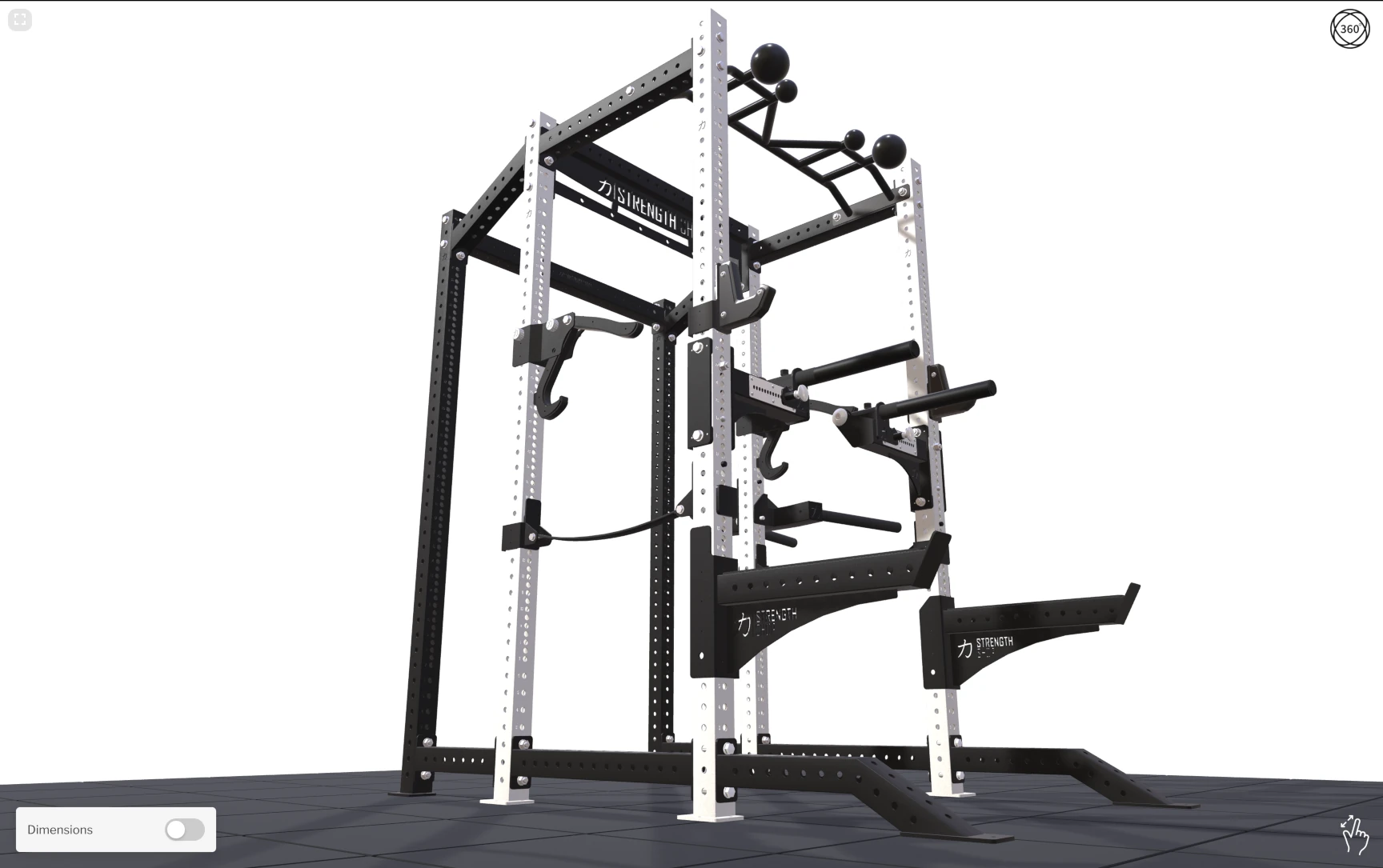
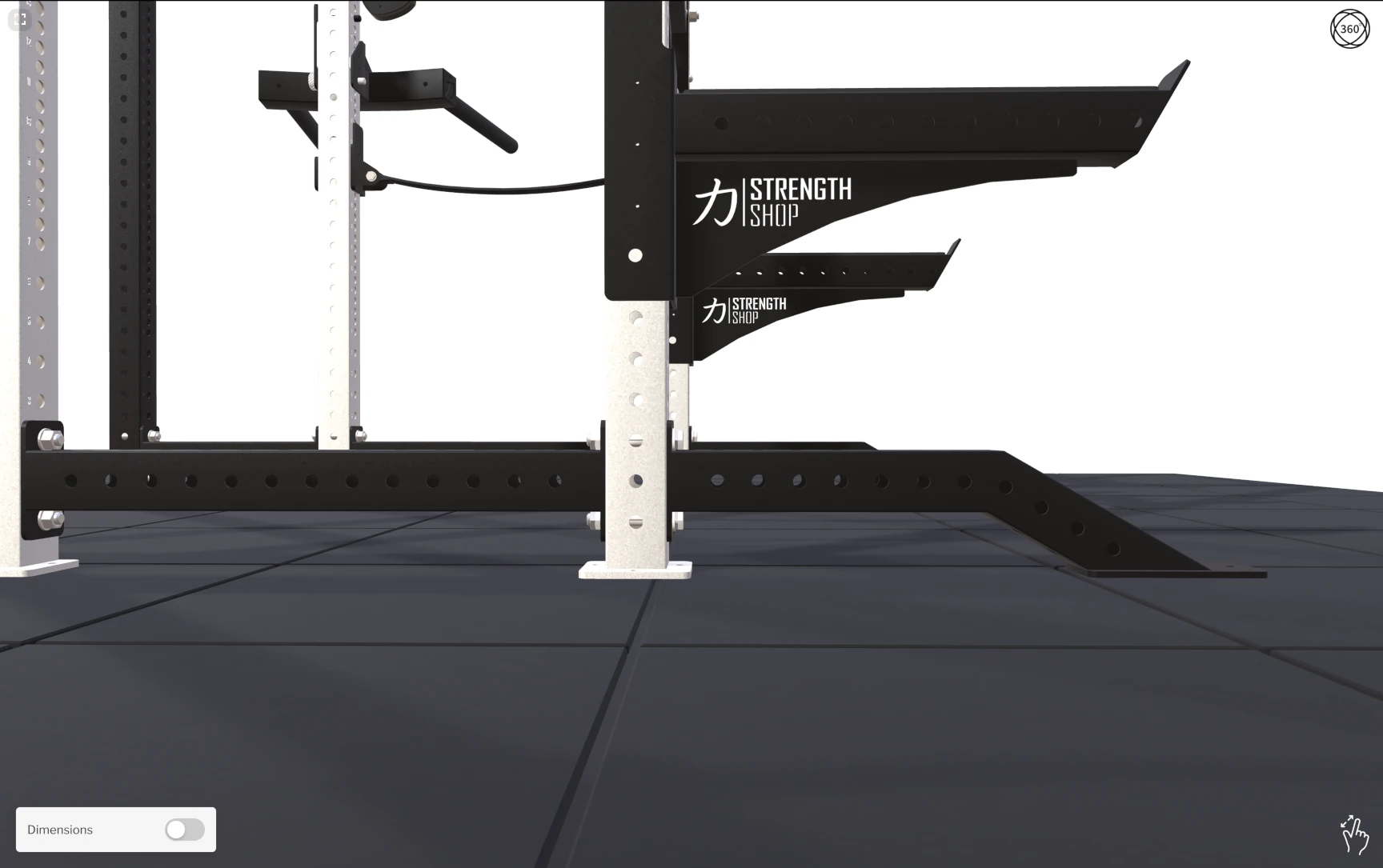
One of the standout features Strengthshop took advantage of is our Dynamic Dimensions capability, available on the Pro plan. This feature automatically scans the complete bounding box of the current assembly and displays its real-world dimensions - height, width, and depth - directly in the 3D viewport.
As customers add or remove components, the displayed dimensions update in real time to reflect the actual size of their configured rack. This gives shoppers a clear, immediate understanding of how much space the rack will occupy in their gym - no guesswork, no tape measure needed. For a product that can stand over 2 meters tall and vary significantly depending on the chosen configuration, this kind of spatial awareness is invaluable.
From CAD to Web: Optimised for Performance
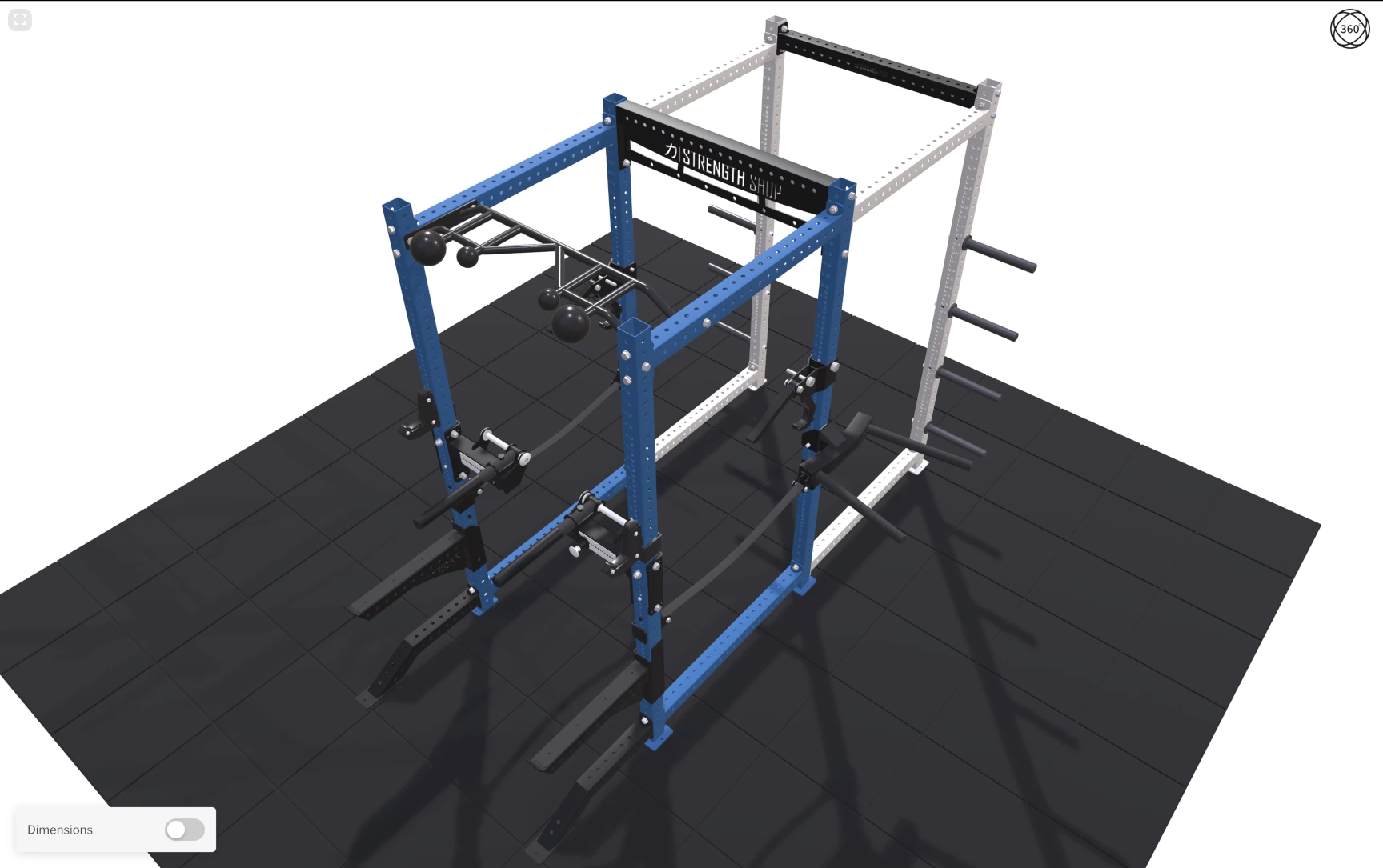
Like many manufacturers, Strengthshop's original models came from professional CAD software. These models are built for engineering precision, not web performance. Translating them into fast-loading, visually rich 3D assets required careful optimisation.
The full conversion pipeline included:
- Mesh optimisation - Reducing polygon counts while preserving the visual detail that makes the rack look convincing
- Material variants - Setting up colour and finish options efficiently in Blender so they can be switched at runtime without loading separate models
- Texture optimisation - Compressing textures to strike the right balance between visual quality and file size
- GPU instancing - Repeating structural elements (uprights, crossbars) are loaded once and rendered multiple times at the GPU level, dramatically reducing memory usage and improving frame rates
The end result is a complete, configurable power rack assembly that weighs in at roughly 4 MB total - light enough to load quickly on any connection while still looking sharp and realistic.
Realistic Materials That Sell
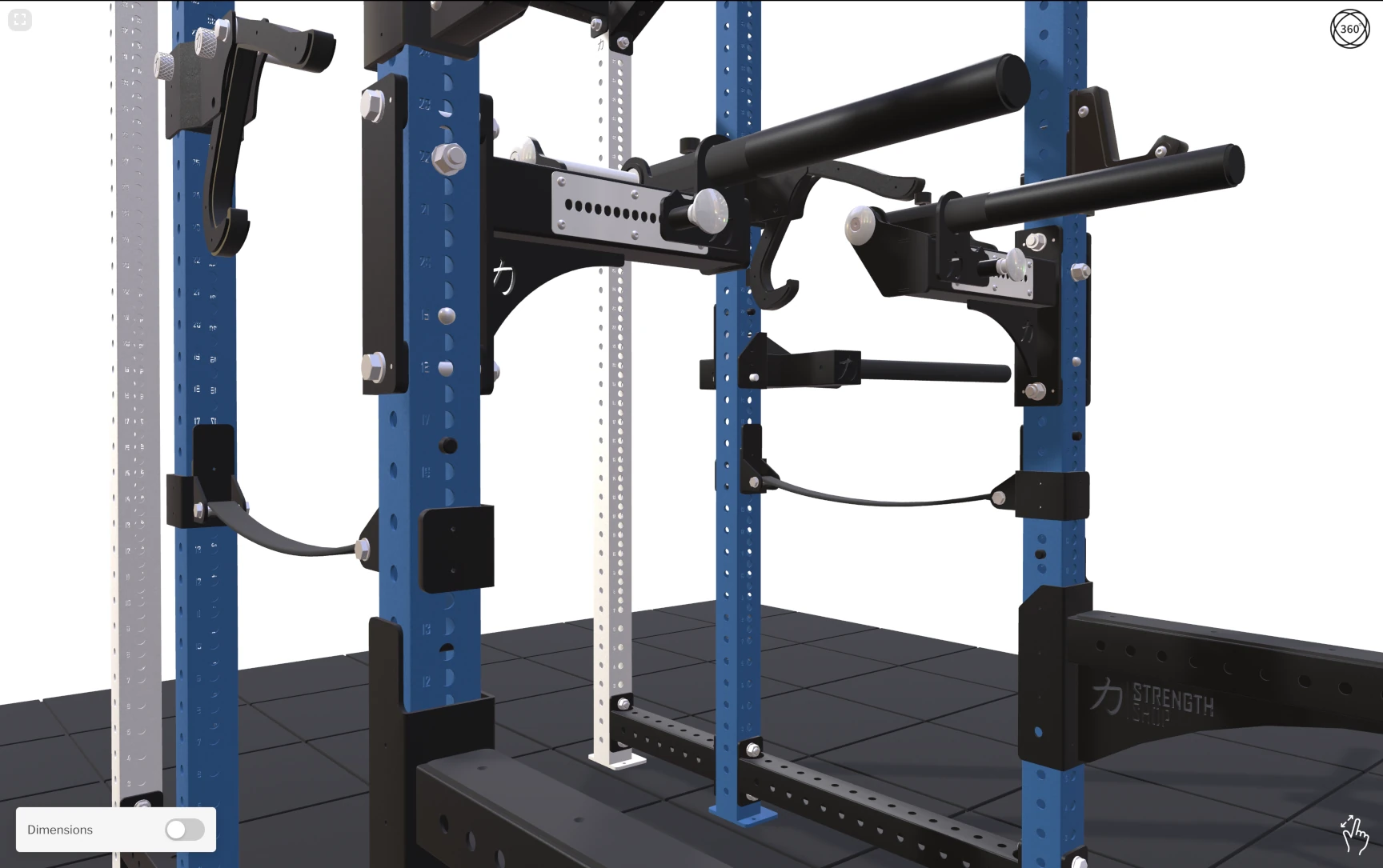
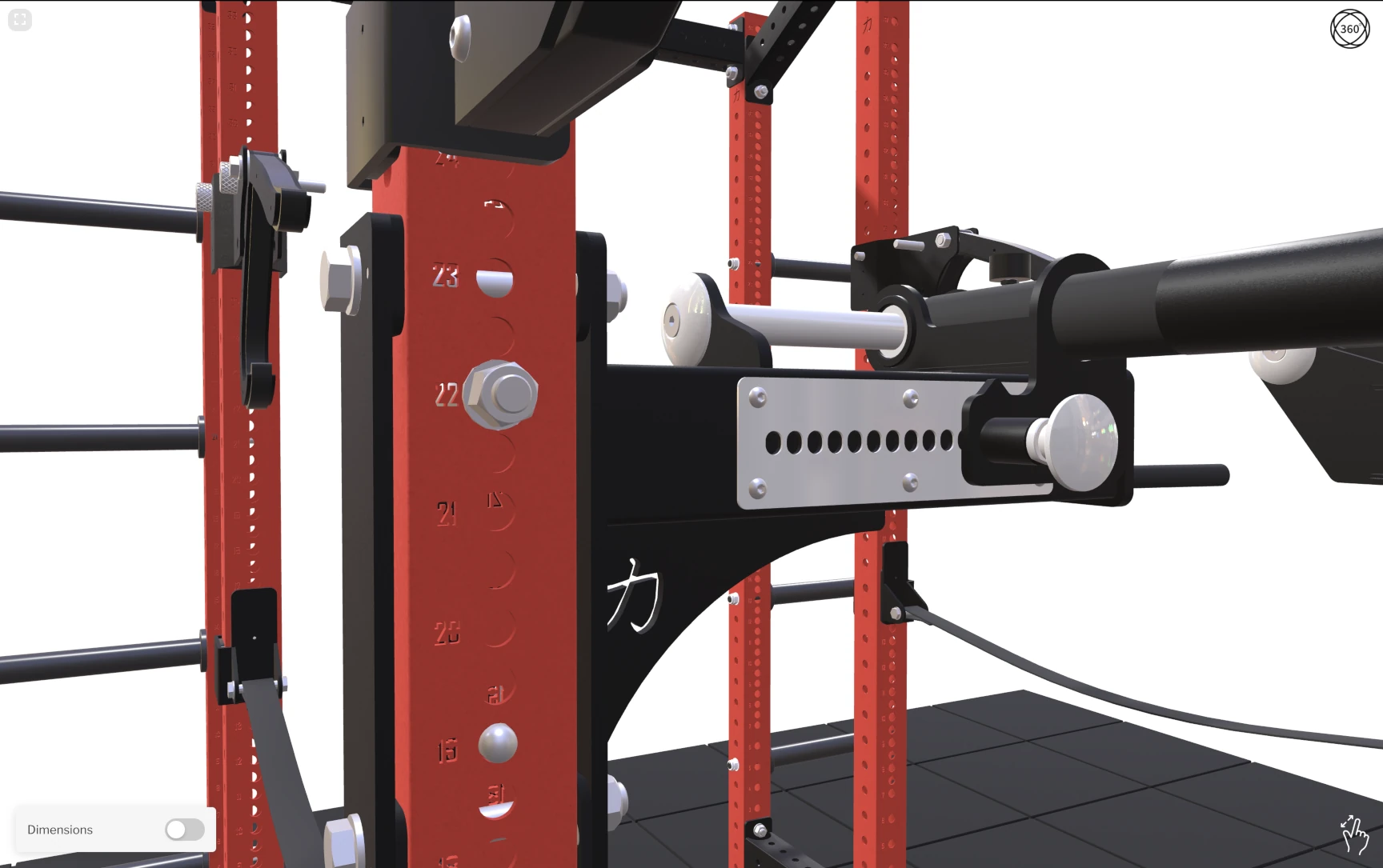
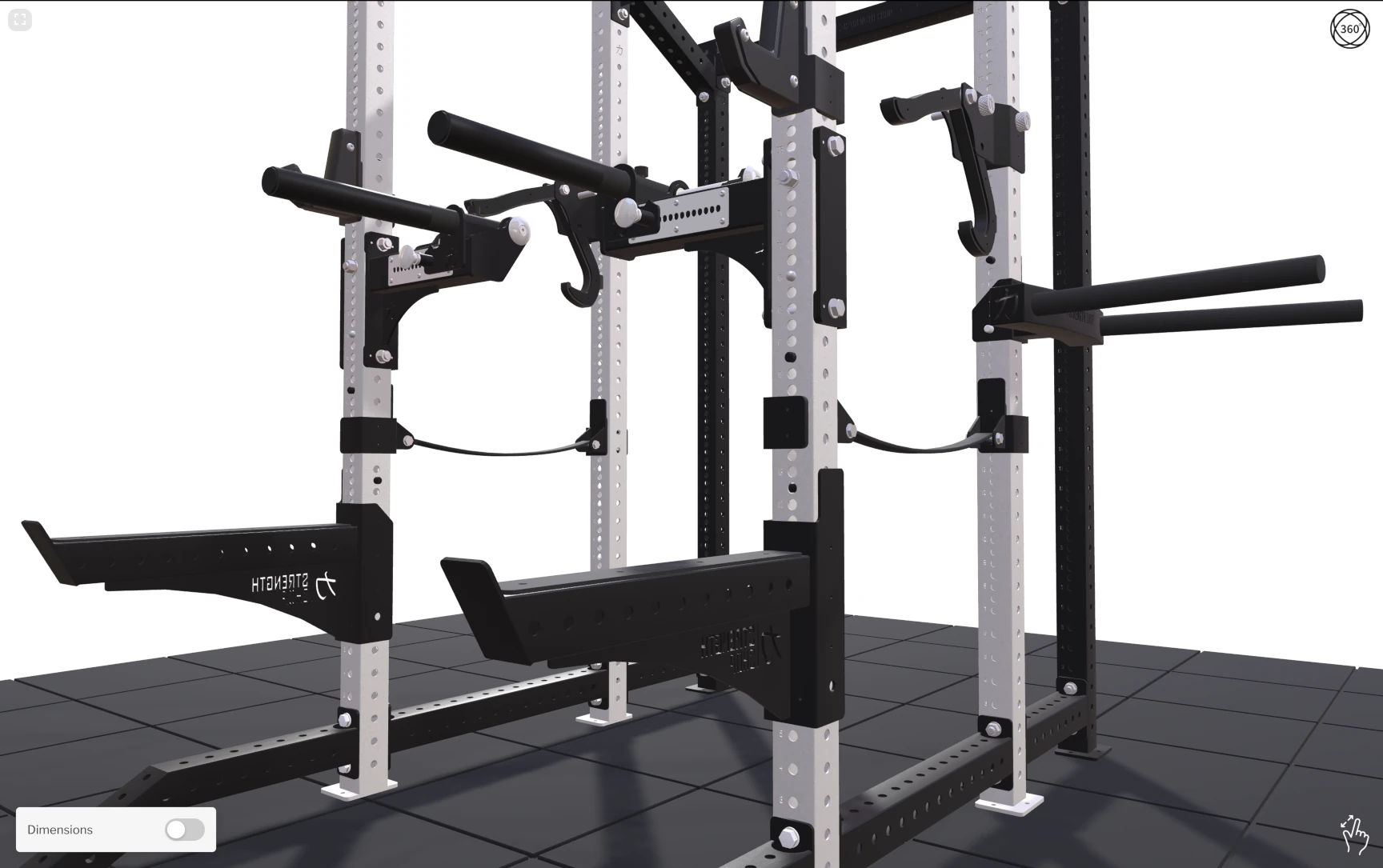
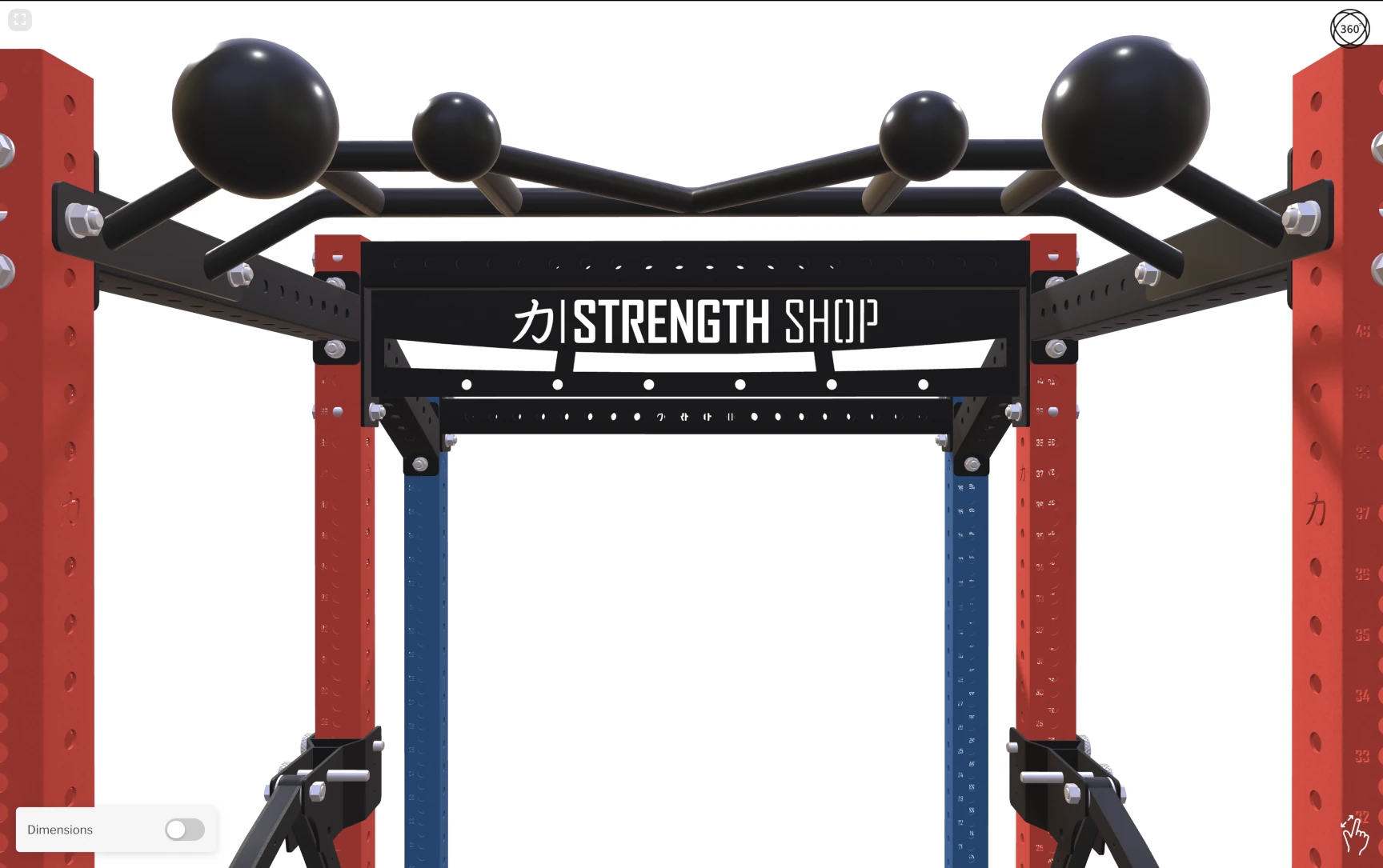
A configurator only builds buying confidence if the product on screen looks like the real thing. That's why special attention was paid to the materials. The steel uprights and crossbars have a convincing metallic finish with reflections that react naturally to the lighting environment. Different surface types - matte powder-coat, polished chrome on J-hooks - are clearly distinguishable at a glance, helping customers understand exactly what they're getting. All of this is achieved with carefully authored PBR (Physically Based Rendering) materials that keep the file size low while the visual quality stays high.
What Strengthshop Says
"We're very happy with how 3D Bits helped us build our first 3D product configurator. The platform has exceeded our expectations.
For the Strength Shop Power Racks configurator, we needed to handle complex assembly logic, various UI edge cases, and heavy 3D CAD models with multiple variants. The platform integrated well with the custom product page and the custom variant selector UI we created for the configurator.
As customers click through options, the 3D assembly updates immediately, so what they see always stays in sync with the configuration. Even as configurations become more complex, performance has remained fast, with stable FPS. What we appreciate most is the platform's flexibility. It integrates well with our Shopify setup, works with standard web technologies, and leaves plenty of room to customize the experience.
We've also had a very positive experience with the Pro plan. Matas has been very helpful with hands-on support and practical guidance while we built and launched our first configurator. His team at Bit by Bit also supported us with high-quality 3D model preparation. Thanks to that work, our full rack assembly is only ~4 MB, which helps it load quickly and run smoothly even on mobile devices.
If you're trying to build a serious product configurator on Shopify (or you're not sure where to start), I'd recommend 3D Bits and encourage you to reach out to Matas for guidance."
Valentijn Vermeer, E-Commerce & Systems Specialist
🇩🇪 Germany

Key Takeaways
Strengthshop's configurator demonstrates several important points for merchants considering 3D product experiences:
- Custom UI is fully supported - 3D Bits doesn't force you into a predefined interface. If your team has the front-end skills, you can build any UI you want and have it drive the 3D scene through standard HTML inputs
- Optimisation is everything - A complete modular rack assembly at ~4 MB proves that complex products can load fast when models are properly prepared
- Dynamic Dimensions build confidence - Showing real-time physical dimensions helps customers understand exactly what they're buying, reducing returns and support questions
- Pro plan includes hands-on support - Guidance during the setup of your first configurator is included, so you're not figuring everything out alone. Additional services like 3D model optimisation are available separately for an extra cost
Ready to Build Your Own Configurator?
Whether you're selling gym equipment, furniture, industrial machinery, or any other configurable product on Shopify, 3D Bits can power the experience your customers deserve. The Pro plan includes direct access to Bitbybit for hands-on support when setting up your first configurator, plus features like Dynamic Dimensions. Need help with 3D model optimisation or custom setup beyond the first configurator? We offer additional services tailored to your project's needs.
Interested in exploring what's possible? Reach out to us.