Bitbybit Studio
Bitbybit Studio is your homepage and playground for the CAD Cloud API. It's a place to experiment with parametric models, STEP file conversions, and CAD pipelines - but it's also capable of serious work. Generate production-ready models, fine-tune conversion settings, chain multi-step operations, manage tasks, and preview results in 3D - all from your browser, without writing code or making raw API calls.
Features
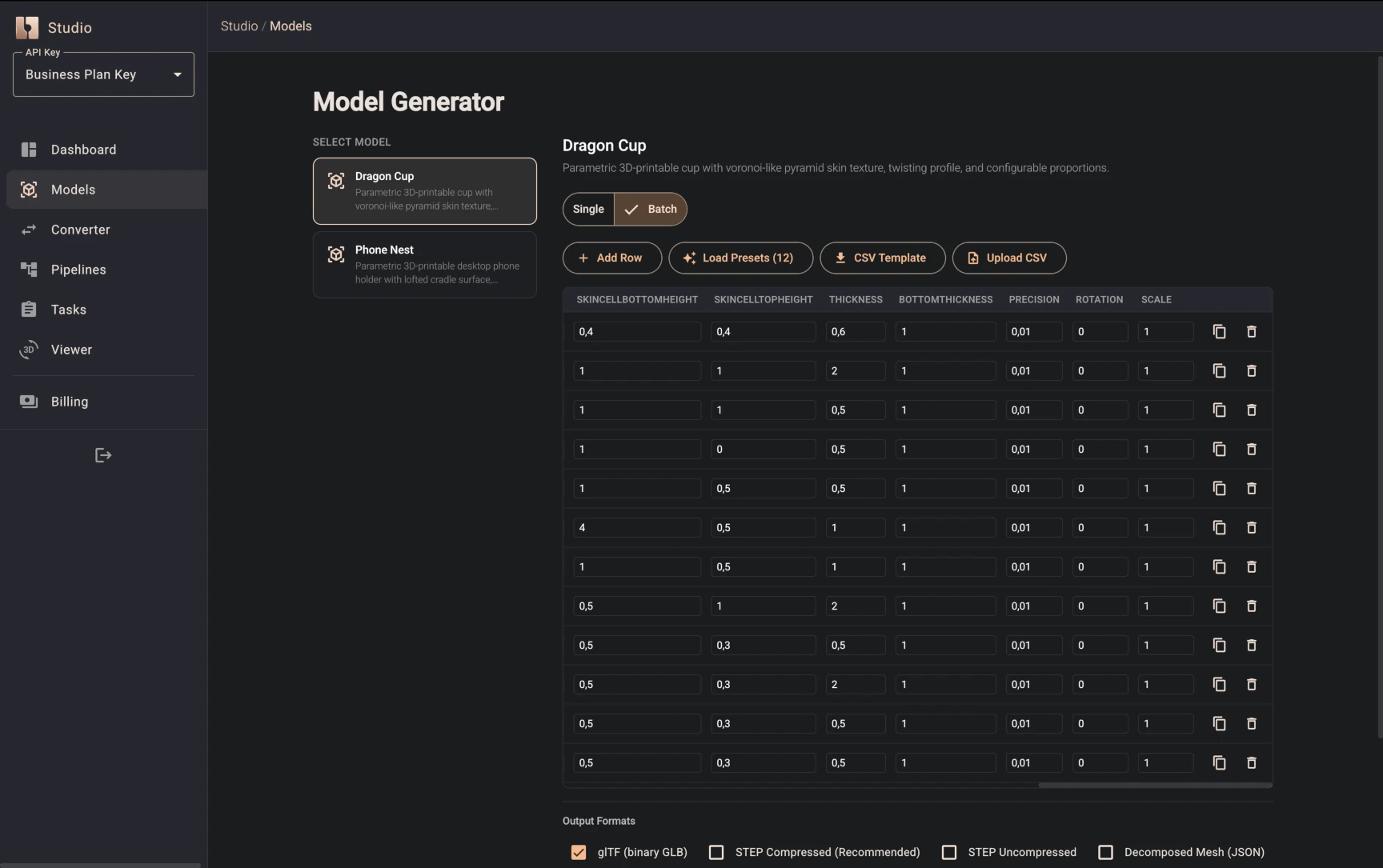
Model Generator
Browse the catalog of registered parametric models, fill in typed parameters via a form, and submit a generation task. Each model exposes its own set of parameters (dimensions, toggles, precision controls) with sensible defaults, so you can generate a valid model with a single click or fine-tune every detail.
File Converter
Drag and drop a STEP/STP file and convert it to glTF. Two modes are available:
- Simple - set a single mesh precision value and convert
- Advanced - full control over 19 options grouped into Reading, Meshing, Export, and Transform categories (layer extraction, mesh deflection and angle, face merging, texture embedding, coordinate adjustment, scale, and more)
CAD Playground
A simple visual pipeline builder designed to illustrate how CAD pipelines work. It ships with a small set of basic operations - just enough to demonstrate the concept:
- Primitives - Sphere, Box, Cylinder, Cone
- Booleans - Union, Difference, Intersection
- Transforms - Translate, Scale
- Fillets - Fillet Edges, Chamfer Edges
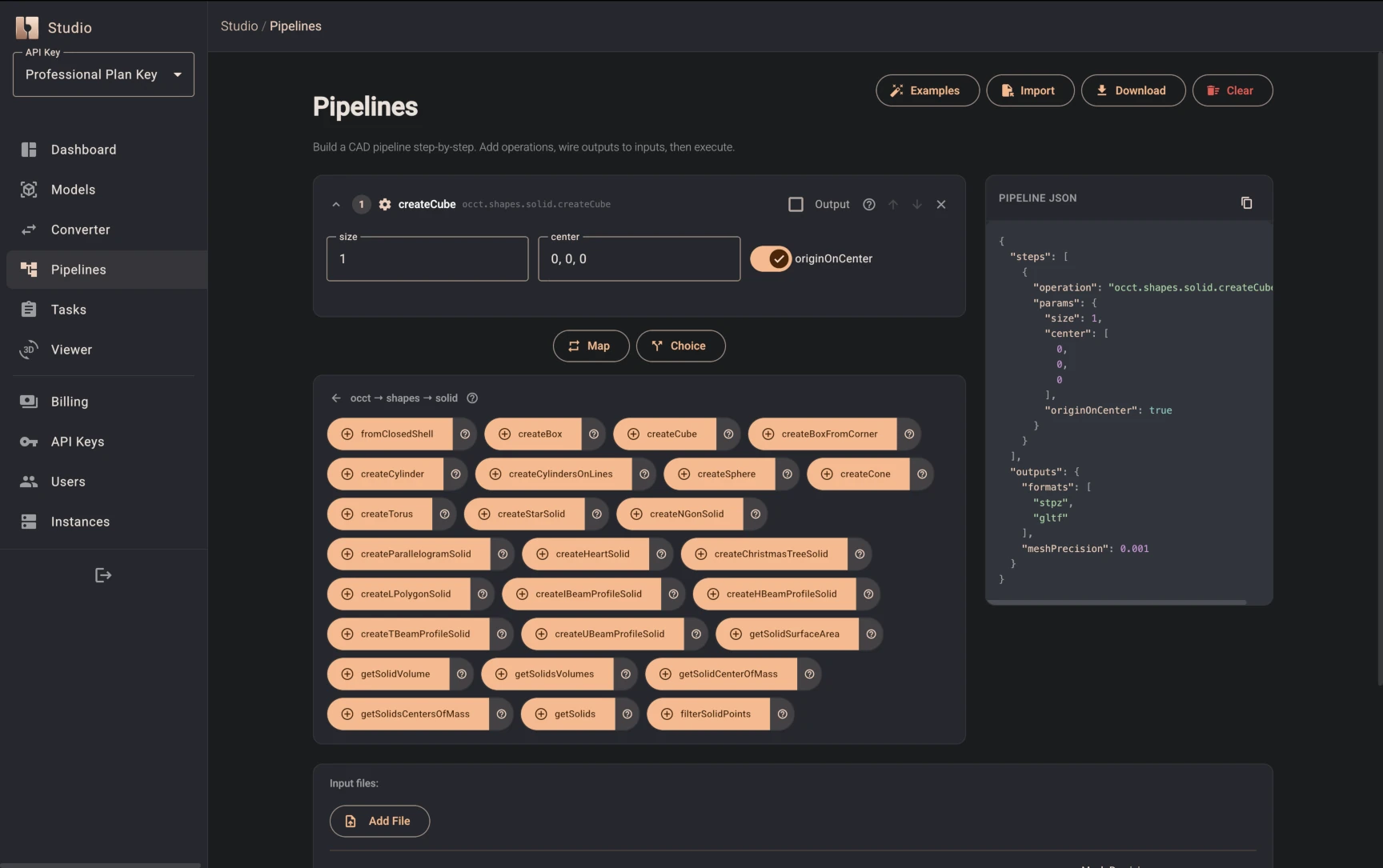
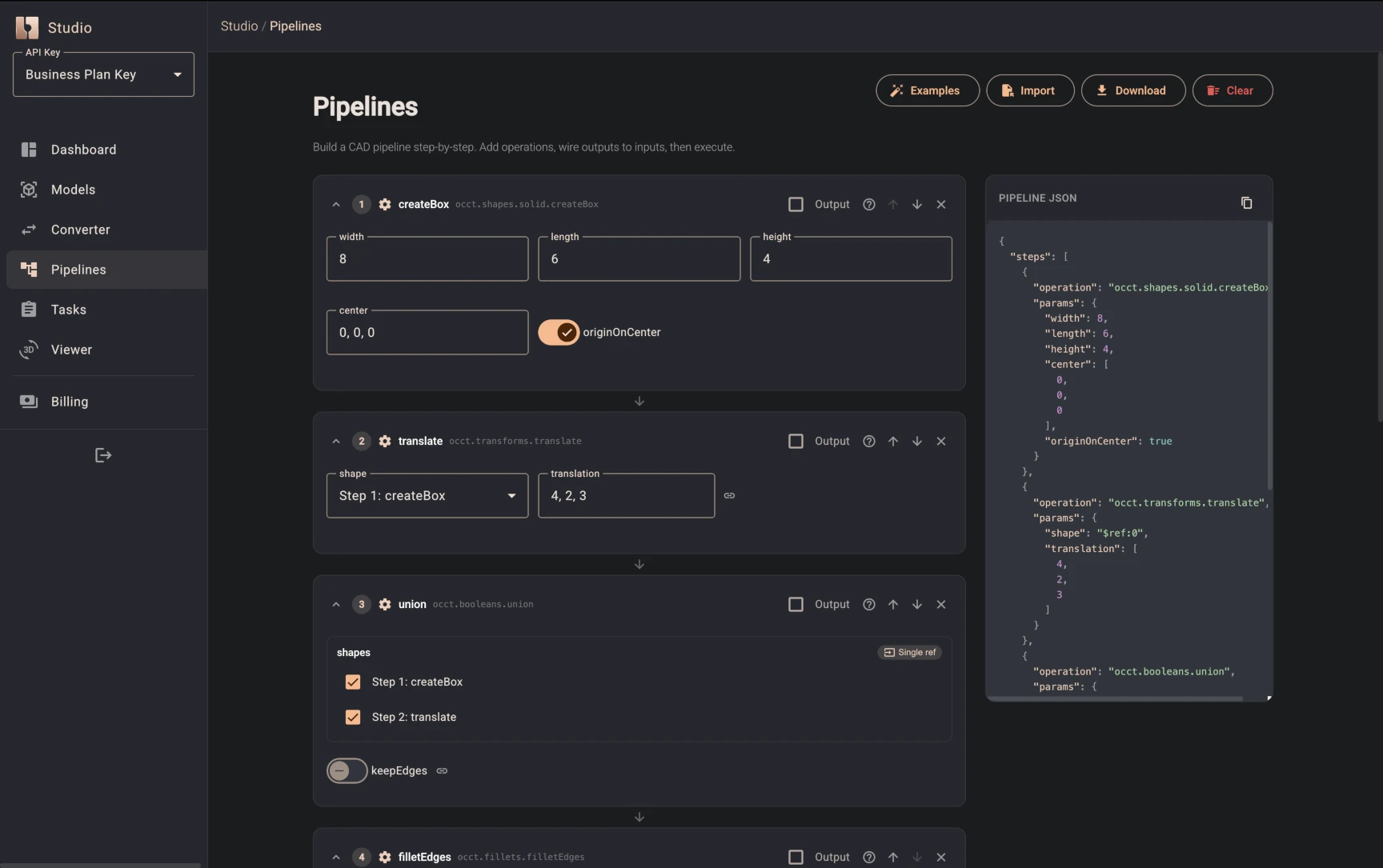
Steps can reference each other's outputs, forming a DAG-style pipeline. The goal isn't to replace a full CAD tool - it's to show you how chained operations, output references, and format selection work so you can build real pipelines via the API or SDK with confidence. For a full guide on pipeline features (Map, Choice, file inputs, output formats), see Pipelines.
Task Management
All operations run asynchronously. The Tasks page gives you:
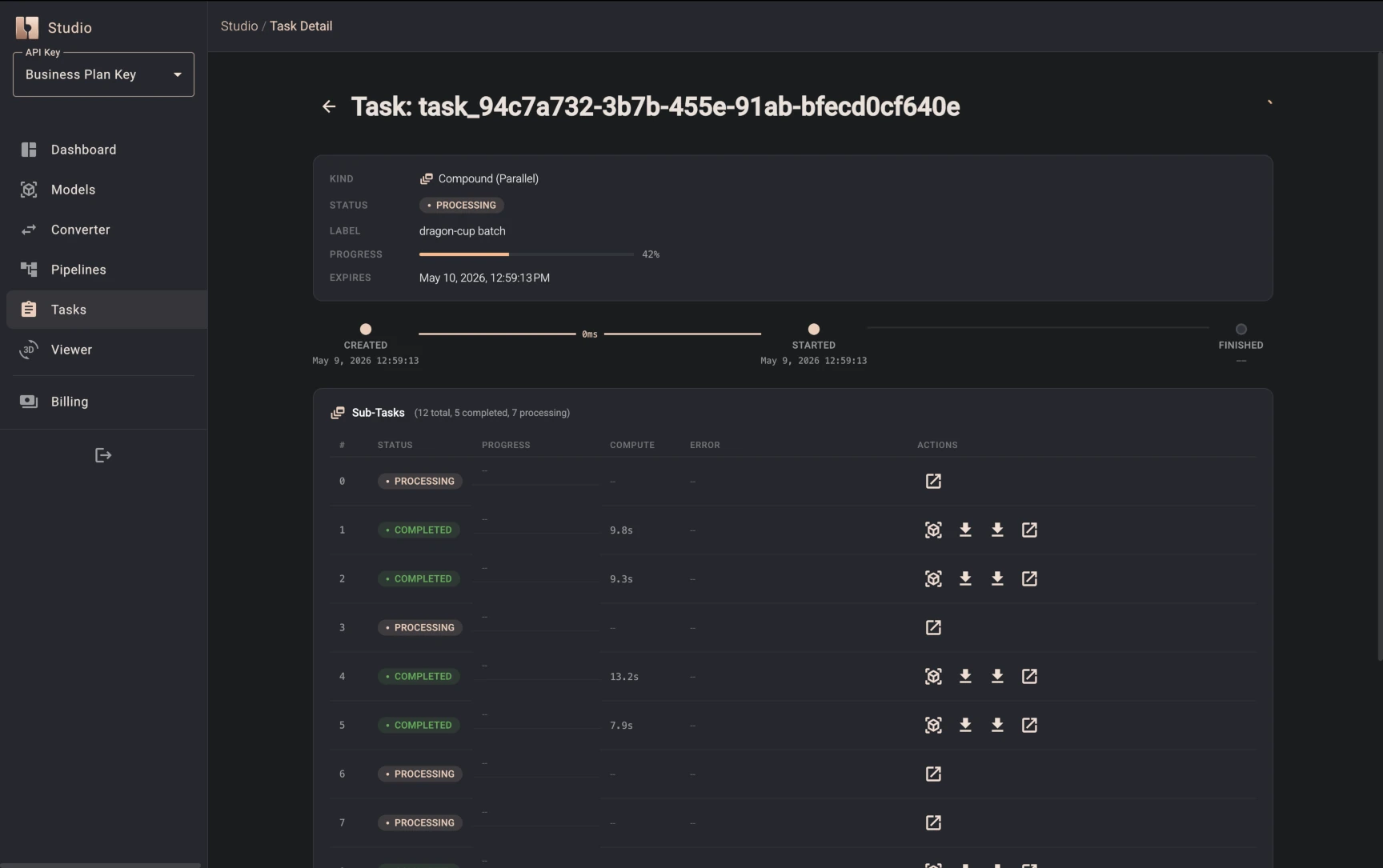
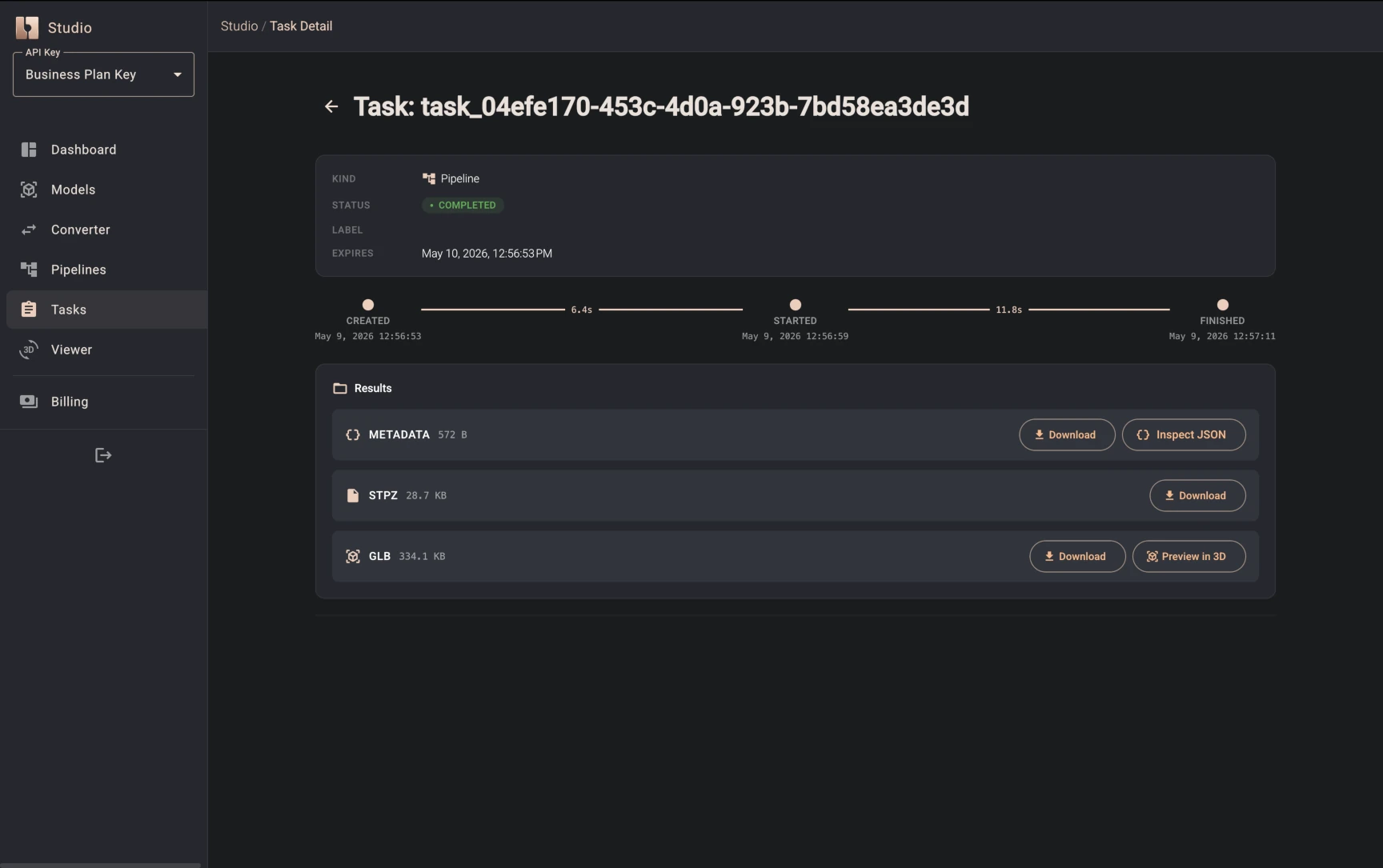
- A paginated list of all your tasks, filterable by status and kind
- Live polling so you can watch tasks progress in real time
- A detailed view per task showing execution timeline, original request metadata, and sub-tasks for compound operations
- Download results in any available format (STEP, glTF, GLB, and more)
- Preview in 3D - open glTF/GLB results directly in the built-in viewer
- Cancel or retry tasks as needed
3D Viewer
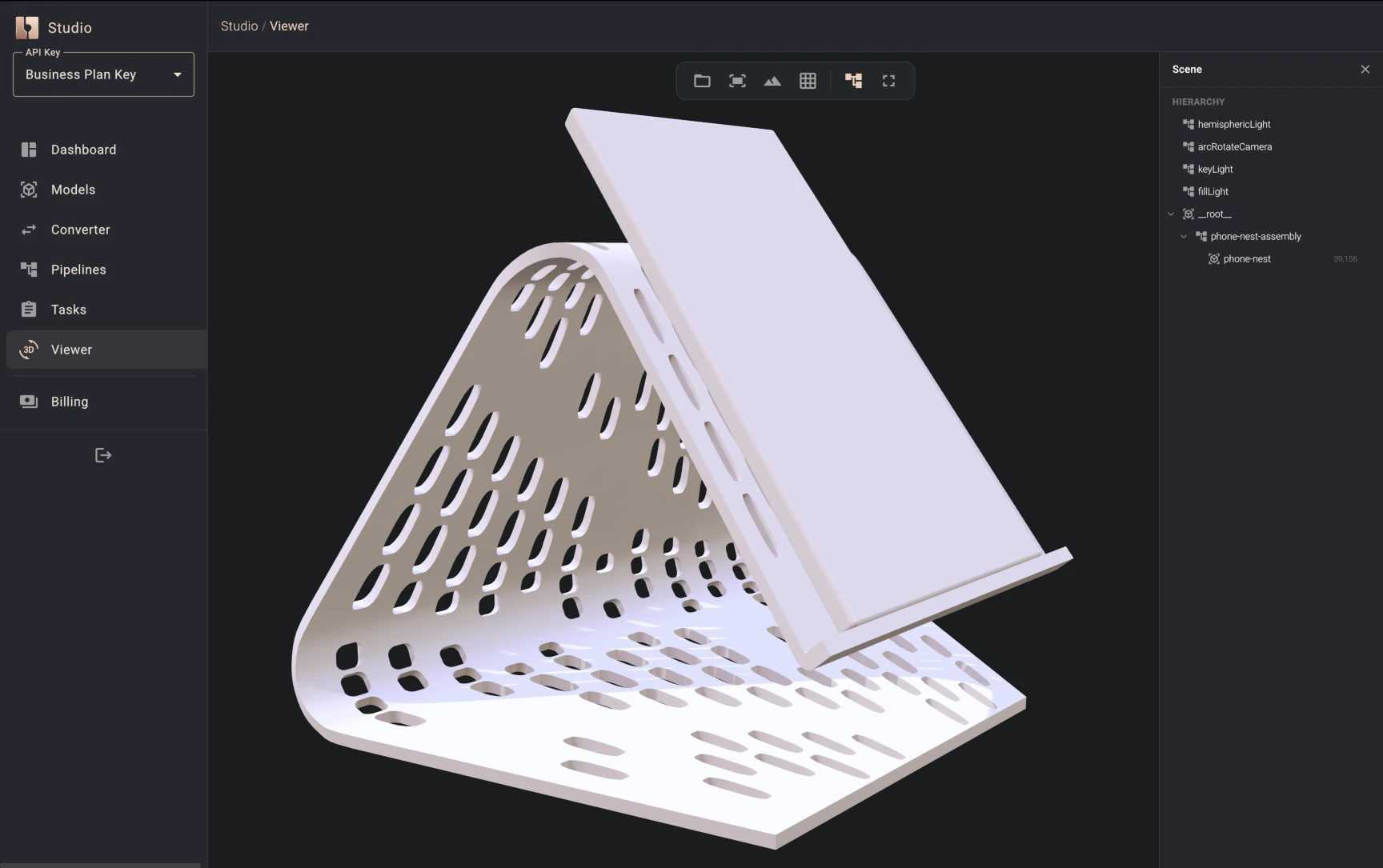
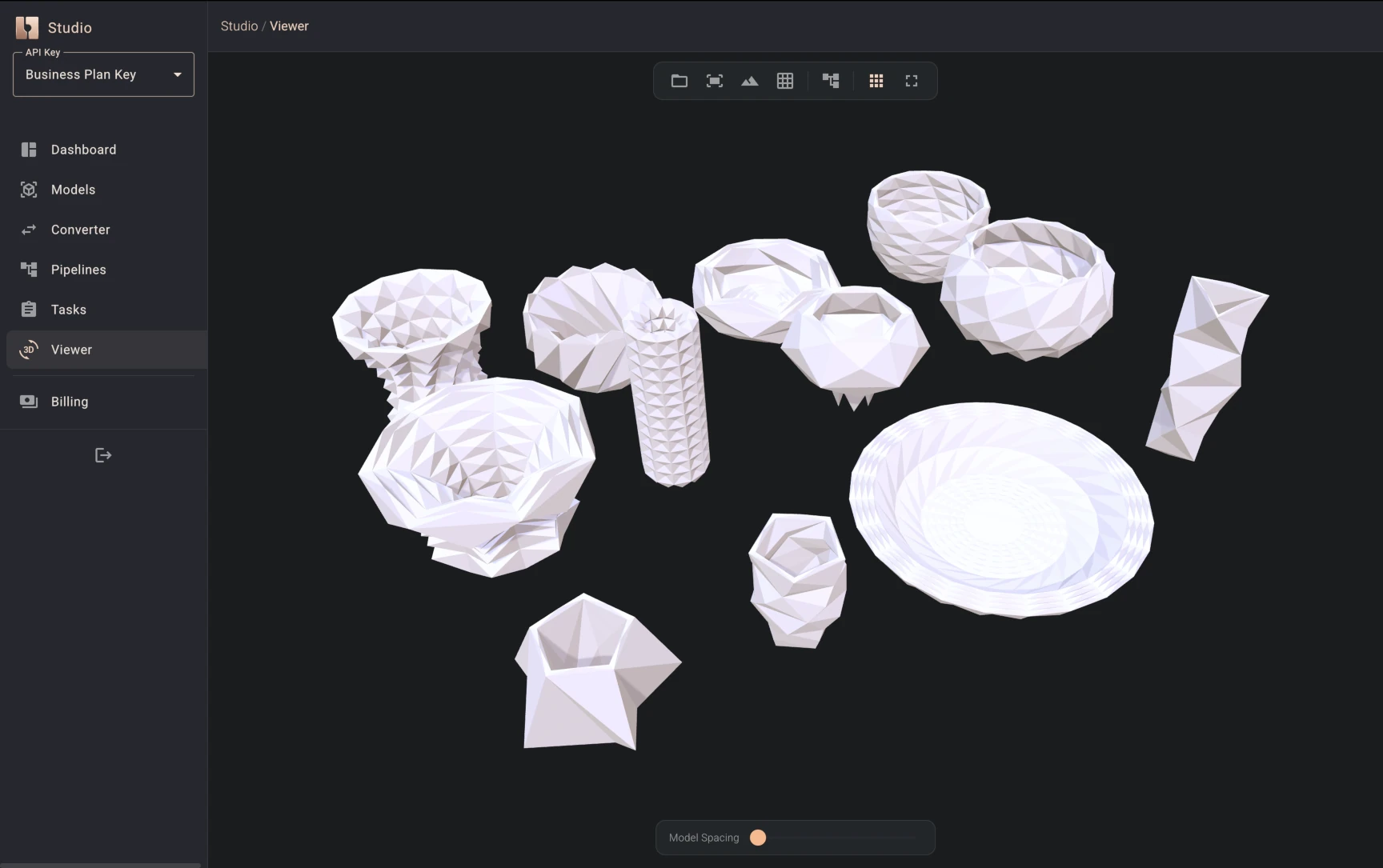
A full-page 3D preview that loads directly from a completed task's output. Renders glTF/GLB models in an interactive scene so you can inspect results before downloading.
Dashboard & Account Management
The dashboard gives you an overview of your compute usage (minutes used vs. plan allowance) and lets you manage the operational side of your account:
- API key usage - track how each key is being used and monitor consumption against your plan limits
- Key rotation - create new API keys and revoke old ones to keep your integrations secure
- Subscription management - view your current plan, upgrade, or manage billing through the integrated Stripe portal
Studio & the Cloud API
Studio is a visual frontend to the same Cloud API documented in the API Reference. Everything you do in Studio - generating a model, converting a file, running a pipeline - maps directly to an API endpoint. This means:
- Workflows you prototype in Studio can be automated via HTTP calls or the TypeScript SDK
- The same OCCT kernel operations, parameters, and defaults apply in both
- Output formats (STEP, glTF, GLB, Decomposed Mesh) are shared between Studio and the API
- Tasks created via the API from your code are visible in Studio - you can inspect their status, view results, download outputs, and preview models in 3D, regardless of whether the task was submitted from Studio or programmatically
Getting started
- Sign up at bitbybit.dev/auth/sign-up
- Open Studio - generate a model or convert a file to see the workflow in action
- Get an API key - create a scoped key from your dashboard
- Call the API - use the API Reference or the TypeScript SDK to automate the same workflows programmatically